Privado
Páginas de estado
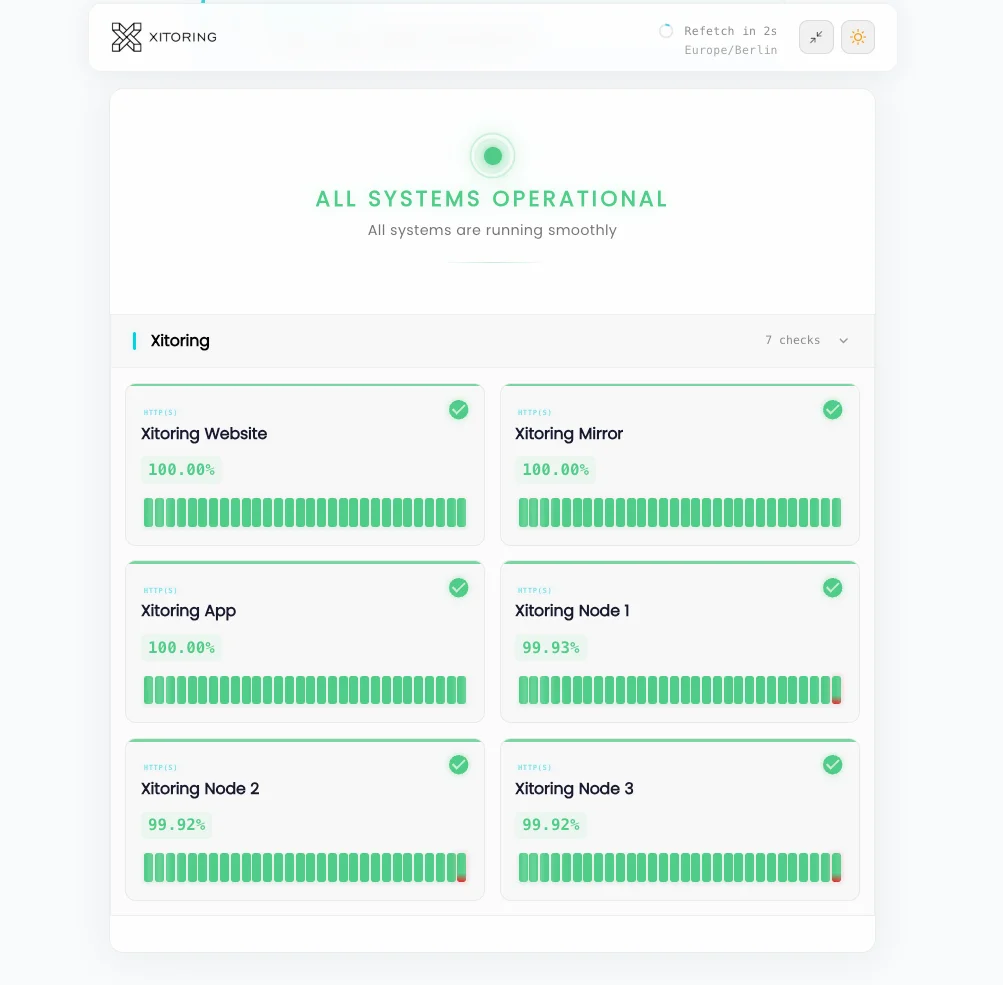
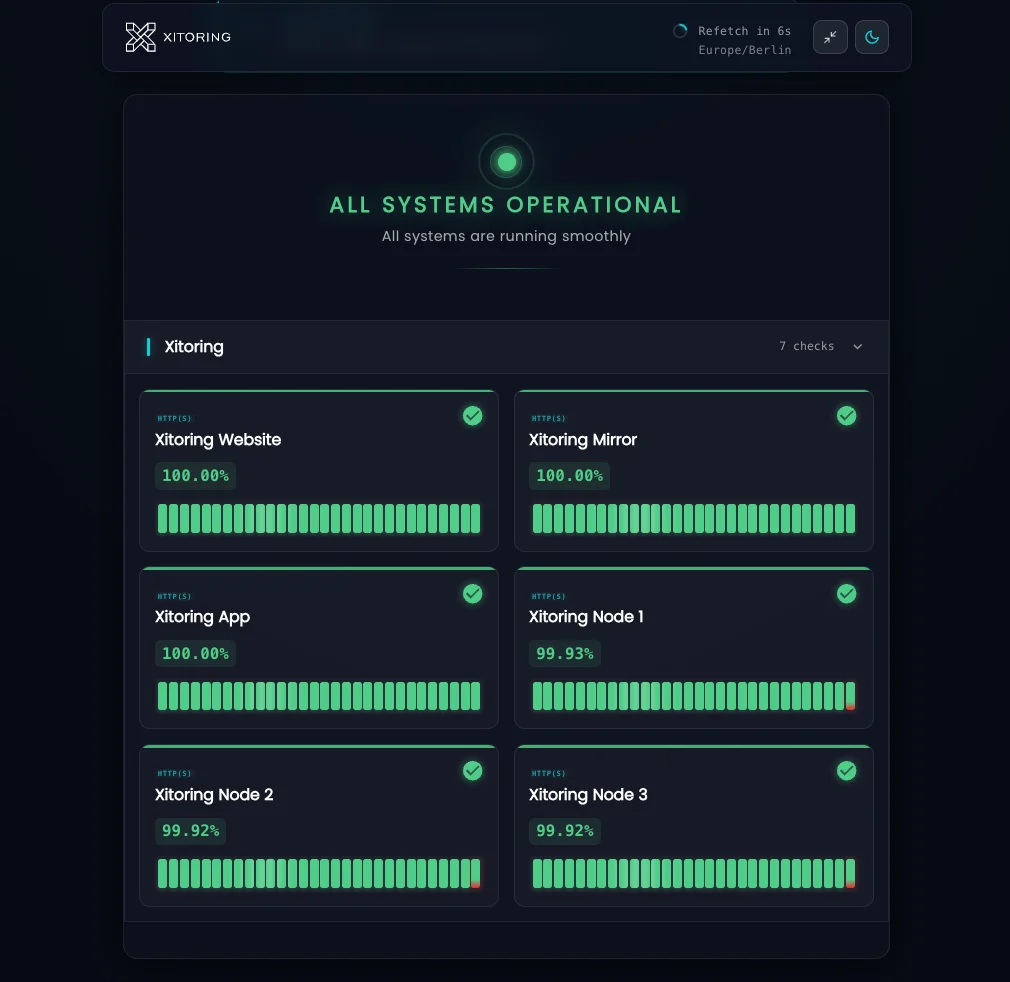
Partilhe o estado do serviço com a sua equipa ou com clientes vinculados por um acordo de confidencialidade (NDA), mediante autenticação. Páginas de estado protegidas por palavra-passe, SSO e lista de IPs autorizados, com acompanhamento interno do SLA, registos de auditoria e sem qualquer exposição pública.
Prova Social
Confiado por milhares — avaliado em
Veja o que os utilizadores reais dizem sobre o Xitoring nas principais plataformas de avaliação do mundo.



Chave Características
Tudo o que precisa para o Privado Páginas de estado.
Acesso condicionado à autenticação
Proteja a página de estado com uma palavra-passe, SSO (SAML/OIDC) ou acesso baseado em token. Apenas os utilizadores autorizados têm acesso aos incidentes, componentes e histórico.
Lista de endereços IP autorizados
Restrinja o acesso por intervalo de IP ou saída de VPN. Combine com a autenticação para uma defesa em profundidade — útil para implementações SOC 2, HIPAA e exclusivamente em redes internas.
Painéis internos de SLA
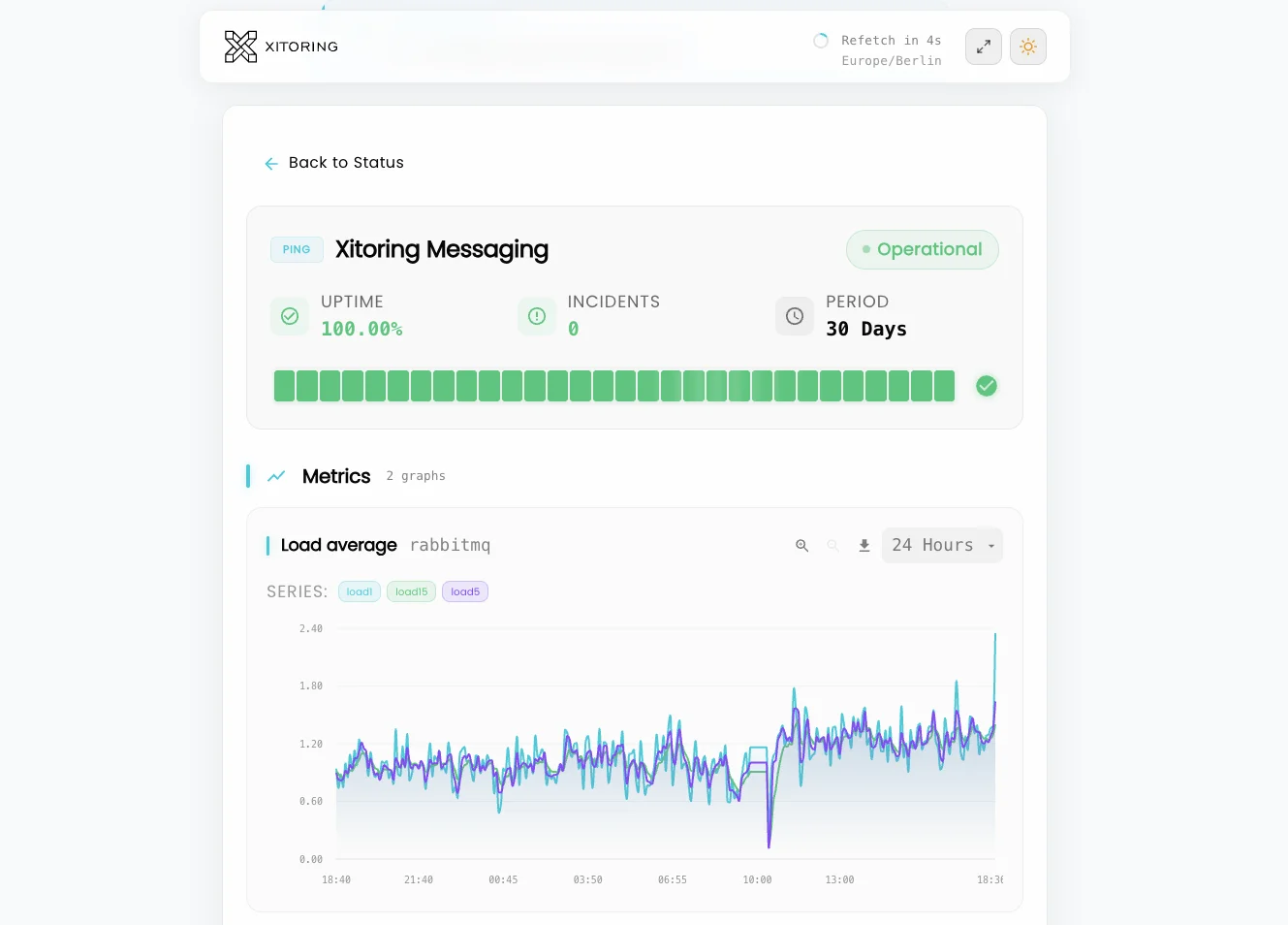
Acompanhe os SLAs e SLOs internos que não pretende tornar públicos. O tempo de atividade ao nível dos componentes, o MTTR e o número de incidentes ficam visíveis apenas para a sua equipa.
Níveis de partes interessadas e clientes
Partilhe uma página privada com a sua equipa de engenharia e outra com clientes empresariais sujeitos a um acordo de confidencialidade (NDA). Visibilidade dos componentes e encaminhamento de incidentes por público-alvo.
Registo de auditoria e registo de acessos
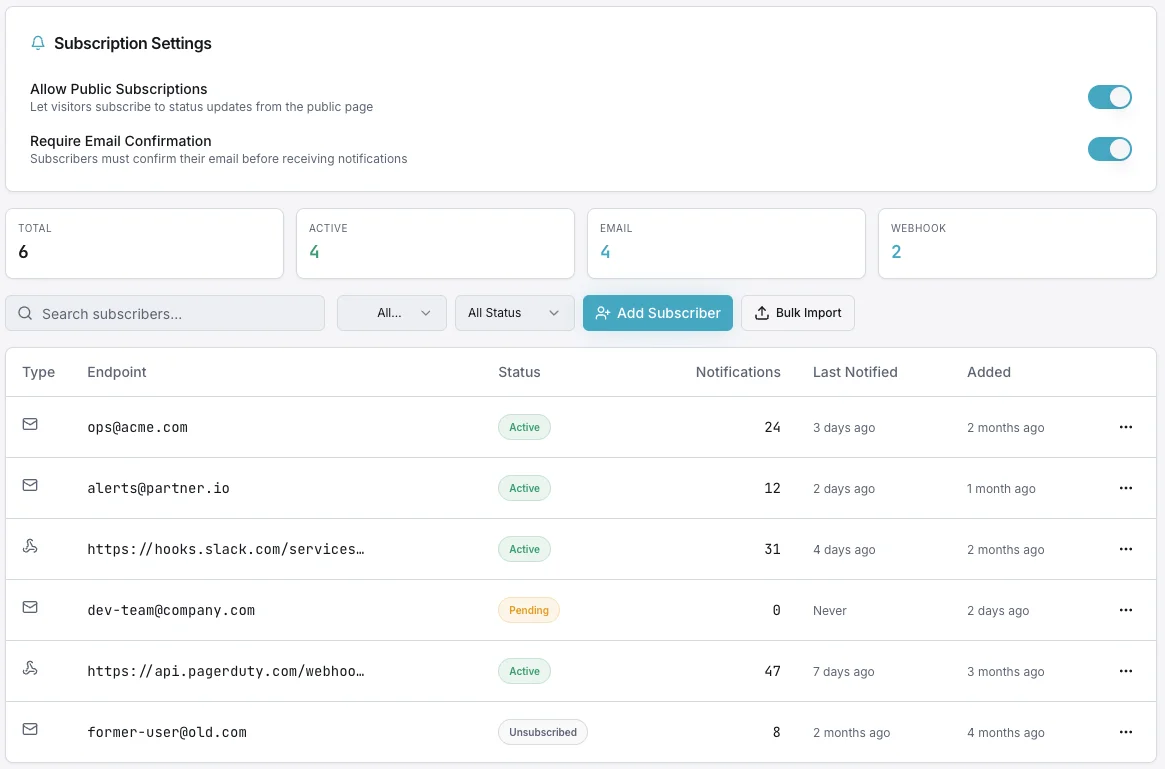
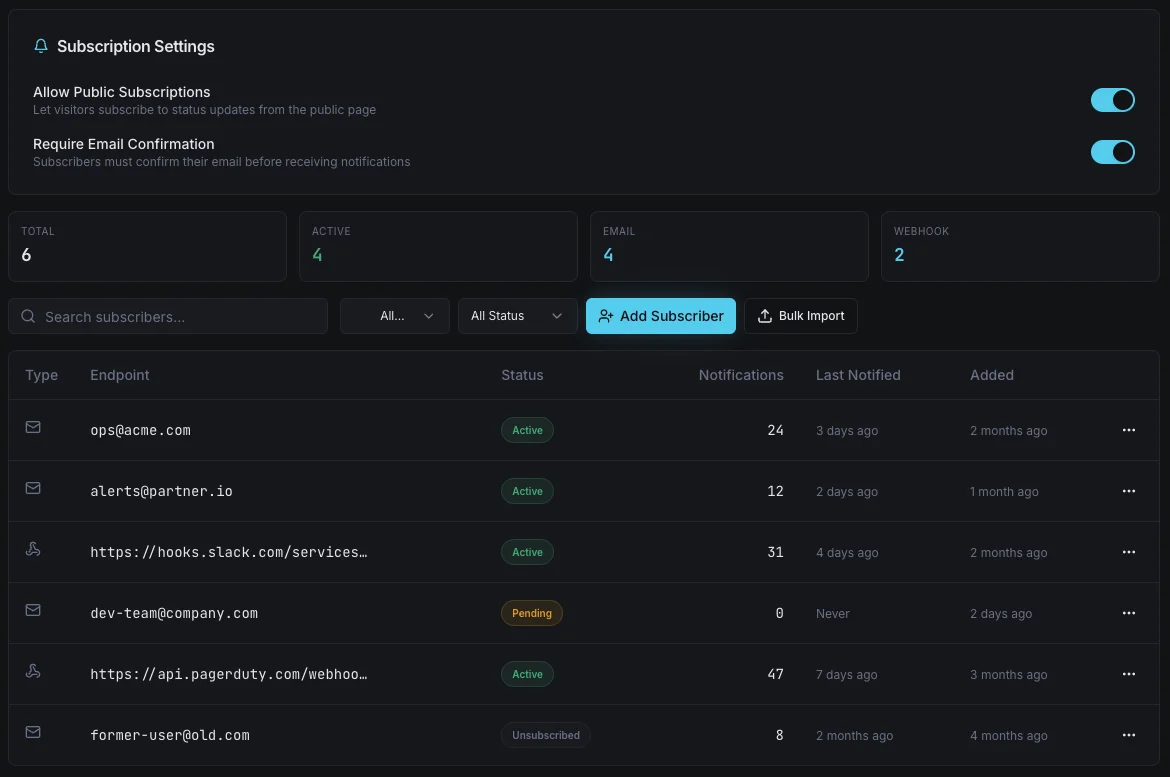
Cada visualização de página, alteração de subscrição e edição de incidente é registada. Cumpra os requisitos de conformidade com uma pista de auditoria completa e exportável.
Sem indexação nos motores de busca
As páginas privadas são publicadas com cabeçalhos `noindex`, bloqueios no ficheiro robots.txt e sem qualquer entrada no mapa do site público. O seu histórico de incidentes permanece totalmente fora do Google.
Transparência interna Sem divulgação pública
As páginas de estado privadas proporcionam à sua equipa e aos seus clientes de confiança uma fonte única e fiável de informações sobre o estado dos serviços — sem expor o histórico de incidentes aos motores de busca, aos concorrentes ou à Internet pública. Autenticadas, auditadas e concebidas para as complexidades da coordenação interna.
- Autenticação através de palavra-passe, SSO ou token
- Lista de endereços IP autorizados para acesso exclusivo via VPN
- Visibilidade por público para os níveis de equipa vs. cliente
- Painéis internos de SLA, SLO e MTTR
- Registo completo de auditorias de acessos e alterações
- Cabeçalhos `noindex` — nunca rastreados pelos motores de busca
- Manuais de procedimentos ao nível dos componentes e notas do responsável
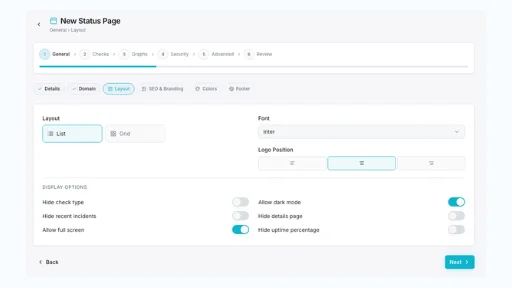
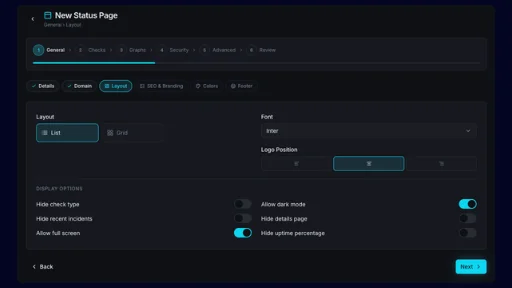
- NOC / sala de crise em modo de ecrã inteiro
- Encaminhamento de incidentes no Slack e no Microsoft Teams
A quem se destina
Página de estado privada Casos de utilização
Veja como equipas de diversos setores utilizam o Xitoring para garantir a fiabilidade da sua infraestrutura.
Equipas NOC e SRE
Ofereça aos engenheiros de plantão um painel único com informações sobre o estado dos serviços, incidentes ativos e links para manuais de procedimentos. Pronto para a sala de crise, fácil de atualizar e protegido da vista do público.
TI Interna e Operações Corporativas
Segurança de superfície para aplicações internas — processamento salarial, SSO, VPN, partilha de ficheiros — para colaboradores que se encontram atrás da autenticação corporativa. Reduza o volume de chamadas ao serviço de assistência sem expor os sistemas internos.
Portais para clientes empresariais
Partilhe o estado do serviço com clientes empresariais vinculados por um acordo de confidencialidade (NDA) através do SSO. Proporcione-lhes uma transparência de nível superior sem tornar público o seu histórico de incidentes.
MSPs e alojamento multitenant
Crie uma página de estado privada para cada cliente, protegida pela sua própria autenticação. Visibilidade isolada, personalizada com a marca de cada cliente, com registos de auditoria para relatórios de SLA.
Conformidade e setores regulamentados
Equipas dos setores da saúde, da tecnologia financeira e da administração pública que não podem divulgar publicamente os detalhes dos incidentes. Obtenha os mesmos benefícios operacionais com registos de acesso preparados para auditoria.
Equipas de Segurança e Infraestruturas
Acompanhe o estado das ferramentas de segurança, da infraestrutura interna e das dependências de fornecedores num único painel privado. Os nomes dos componentes sensíveis não são divulgados na Internet pública.
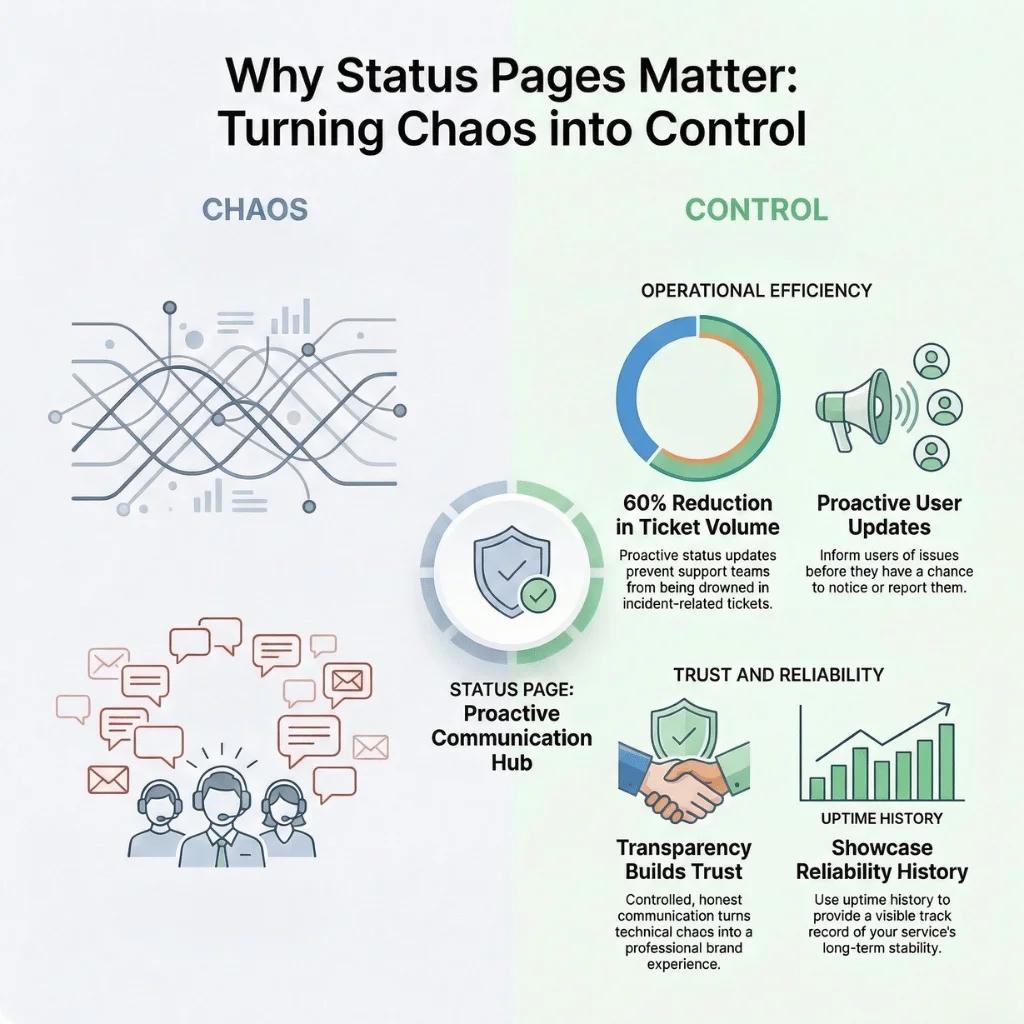
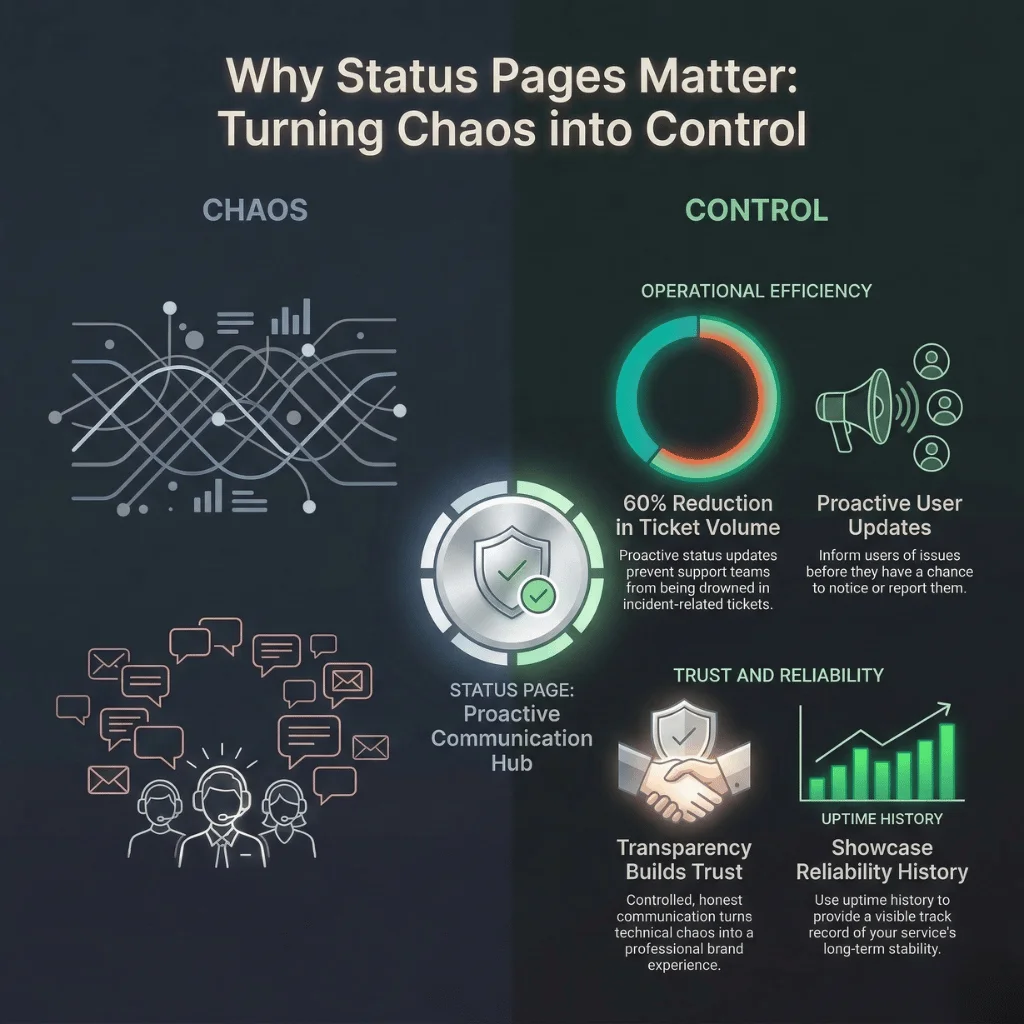
Porquê páginas de estado privadas Assunto
Nem todos os incidentes devem ser divulgados na Internet pública. As aplicações internas, as cargas de trabalho regulamentadas, as dependências de fornecedores e as relações empresariais sujeitas a acordos de confidencialidade (NDA) exigem transparência sem exposição. Uma página de estado privada oferece à sua equipa e às partes interessadas de confiança uma fonte única de informação fiável — sem revelar aos motores de busca, aos concorrentes ou a potenciais atacantes um mapa dos seus pontos fracos.
- Mantenha o histórico de incidentes fora dos motores de busca e da Internet pública
- Coordenar a engenharia, o apoio e a resposta da direção sem fuga de informação
- Cumpra os requisitos de conformidade (SOC 2, HIPAA, ISO 27001) com registos de auditoria
- Ofereça aos clientes empresariais vinculados a um acordo de confidencialidade (NDA) uma transparência de alto nível sem ter de tornar a informação pública
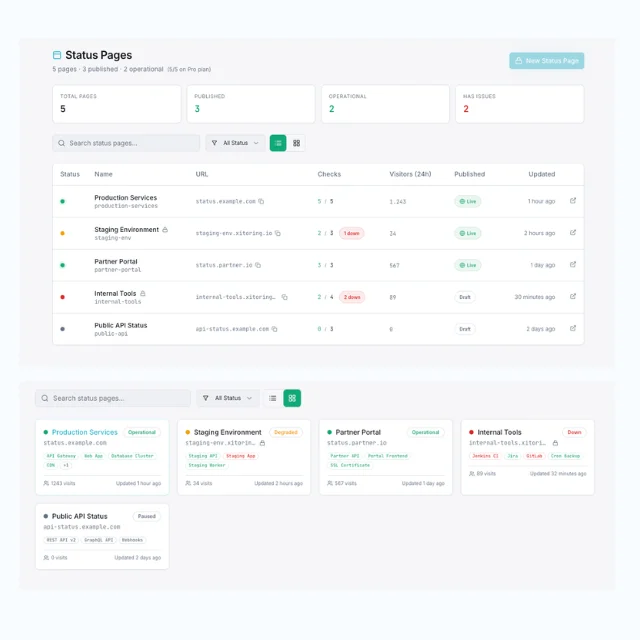
Área privada do Xitoring Construtor de páginas de estado
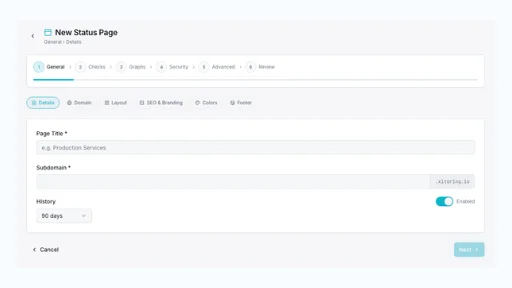
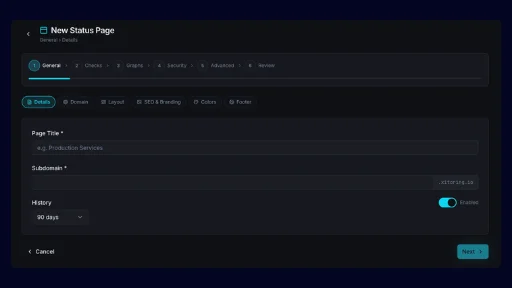
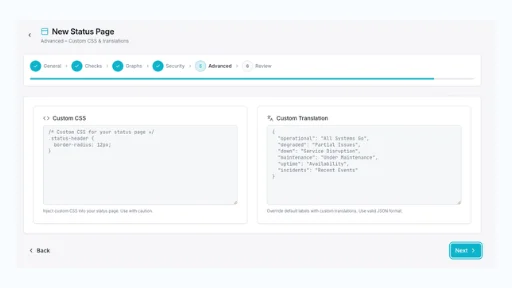
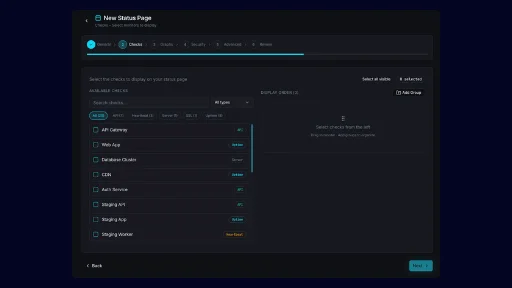
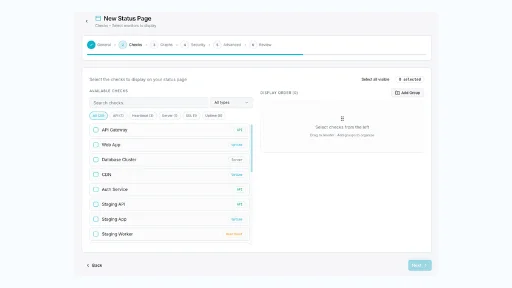
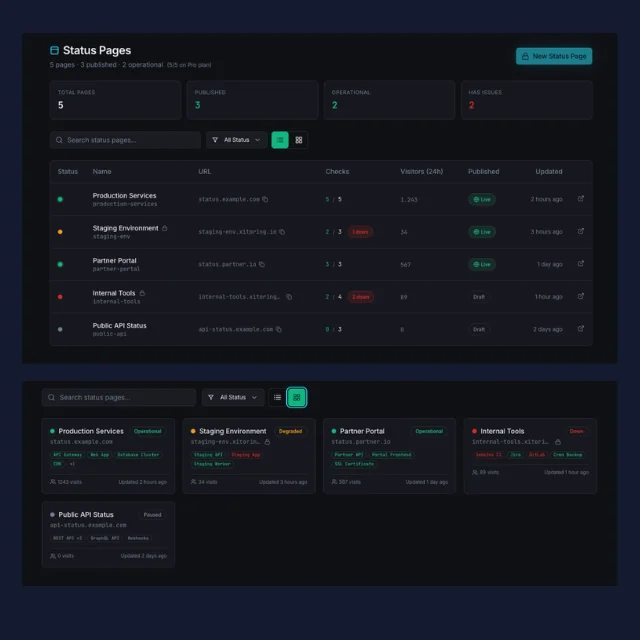
Crie uma página de estado autenticada e exclusiva para uso interno em poucos minutos. Controle o acesso através de palavra-passe, SSO ou IP. Associe manuais de procedimentos aos componentes. Encaminhe atualizações para canais privados do Slack. Acompanhe os SLAs internos sem nunca os publicar — tudo a partir de um único painel.
- Acesso por palavra-passe, SSO (SAML/OIDC) e baseado em token
- Lista de endereços IP autorizados para implementações exclusivamente via VPN ou exclusivamente no escritório
- Visibilidade dos componentes por público e encaminhamento de incidentes
- Registo de auditoria completo para fins de conformidade e análise retrospectiva de incidentes
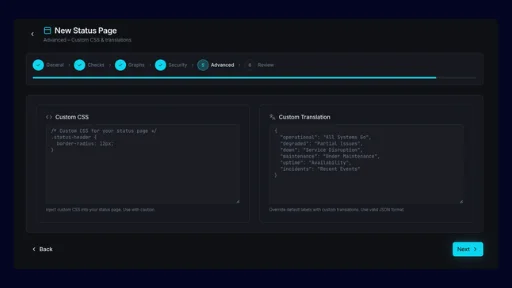
Controlo de acesso
Autenticação e acesso Embutido
Palavra-passe, SSO, IP — A escolha é sua
Escolha como controlar o acesso à página: palavra-passe partilhada para implementações rápidas, SSO via SAML ou OIDC para equipas empresariais, ou lista de IPs autorizados para acesso apenas a partir do escritório ou através de VPN. Combine vários controlos para garantir uma defesa em profundidade e audite todos os eventos de acesso para garantir a conformidade.
- Autenticação através de palavra-passe, SSO ou token
- Lista de endereços IP autorizados para acesso exclusivo via VPN
- Registo completo de auditorias de acessos e alterações
Por que razão os líderes confiam na Xitoring
3 razões pelas quais os CEOs escolhem Páginas de estado privadas
Não apareça nas notícias
O histórico público de incidentes constitui um risco para equipas sujeitas a regulamentação e cujas atividades envolvem questões de segurança. As páginas de estado privadas proporcionam transparência operacional sem disponibilizar um conjunto de dados gratuito a jornalistas, concorrentes ou atacantes.
Transparência de alto nível para empresas
Os clientes empresariais vinculados a um acordo de confidencialidade (NDA) esperam ter visibilidade do estado das operações — mas não a versão pública. Uma página de estado restrita e com a marca da empresa demonstra maturidade operacional e abre caminho para contratos de maior dimensão.
Conformidade pronta para auditoria
Cada evento de acesso, alteração de subscrição e modificação de incidente é registado. Os auditores das normas SOC 2, HIPAA e ISO 27001 obtêm o registo de auditoria de que necessitam, sem que tenha de compilar folhas de cálculo às 2 da manhã.
Concebido para Equipas internas
NOC e Modo Sala de Operações
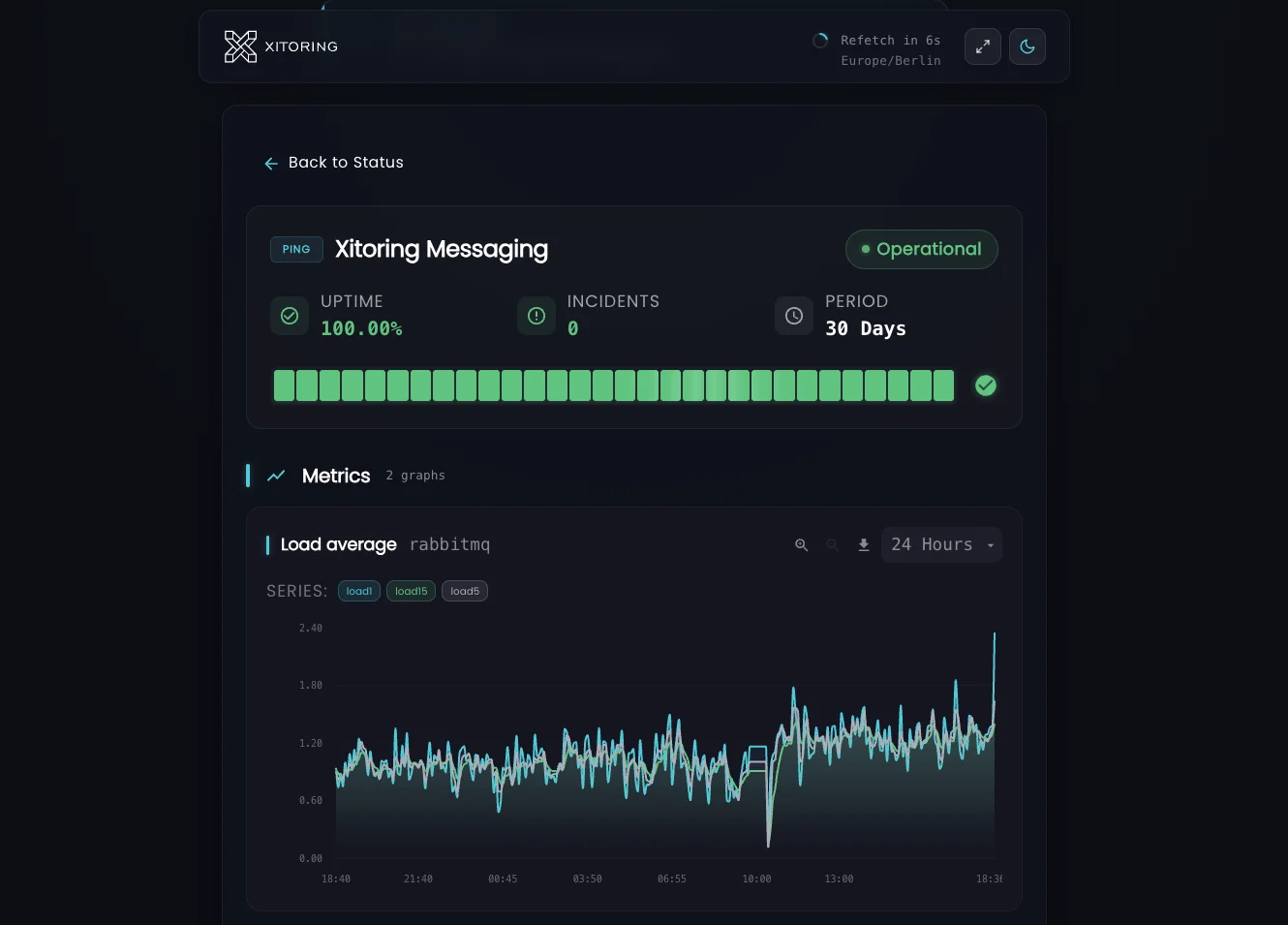
Visualização do painel em ecrã inteiro e modo escuro, concebida para monitores de centros de operações de rede (NOC) e salas de gestão de incidentes. Atualização automática, filtros rápidos e codificação por cores de gravidade.
Notas sobre os componentes internos
Anexe manuais de procedimentos, nomes de utilizador do Slack dos responsáveis e percursos de escalamento a cada componente. Visível apenas na página de acesso autenticado — nunca visível para o cliente.
Coordenação da manutenção
Programe e anuncie janelas de manutenção às equipas internas ou a grupos específicos de clientes. Suprima os alertas e mantenha a precisão dos cálculos do SLA.
Encaminhamento para o Slack e o Teams
Envie atualizações sobre incidentes para canais privados do Slack ou do Microsoft Teams, de acordo com o público-alvo. Os canais de engenharia, suporte e direção mantêm-se sincronizados sem divulgar detalhes.
Frequentemente perguntas feitas
Perguntas frequentes sobre Privado Páginas de estado.
Como posso restringir o acesso a uma página de estado privada?
A página de estado privada será indexada pelo Google?
Posso partilhar diferentes perspetivas com públicos diferentes?
O acesso é registado para efeitos de auditorias de conformidade?
Posso associar runbooks e informações sobre o responsável aos componentes?
Posso ter páginas de estado públicas e privadas em funcionamento ao mesmo tempo?
Crie hoje a sua página de estado privada
Crie uma página de estado autenticada e de acesso exclusivo a utilizadores internos em poucos minutos. Controle o acesso através de palavra-passe, SSO ou endereço IP e ofereça à sua equipa ou aos clientes empresariais uma fonte única e fiável de informações sobre o estado dos serviços.
Iniciar período de avaliação gratuita