Privato
Pagine di stato
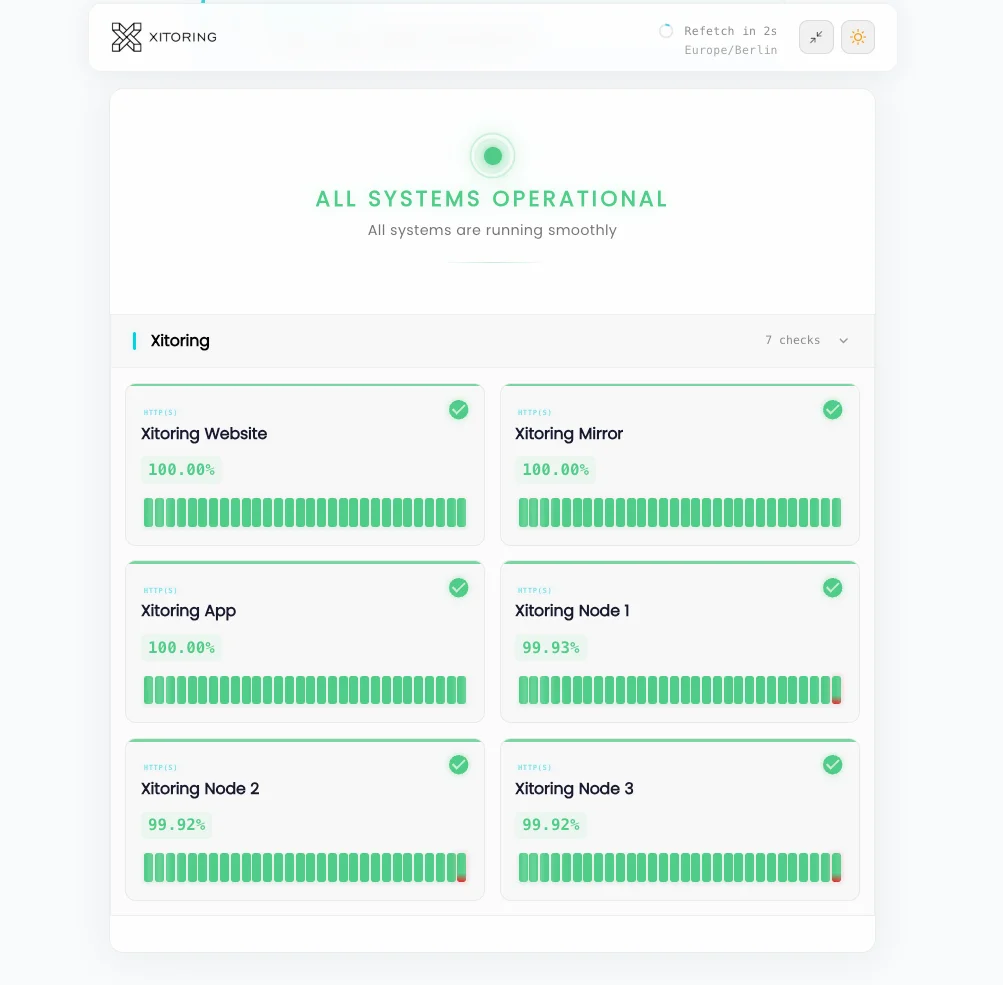
Condividi lo stato dei servizi con il tuo team o con i clienti vincolati da accordo di riservatezza (NDA) tramite autenticazione. Pagine di stato protette da password, SSO e lista di indirizzi IP autorizzati, con monitoraggio interno degli SLA, tracciati di audit e nessuna esposizione pubblica.
Prova Sociale
Scelto da migliaia di utenti — valutato su
Scopri cosa dicono gli utenti reali di Xitoring sulle principali piattaforme di recensioni del mondo.


Chiave Caratteristiche
Tutto ciò che ti serve per Privato Pagine di stato.
Accesso con autenticazione obbligatoria
Proteggi la pagina di stato con una password, l'autenticazione SSO (SAML/OIDC) o l'accesso basato su token. Solo gli utenti autorizzati possono visualizzare gli incidenti, i componenti e la cronologia.
Lista bianca IP
Limita l'accesso in base a intervalli di indirizzi IP o al traffico in uscita dalla VPN. Abbinalo all'autenticazione per una difesa a più livelli: utile per SOC 2, HIPAA e implementazioni limitate alla rete interna.
Dashboard SLA interne
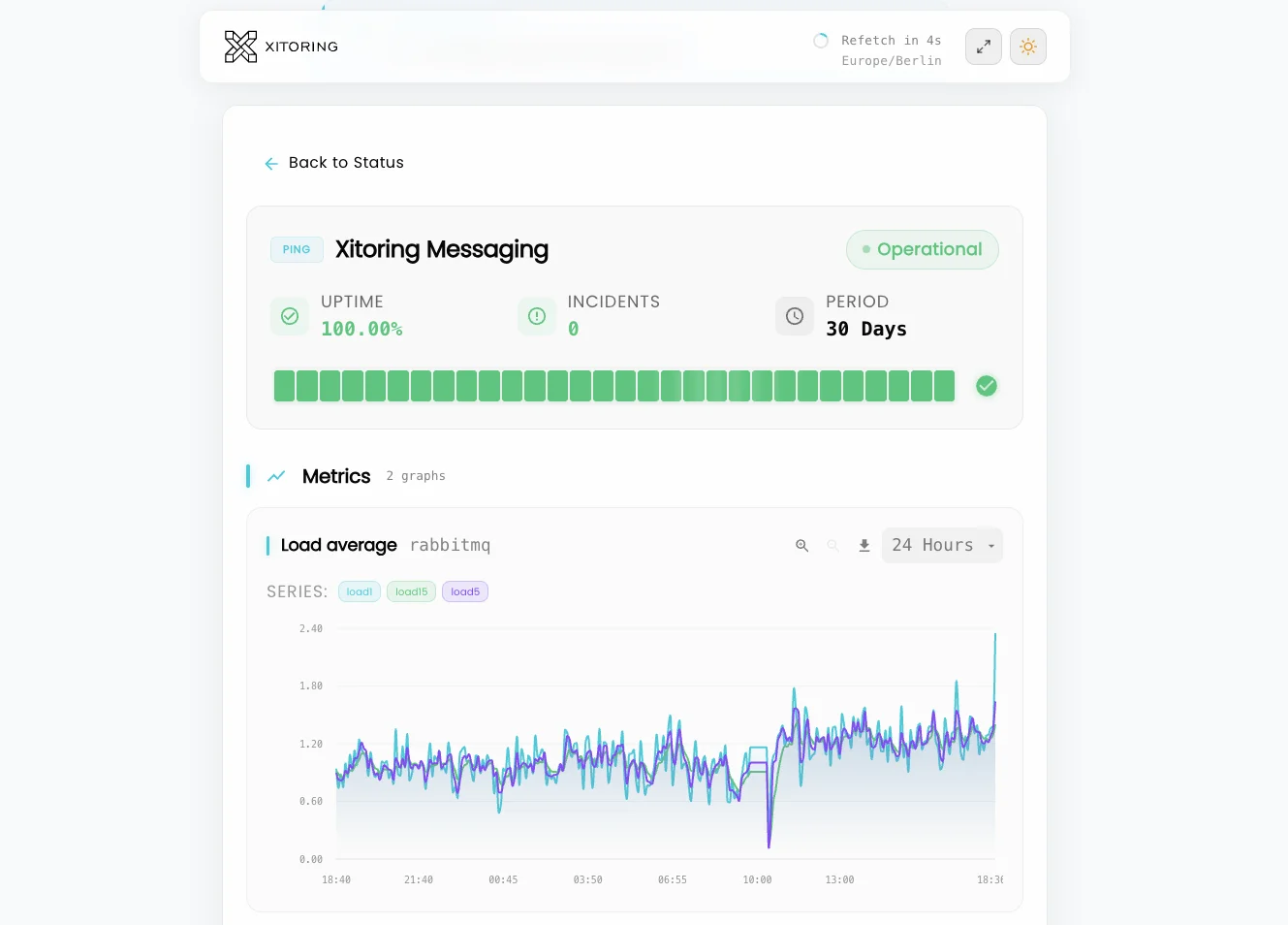
Tieni traccia degli SLA e degli SLO interni che non desideri rendere pubblici. Il tempo di attività a livello di componente, l'MTTR e il numero di incidenti saranno visibili solo al tuo team.
Categorie di stakeholder e clienti
Condividi una pagina privata con il tuo team di ingegneri e un'altra con i clienti aziendali vincolati da un accordo di riservatezza (NDA). Visibilità dei componenti e instradamento degli incidenti in base al pubblico.
Registro di controllo e tracciato degli accessi
Ogni visualizzazione di pagina, modifica dell'abbonamento e modifica di un incidente viene registrata. Soddisfa i requisiti delle verifiche di conformità grazie a una traccia di controllo completa ed esportabile.
Nessuna indicizzazione da parte dei motori di ricerca
Le pagine private vengono pubblicate con intestazioni `noindex`, blocchi nel file robots.txt e nessuna voce nella mappa del sito pubblica. La cronologia dei tuoi incidenti rimane completamente fuori da Google.
Trasparenza interna Senza pubblicità
Le pagine di stato private offrono al tuo team e ai clienti fidati un'unica fonte attendibile di informazioni sullo stato dei servizi, senza rendere visibile la cronologia degli incidenti ai motori di ricerca, alla concorrenza o al pubblico su Internet. Autenticate, sottoposte a revisione e progettate per le complesse realtà del coordinamento interno.
- Autenticazione tramite password, SSO o token
- Lista di indirizzi IP autorizzati per l'accesso esclusivamente tramite VPN
- Visibilità per pubblico per i livelli "team" e "clienti"
- Dashboard interne relative a SLA, SLO e MTTR
- Registro completo delle operazioni di accesso e modifica
- Intestazioni `noindex`: non vengono mai indicizzate dai motori di ricerca
- Manuali operativi a livello di componente e note del responsabile
- NOC / sala operativa – modalità a schermo intero
- Indirizzamento degli incidenti in Slack e Microsoft Teams
A chi è rivolto
Pagina di stato privata Casi d'uso
Scopri come le aziende di diversi settori utilizzano Xitoring per garantire l'affidabilità delle loro infrastrutture.
Team NOC e SRE
Fornisci ai tecnici di reperibilità un'unica dashboard che riassuma lo stato dei servizi, gli incidenti in corso e i collegamenti ai runbook. Pronta per la sala operativa, facile da aggiornare e protetta dalla vista del pubblico.
IT interno e operazioni aziendali
Monitoraggio dello stato delle applicazioni interne — gestione stipendi, SSO, VPN, condivisione file — per i dipendenti che accedono tramite l'autenticazione aziendale. Ridurre il carico di richieste all'help desk senza esporre le risorse interne.
Portali per i clienti aziendali
Condividi lo stato dei servizi con i clienti aziendali vincolati da un accordo di riservatezza (NDA) tramite SSO. Offri loro una trasparenza di alto livello senza rendere pubblica la cronologia degli incidenti.
MSP e hosting multi-tenant
Crea una pagina di stato privata per ogni cliente, accessibile tramite le proprie credenziali di accesso. Visibilità isolata, personalizzata per ogni tenant, con registri di controllo per la rendicontazione SLA.
Conformità e settori regolamentati
Team del settore sanitario, fintech e della pubblica amministrazione che non possono rendere pubblici i dettagli degli incidenti. Ottieni gli stessi vantaggi operativi grazie a registri di accesso pronti per le verifiche.
Team di sicurezza e infrastrutture
Monitora lo stato di salute degli strumenti di sicurezza, dell'infrastruttura interna e delle dipendenze dai fornitori in un'unica dashboard privata. I nomi dei componenti sensibili non vengono resi pubblici su Internet.
Perché le pagine di stato private Materia
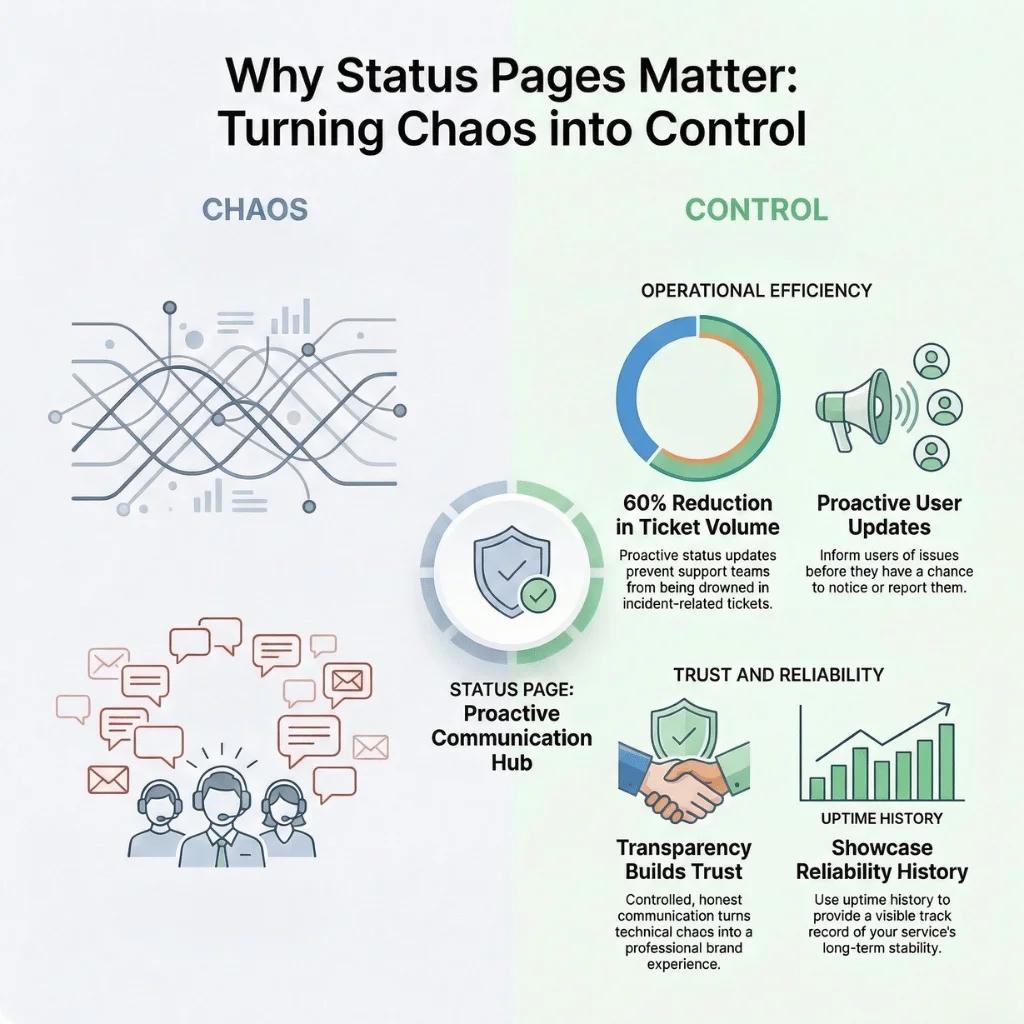
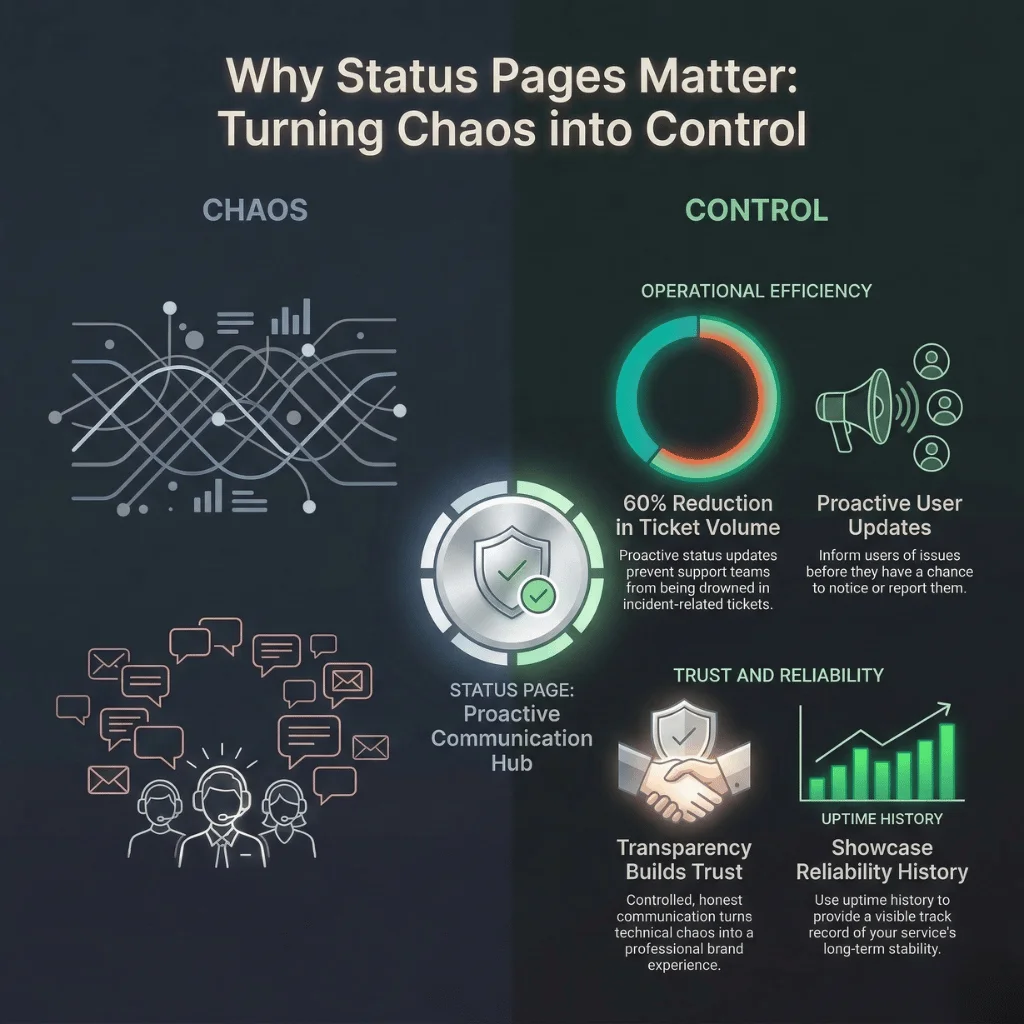
Non tutti gli incidenti devono essere resi pubblici su Internet. Le app interne, i carichi di lavoro regolamentati, le dipendenze dai fornitori e i rapporti aziendali soggetti ad accordi di riservatezza richiedono trasparenza senza esposizione. Una pagina di stato privata offre al tuo team e alle parti interessate di fiducia un'unica fonte di informazioni attendibili, senza fornire ai motori di ricerca, ai concorrenti o agli hacker una mappa dei tuoi punti deboli.
- Evita che la cronologia degli incidenti finisca nei motori di ricerca e nella rete pubblica
- Coordinare le attività di progettazione, assistenza e intervento operativo senza divulgare informazioni riservate
- Soddisfare i requisiti di conformità (SOC 2, HIPAA, ISO 27001) grazie ai registri di audit
- Offri ai clienti aziendali vincolati da accordi di riservatezza (NDA) la massima trasparenza senza rendere pubblica l'informazione
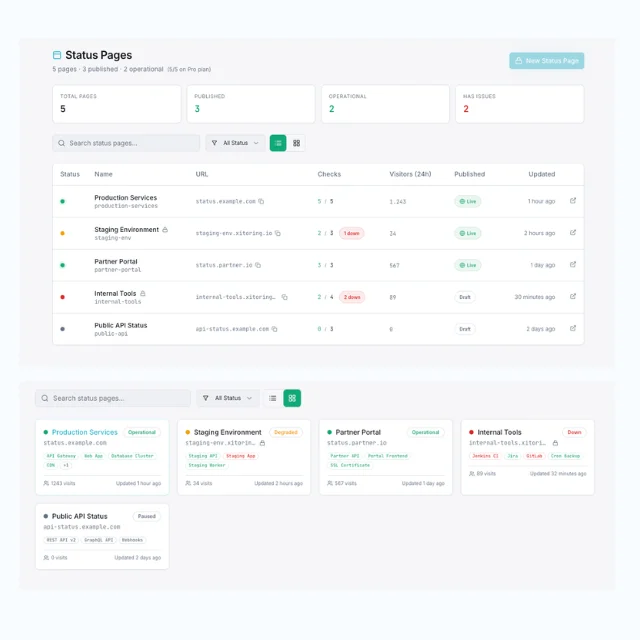
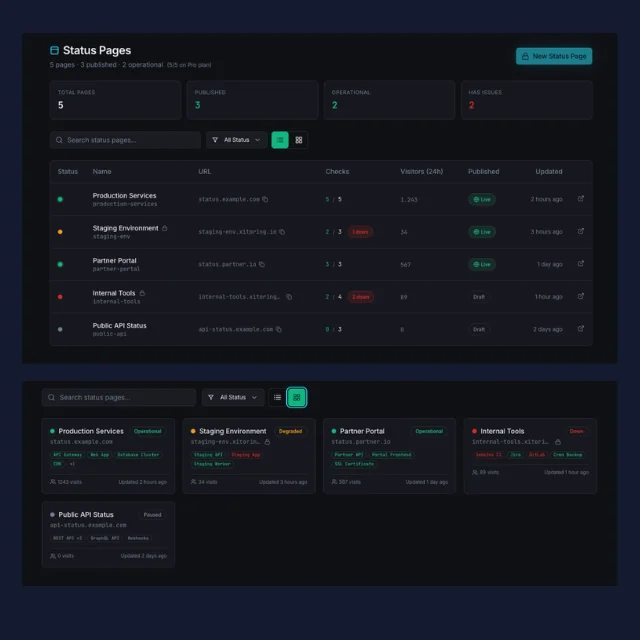
L'area riservata di Xitoring Generatore di pagine di stato
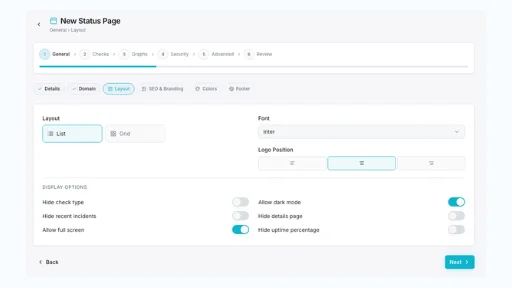
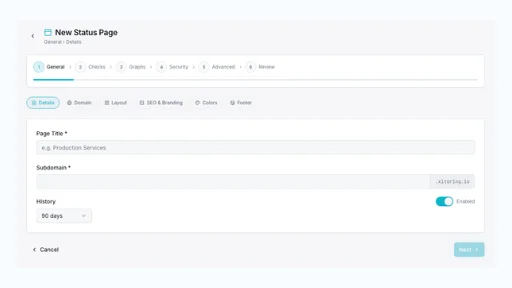
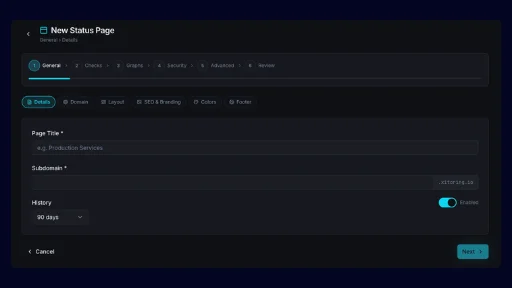
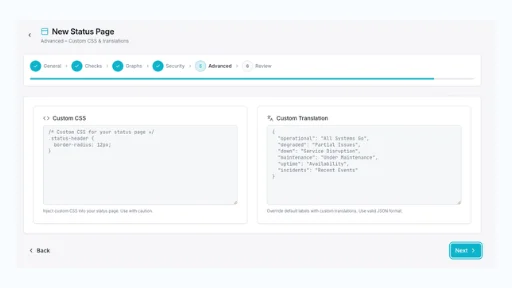
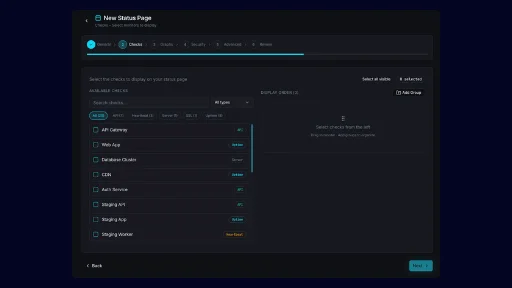
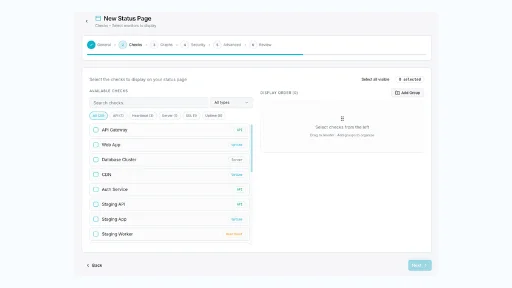
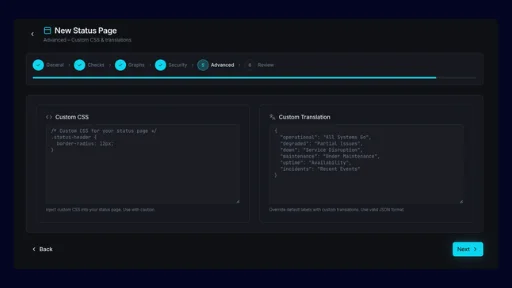
Crea in pochi minuti una pagina di stato autenticata e accessibile solo internamente. Controlla l'accesso tramite password, SSO o indirizzo IP. Associa le procedure operative ai componenti. Invia gli aggiornamenti a canali Slack privati. Tieni traccia degli SLA interni senza mai renderli pubblici: il tutto da un'unica dashboard.
- Accesso tramite password, SSO (SAML/OIDC) e token
- Inserimento in lista bianca degli indirizzi IP per implementazioni riservate esclusivamente alle VPN o agli uffici
- Visibilità dei componenti per pubblico e instradamento degli incidenti
- Registro completo delle attività per la conformità e l'analisi retrospettiva degli incidenti
Controllo degli accessi
Autenticazione e accesso Da incasso
Password, SSO, IP — A te la scelta
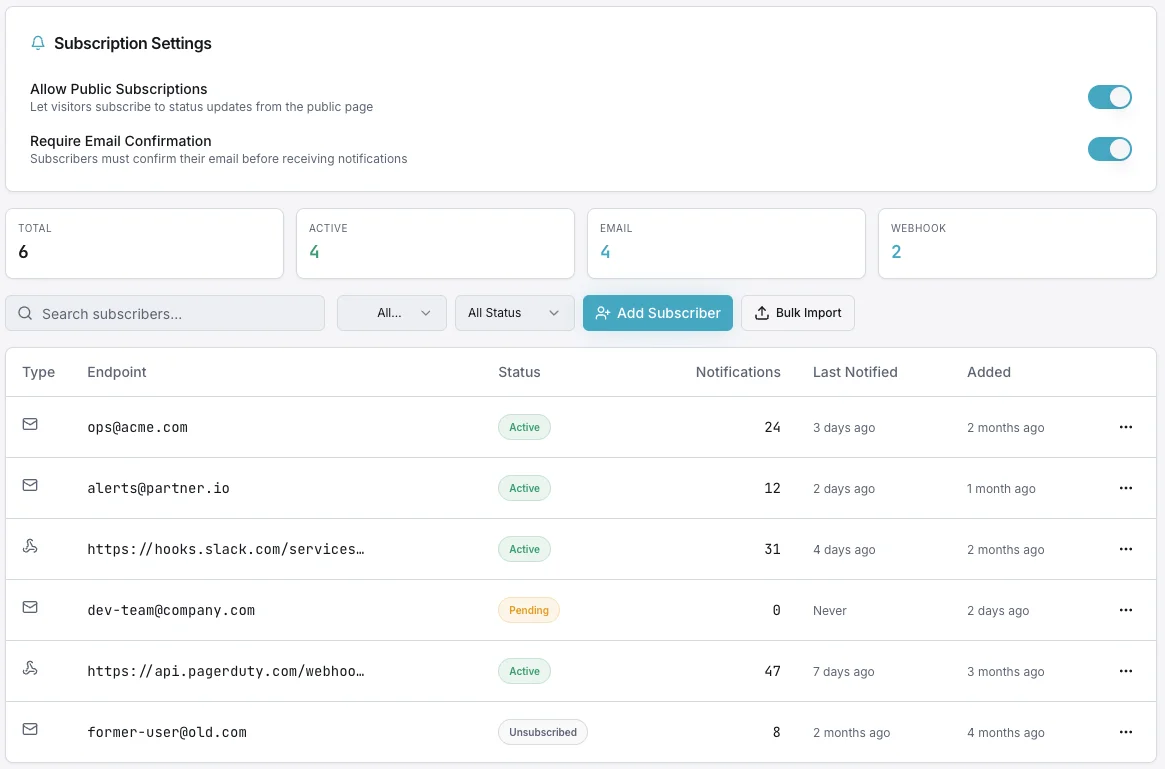
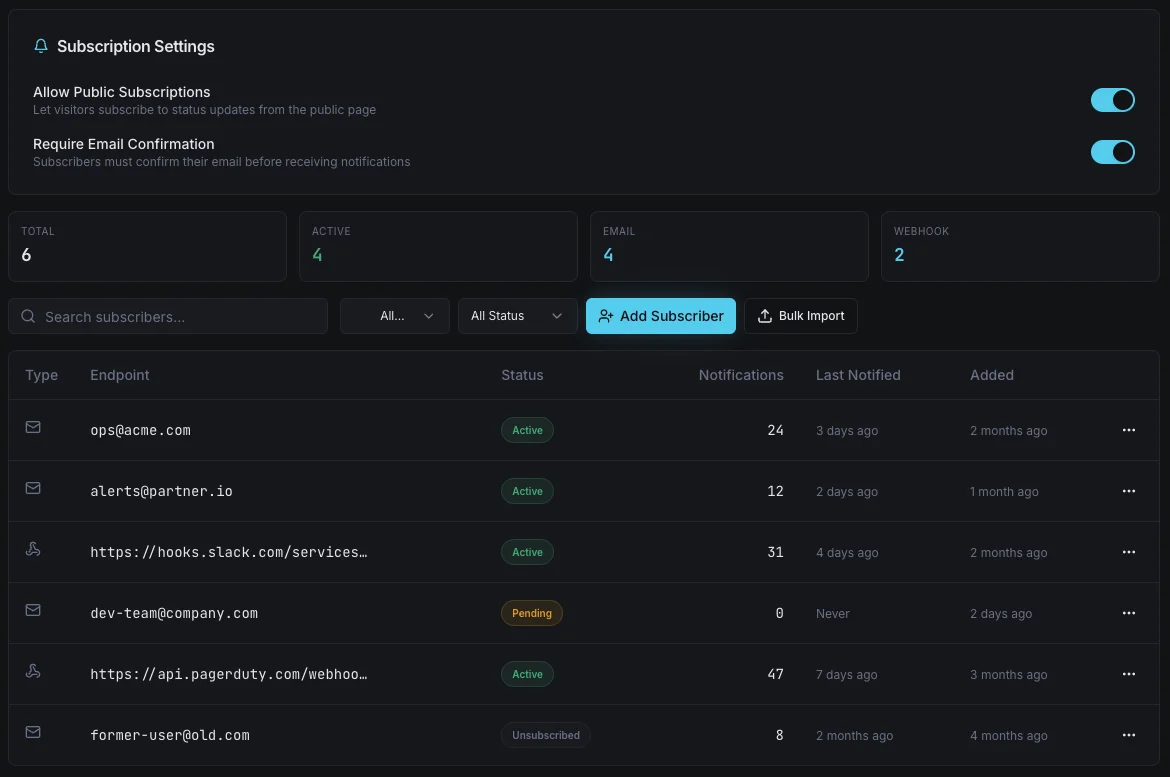
Scegli come limitare l'accesso alla pagina: password condivisa per implementazioni rapide, SSO SAML o OIDC per i team aziendali oppure elenco di indirizzi IP autorizzati per l'accesso solo dall'ufficio o tramite VPN. Combina più controlli per garantire una difesa a più livelli e monitora ogni evento di accesso ai fini della conformità.
- Autenticazione tramite password, SSO o token
- Lista di indirizzi IP autorizzati per l'accesso esclusivamente tramite VPN
- Registro completo delle operazioni di accesso e modifica
Perché i dirigenti si affidano a Xitoring
3 motivi per cui gli amministratori delegati scelgono Pagine di stato private
Non finire sui giornali
La cronologia pubblica degli incidenti rappresenta un rischio per i team soggetti a regolamentazione e che operano in ambiti sensibili dal punto di vista della sicurezza. Le pagine di stato private garantiscono trasparenza operativa senza fornire a giornalisti, concorrenti o malintenzionati un set di dati accessibile a tutti.
Massima trasparenza per le aziende
I clienti aziendali vincolati da un accordo di riservatezza (NDA) si aspettano di poter visualizzare lo stato dei servizi, ma non nella versione pubblica. Una pagina di stato riservata e personalizzata con il marchio dell'azienda è indice di maturità operativa e consente di ottenere contratti più consistenti.
Conformità pronta per l'audit
Ogni accesso, modifica dell'abbonamento e modifica di un incidente viene registrato. I revisori SOC 2, HIPAA e ISO 27001 ottengono la traccia di audit di cui hanno bisogno senza che tu debba compilare fogli di calcolo alle 2 del mattino.
Progettato per Team interni
Modalità NOC e War Room
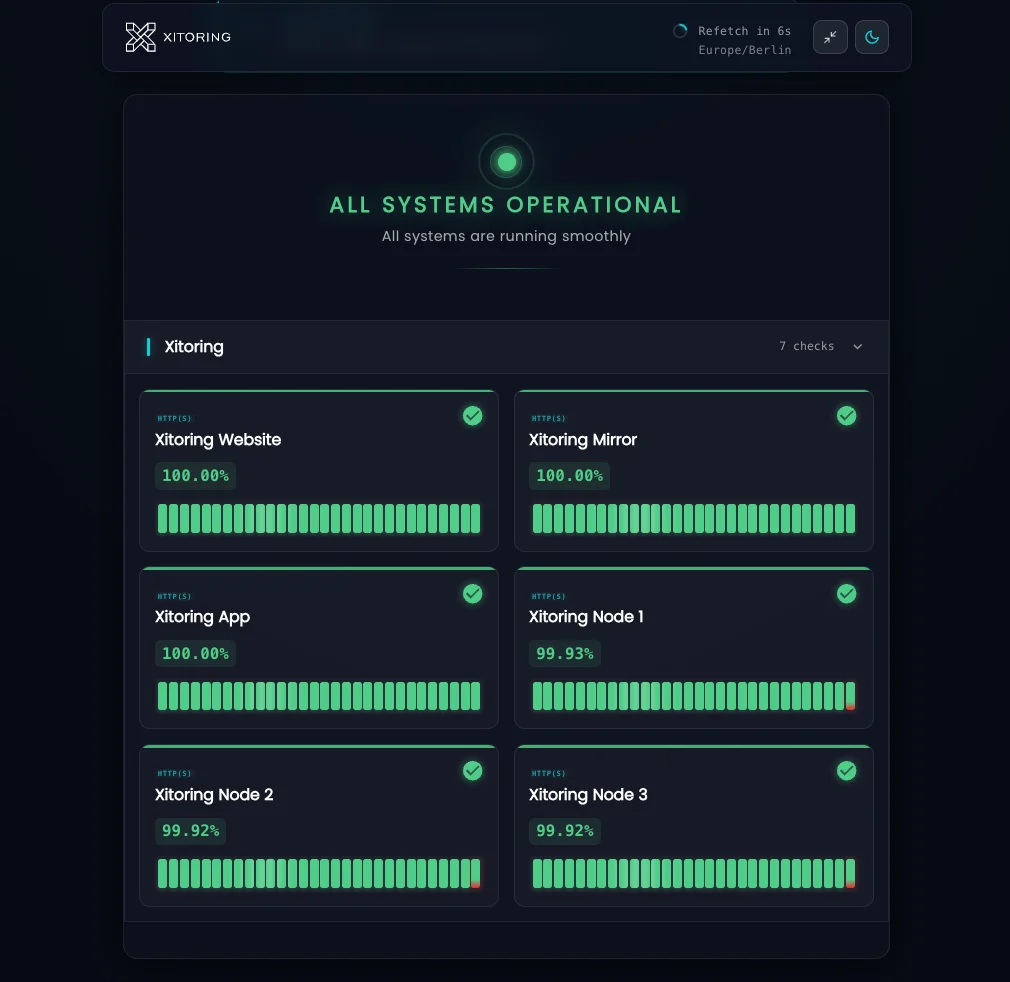
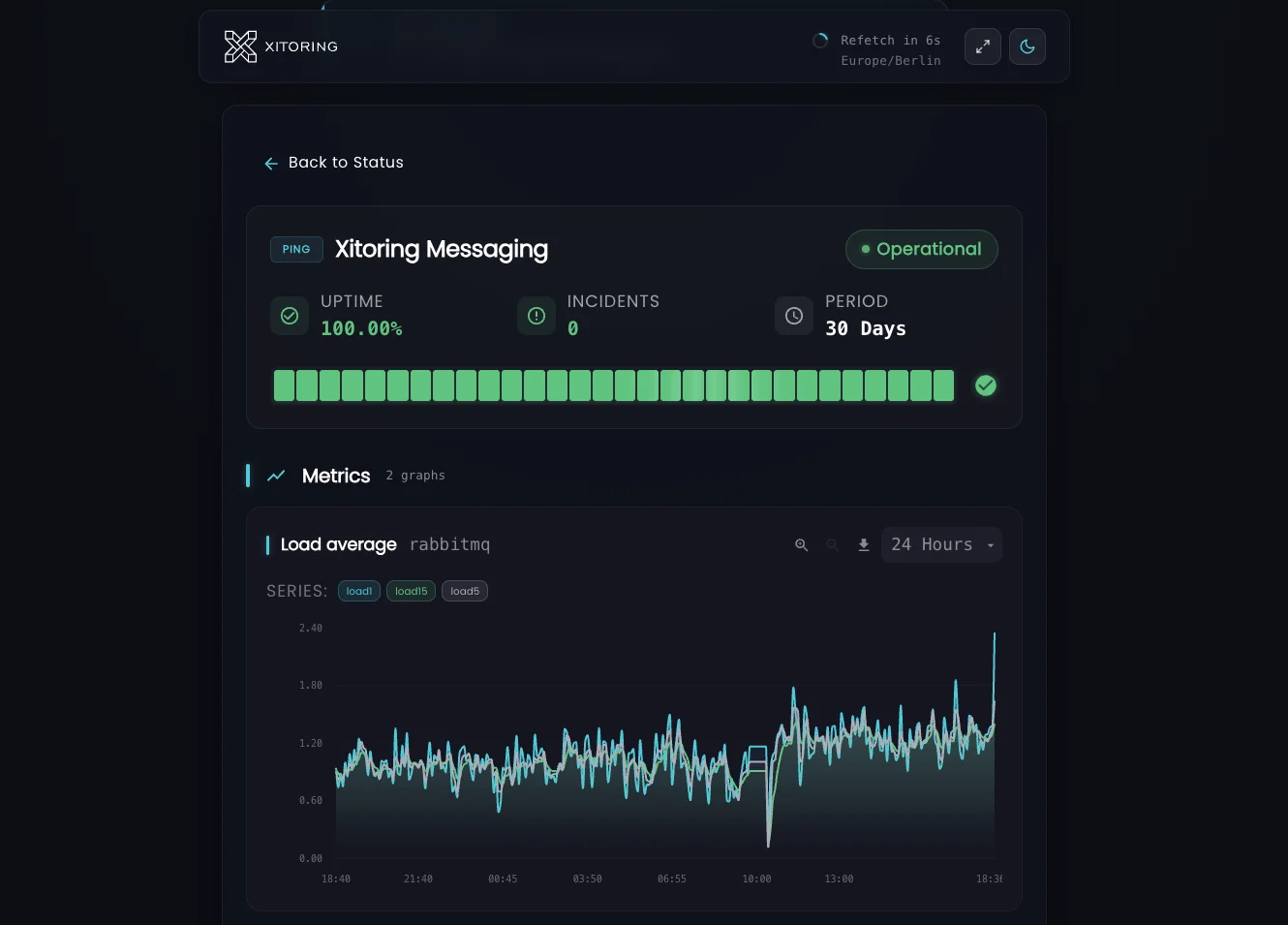
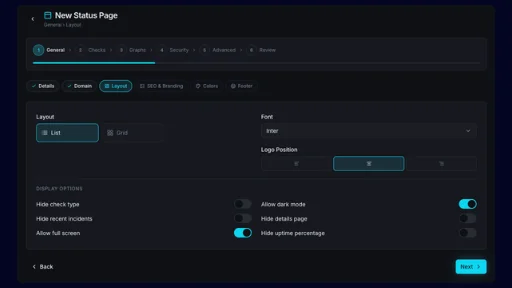
Visualizzazione della dashboard a schermo intero in modalità scura, progettata per i monitor dei centri operativi di rete (NOC) e le sale operative per la gestione degli incidenti. Aggiornamento automatico, filtri rapidi e codifica cromatica in base alla gravità.
Note sui componenti interni
Allega i runbook, gli account Slack dei responsabili e i percorsi di escalation a ciascun componente. Visibili solo all'interno della pagina riservata agli utenti autenticati — mai visibili ai clienti.
Coordinamento della manutenzione
Pianificare e comunicare le finestre di manutenzione ai team interni o a specifici gruppi di clienti. Disattivare gli avvisi e garantire il rispetto degli SLA.
Indirizzamento su Slack e Teams
Invia gli aggiornamenti sugli incidenti ai canali privati di Slack o Microsoft Teams in base al destinatario. I canali dedicati al reparto tecnico, all'assistenza e alla dirigenza rimangono sincronizzati senza divulgare dettagli.
Spesso domande poste
Domande frequenti su Privato Pagine di stato.
Come posso limitare l'accesso a una pagina di stato privata?
La pagina dello stato privata verrà indicizzata da Google?
Posso condividere diverse visualizzazioni con diversi destinatari?
Viene registrato l'accesso ai fini delle verifiche di conformità?
Posso allegare runbook e informazioni sul proprietario ai componenti?
Posso gestire contemporaneamente pagine di stato pubbliche e private?
Crea oggi stesso la tua pagina di stato privata
Crea in pochi minuti una pagina di stato autenticata e accessibile solo internamente. Limita l'accesso tramite password, SSO o indirizzo IP e offri al tuo team o ai clienti aziendali un'unica fonte attendibile per monitorare lo stato dei servizi.
Inizia la prova gratuita