MariaDB Suivi
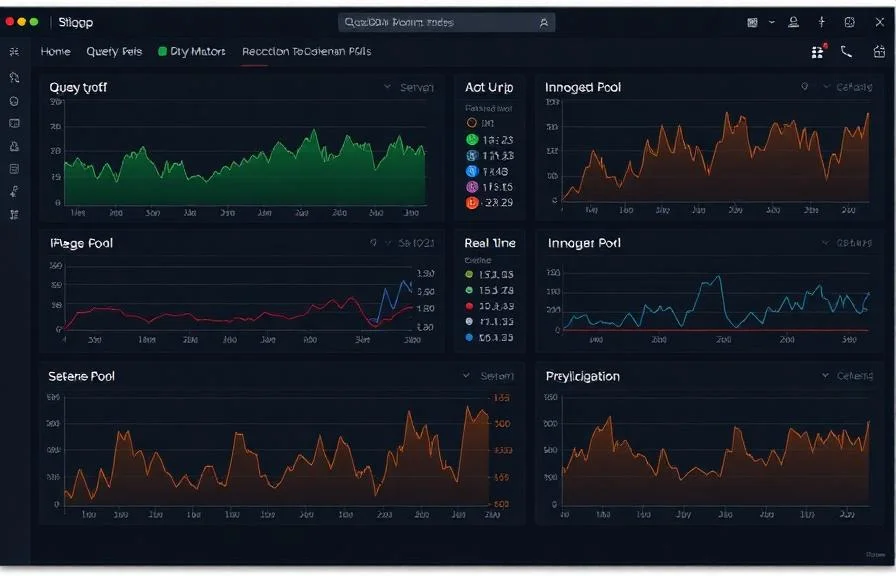
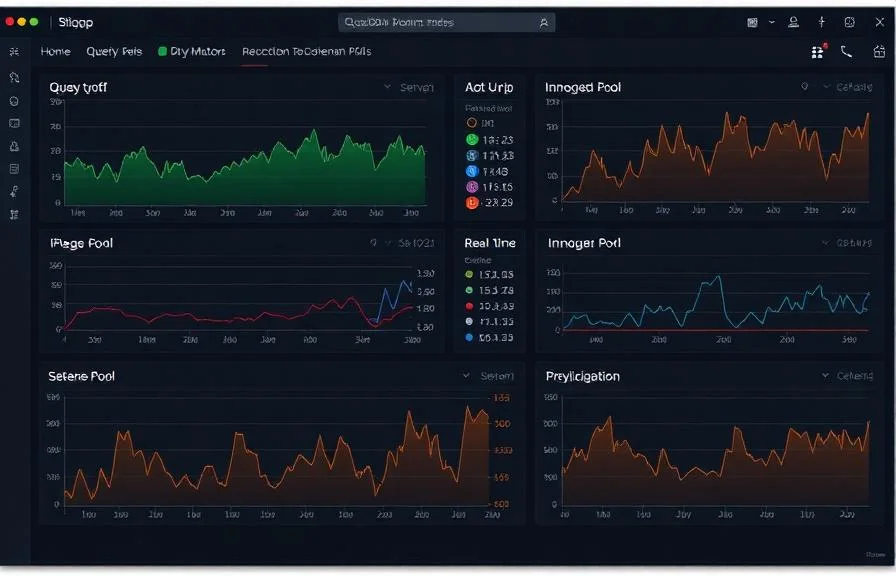
Surveillez en temps réel les performances des requêtes MariaDB, le pool de tampons InnoDB, l'état de la réplication et les indicateurs de connexion, sans aucune configuration.
Pourquoi surveiller ? MariaDB?
MariaDB est une version dérivée de MySQL développée par la communauté, utilisée par des millions de personnes pour les applications web, le stockage de données et les charges de travail d'entreprise. La surveillance de MariaDB est essentielle pour optimiser le débit des requêtes, suivre l'efficacité du pool de tampons InnoDB, détecter les retards de réplication et gérer les pools de connexions. L'intégration MariaDB de Xitoring offre une visibilité approfondie sur les performances de votre base de données.
Le monitoring MariaDB, expliqué
Le monitoring MariaDB détecte l'instabilité de cluster Galera, la dérive de réplication, les requêtes lentes et la saturation des connexions avant qu'elles ne provoquent un split-brain, des tempêtes de failover de réplicas ou la lenteur sur l'ensemble d'un compte d'hébergement. Pour les hôtes WordPress cPanel, les clusters HA Galera et toute charge MariaDB, la visibilité par base de données plus l'état wsrep_* spécifique à Galera fait la différence entre un failover propre de 30 secondes et une panne de plusieurs heures. Xitoring découvre automatiquement votre MariaDB, lit les vues d'état natives plus l'état Galera, et achemine les alertes vers Slack, PagerDuty, Telegram ou votre astreinte existante.
Ce que nous surveillons
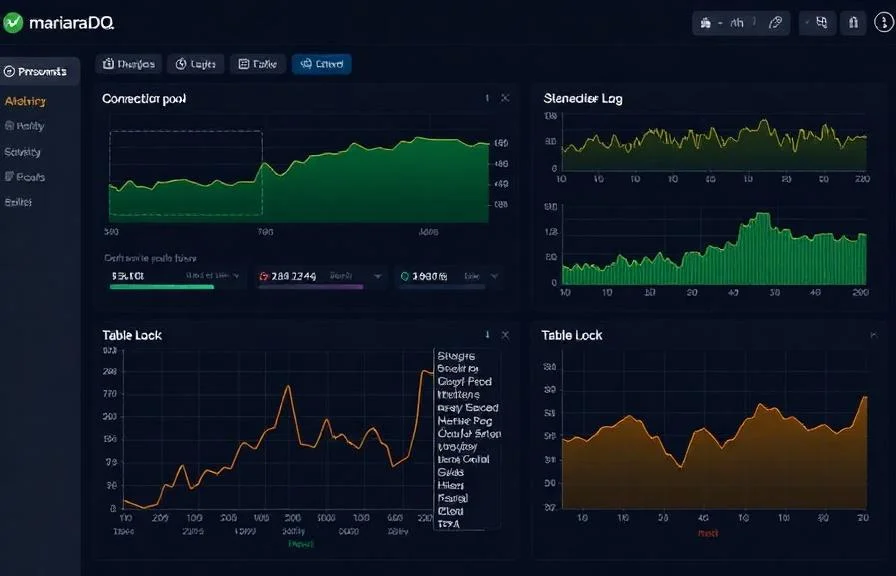
Requêtes par seconde
Taux d'instructions SELECT, INSERT, UPDATE et DELETE.
Requêtes lentes
Nombre de requêtes dépassant le seuil long_query_time configuré.
Taux de hit du buffer pool InnoDB
Pourcentage de lectures de pages servies depuis le buffer pool vs disque.
Opérations de lignes InnoDB
Taux de lectures, insertions, mises à jour et suppressions de lignes dans InnoDB.
Connexions
Threads actifs, threads connectés et utilisation de max_connections.
États des threads
Distribution des états des threads (en cours d'exécution, en attente, verrouillés, etc.).
Lag de réplication
Seconds_Behind_Master et statut des threads I/O/SQL slave.
Verrous de tables
Attentes de verrous de tables et acquisitions immédiates.
Tables temporaires
Taux de tables temporaires créées sur disque vs en mémoire.
Binary log
Taille du binary log et nombre d'événements pour le suivi de la réplication.
Connexions abandonnées
Tentatives de connexion échouées et connexions client abandonnées.
Opérations du handler
Taux de lecture/écriture du handler indiquant l'activité du moteur de stockage.
Configurables déclencheurs d'alerte
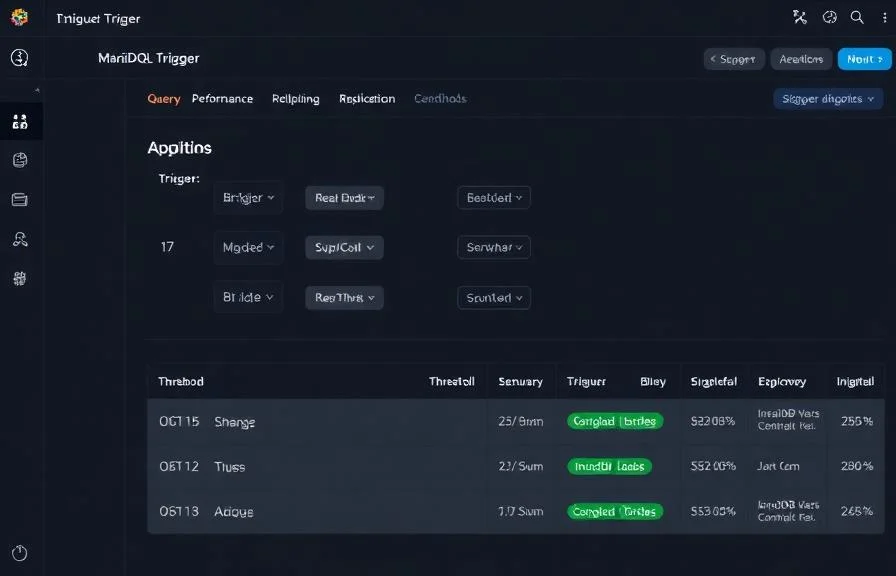
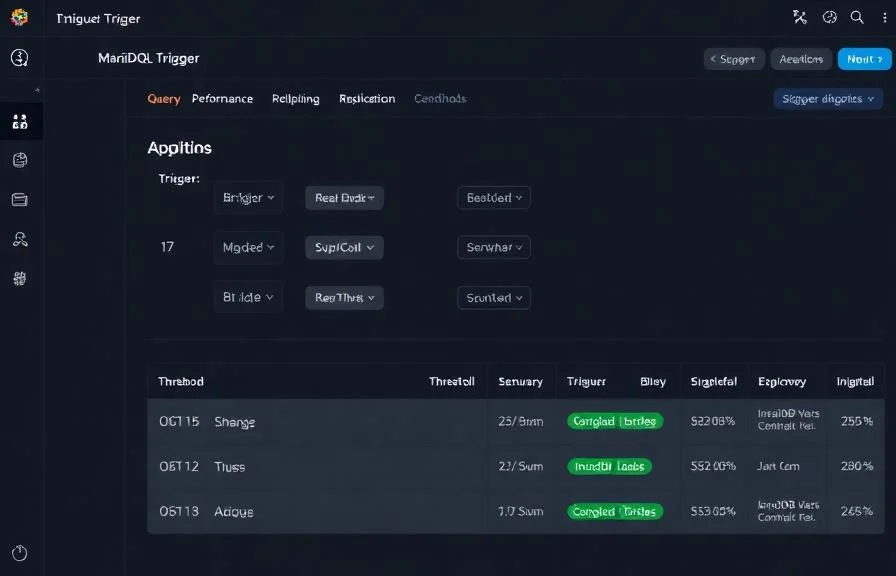
Configurez des déclencheurs personnalisés dans votre tableau de bord pour être averti dès que les indicateurs d{name}s dépassent les seuils que vous avez définis.
Lag de réplication
crucialSe déclenche lorsque le slave prend du retard sur le master, risquant l'incohérence des données et des lectures obsolètes.
Requêtes lentes
avertissementSe déclenche lorsque le taux de requêtes lentes dépasse le seuil, indiquant des requêtes non optimisées ou des index manquants.
Taux de hit du buffer pool
avertissementAlerte lorsque le ratio de hit du buffer pool InnoDB chute, augmentant l'I/O disque.
Utilisation des connexions
crucialSe déclenche lorsque les connexions actives approchent max_connections, risquant des erreurs de connexion refusée.
Attentes de verrous de tables
avertissementSe déclenche lorsque la contention de verrous de tables augmente, dégradant les performances de requêtes concurrentes.
Connexions abandonnées
crucialAlerte lorsque les échecs de connexion s'envolent, indiquant des problèmes d'authentification ou de réseau.
Importance de la surveillance MariaDB
MariaDB gère des données critiques pour les applications web, plateformes e-commerce et systèmes d'entreprise. Sans surveillance, les requêtes lentes, la dérive de réplication et l'épuisement des connexions peuvent silencieusement dégrader l'expérience utilisateur et risquer la perte de données.
- Détectez les requêtes lentes avant qu'elles n'impactent les temps de réponse de l'application
- Surveillez l'efficacité du buffer pool InnoDB pour optimiser l'allocation mémoire
- Suivez la santé de la réplication pour garantir la cohérence des read replicas
- Identifiez l'épuisement du pool de connexions depuis les serveurs d'application
- Évitez la contention de verrous de tables dans les environnements à forte concurrence
Pourquoi choisir Xitoring
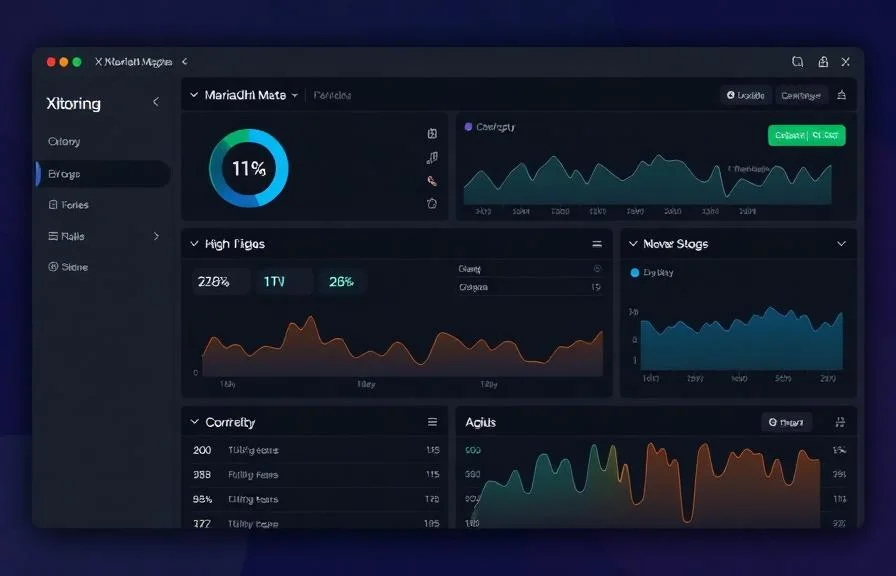
Xitoring offre une surveillance MariaDB de qualité entreprise avec une configuration zéro-config. Notre agent léger détecte automatiquement vos instances MariaDB, commence à collecter des métriques en moins de 60 secondes et s'intègre à vos canaux de notification existants.
- Installation en une commande — pas de YAML complexe ni de fichiers de configuration
- 15+ nœuds de surveillance mondiaux pour des contrôles à faible latence
- Tableau de bord unifié pour serveurs, bases de données et uptime
- Alerting flexible via Slack, PagerDuty, Telegram et plus
- Conservation de l'historique pour la planification de capacité et les audits
Scénarios courants de monitoring MariaDB
Où MariaDB fonctionne généralement aujourd'hui — et ce qui pourrait mal tourner si personne ne surveille.
WordPress et autres sites web sur des serveurs d'hébergement
Lorsque de nombreux sites web partagent le même serveur de base de données, un plugin lent ou une requête incontrôlable peut silencieusement ralentir chaque site sur le serveur. Nous identifions l'origine du ralentissement afin que l'équipe puisse corriger la source au lieu de redémarrer à l'aveuglette.
Clusters qui restent en ligne pendant les pannes
Les configurations de production exécutent plusieurs copies de la base de données afin qu'une seule panne ne puisse pas faire tomber l'application. Lorsque les copies ne sont pas d'accord ou perdent le contact entre elles, l'ensemble du cluster peut soudainement cesser d'accepter les modifications. Nous détectons la dérive tôt afin que le filet de sécurité continue de fonctionner.
Bases de données derrière une passerelle de connexion
Une passerelle de connexion devant la base de données accélère les requêtes et protège la base de données des tempêtes de connexion — mais elle ajoute un élément mobile. Nous surveillons les deux couches comme une seule unité afin que les problèmes soient détectés dans la pièce qui les a introduits, et non après qu'ils aient fait boule de neige.
Prérequis pour MariaDB
Assurez-vous d'avoir tout cela en place — la plupart des installations sont une affaire de 60 secondes une fois ces conditions réunies.
- MariaDB 10.x tournant sur le serveur
- performance_schema = ON dans la section [mysqld]
- Un utilisateur de monitoring avec PROCESS, REPLICATION CLIENT, et SELECT sur performance_schema
Commencez par procès-verbal
Installer Xitogent sur votre serveur
Si ce n'est pas déjà fait, installez l'agent de monitoring léger Xitogent sur votre serveur.
curl -s https://xitoring.com/install.sh | sudo bash -s -- --key=YOUR_API_KEYCréer un utilisateur de monitoring
Créez un utilisateur MariaDB dédié avec des privilèges minimaux pour la collecte de métriques :
CREATE USER 'xitoring'@'%' IDENTIFIED BY 'your_password';
GRANT REPLICATION CLIENT ON *.* TO 'xitoring'@'%' WITH MAX_USER_CONNECTIONS 5;
GRANT PROCESS ON *.* TO 'xitoring'@'%';
GRANT SELECT ON performance_schema.* TO 'xitoring'@'%';
FLUSH PRIVILEGES;Activer l'intégration MariaDB
Utilisez le tableau de bord Xitoring ou la CLI pour activer l'intégration MariaDB.
sudo xitogent integrateConfigurer les seuils d'alerte (facultatif)
Définissez des seuils personnalisés pour le taux de requêtes, le taux de hit du buffer pool ou le retard de réplication afin d'être notifié dès que quelque chose mérite votre attention.
Vérifier que tout fonctionne
Exécutez cette commande sur le serveur pour confirmer que Xitogent a bien détecté l'intégration. De nouvelles métriques apparaîtront sur votre tableau de bord dans environ 30 secondes.
sudo xitogent statusVous envisagez des alternatives ?
Découvrez comment Xitoring se positionne face aux alternatives pour la surveillance de MariaDB — tarifs forfaitaires, intégrations plus poussées et un seul agent pour couvrir tout votre stack.



Souvent a posé des questions
La surveillance de MariaDB diffère-t-elle de celle de MySQL ?
Cette intégration aura-t-elle un impact sur les performances de MariaDB ?
Puis-je surveiller Galera Cluster ?
Quelles sont les versions de MariaDB prises en charge ?
Puis-je surveiller plusieurs instances sur un seul serveur ?
À quelle fréquence les indicateurs sont-ils collectés ?
Qu'est-ce que MariaDB MaxScale et comment le superviser ?
Puis-je superviser plusieurs instances MariaDB sur un même serveur ?
Quelles versions de MariaDB sont prises en charge ?
Commencer à surveiller MariaDB aujourd'hui
Configuration en moins de 60 secondes. Aucune carte bancaire requise. Statistiques complètes dès le premier jour.
Commencer l'essai gratuitContinuez à explorer