MariaDB 監視
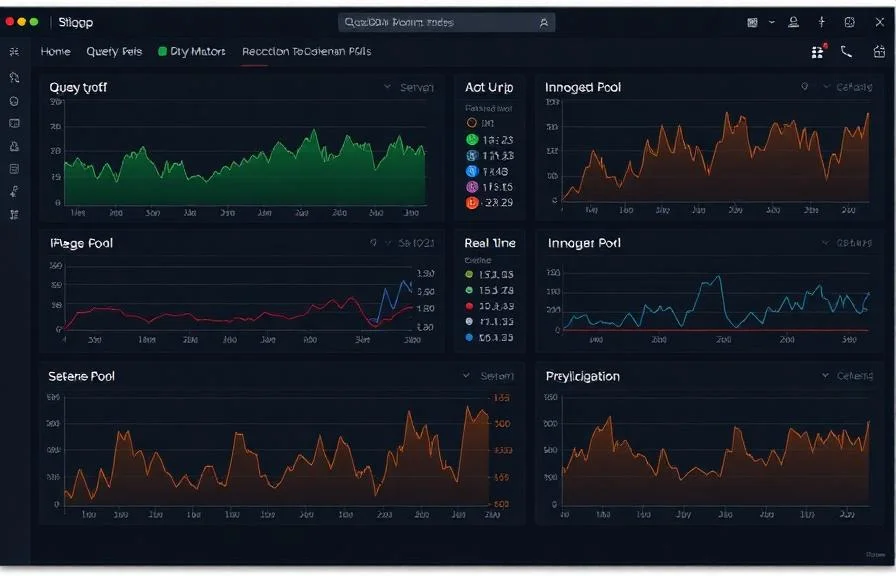
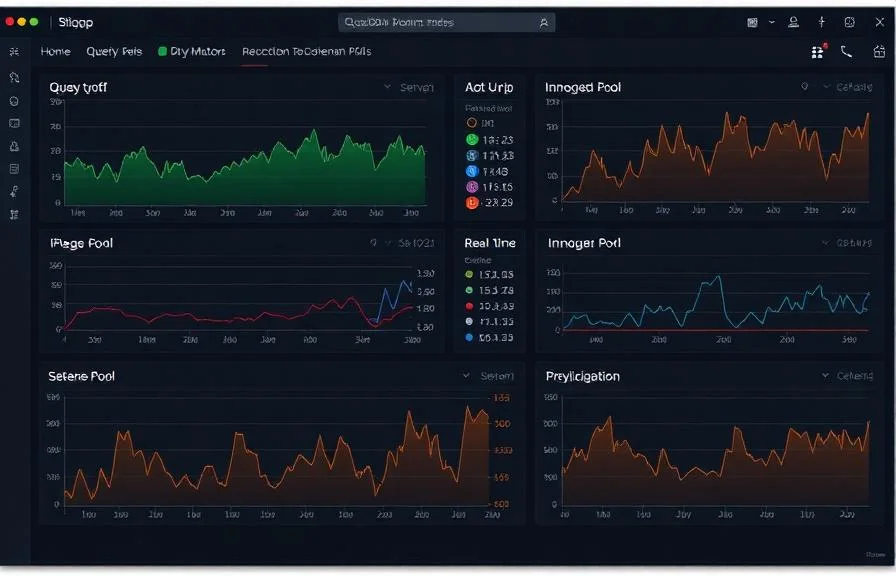
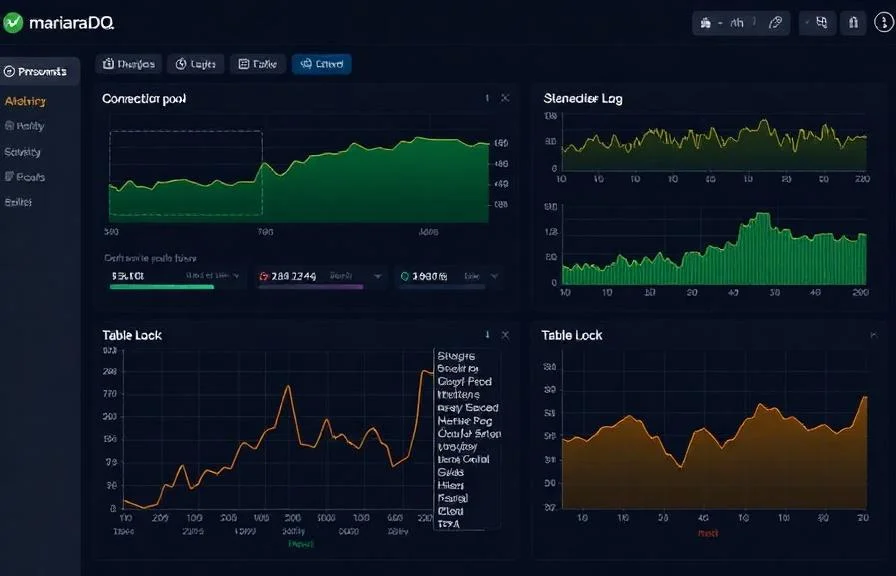
設定不要で、MariaDBのクエリパフォーマンス、InnoDBバッファプール、レプリケーションの状態、および接続メトリクスをリアルタイムで監視できます。
なぜ監視するのか MariaDB?
MariaDBは、MySQLから派生したコミュニティ主導のフォークであり、Webアプリケーション、データウェアハウス、エンタープライズワークロードにおいて、数百万人のユーザーに利用されています。クエリのスループットを最適化し、InnoDBバッファプールの効率を追跡し、レプリケーションの遅延を検知し、接続プールを管理するためには、MariaDBの監視が不可欠です。XitoringのMariaDB統合機能により、データベースのパフォーマンスを詳細に把握することができます。
MariaDB 監視を 解説
MariaDB 監視は、Galera クラスタの不安定性、レプリケーションドリフト、スロークエリ、接続飽和を、スプリットブレイン、レプリカフェイルオーバー嵐、ホスティングアカウント全体のスローダウンを引き起こす前に検出します。cPanel WordPress ホスト、Galera HA クラスタ、あらゆる MariaDB ワークロードにおいて、データベースごとの可視性と Galera 固有の wsrep_* 状態が、30 秒のクリーンなフェイルオーバーと数時間に及ぶ停止との違いを生みます。Xitoring は MariaDB を自動検出し、ネイティブのステータスビューと Galera の状態を読み取り、Slack、PagerDuty、Telegram、または既存のオンコールにアラートをルーティングします。
私たちが 監視するもの
1秒あたりのクエリ数
SELECT、INSERT、UPDATE、DELETE文のレート。
遅いクエリ
設定されたlong_query_time閾値を超えるクエリ数。
InnoDBバッファプールヒット率
ディスクに対してバッファプールから提供されたページ読み取りの割合。
InnoDB行操作
InnoDBにおける行の読み取り、挿入、更新、削除のレート。
接続
アクティブスレッド、接続済みスレッド、max_connections使用量。
スレッド状態
スレッド状態の分布(running、sleeping、lockedなど)。
レプリケーションラグ
Seconds_Behind_MasterとスレーブのI/O・SQLスレッド状態。
テーブルロック
テーブルロックの待機と即時取得。
一時テーブル
メモリに対してディスク上に作成された一時テーブルのレート。
バイナリログ
レプリケーション追跡のためのバイナリログサイズとイベント数。
中断された接続
失敗した接続試行と中断されたクライアント接続。
ハンドラ操作
ストレージエンジンの活動を示すハンドラの読み書きレート。
設定可能 アラートのトリガー
ダッシュボードでカスタムトリガーを設定し、MariaDBのメトリクスが定義した閾値を超えた瞬間に通知を受け取れるようにします。
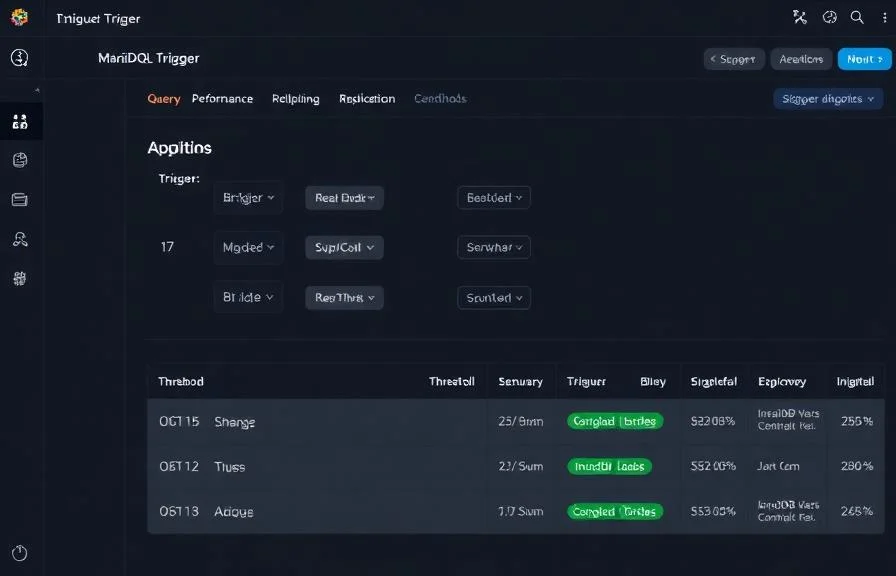
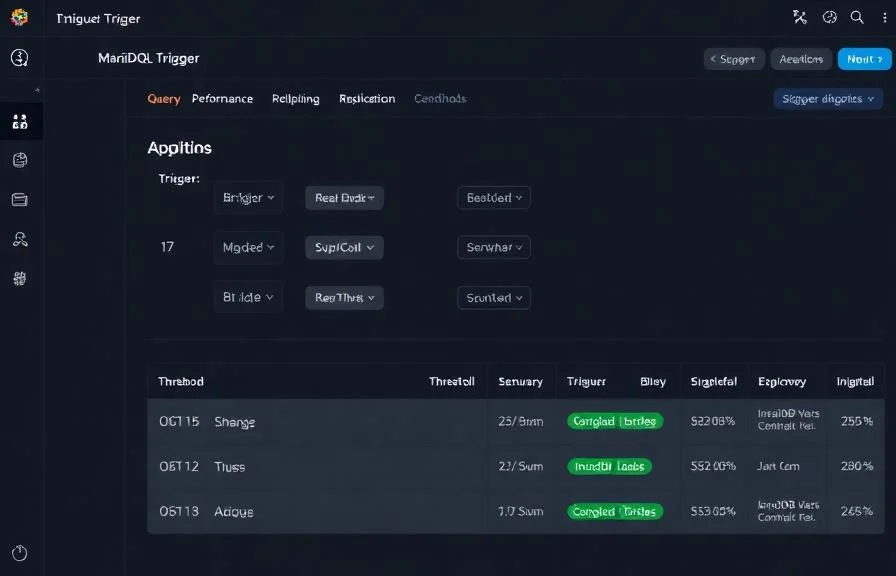
レプリケーションラグ
重要なスレーブがマスターから遅延したときに発動。データ不整合や古い読み取りのリスク。
遅いクエリ
警告遅いクエリのレートが閾値を超えたときに発動。最適化されていないクエリやインデックス不足を示します。
バッファプールヒット率
警告InnoDBバッファプールヒット率が低下し、ディスクI/Oが増加したときにアラート。
接続使用量
重要なアクティブ接続がmax_connectionsに近づいたときに発動。connection refusedエラーのリスク。
テーブルロック待機
警告テーブルロック競合が増加し、並行クエリパフォーマンスが低下したときに発動。
中断された接続
重要な接続失敗が急増したときにアラート。認証問題やネットワーク問題を示します。
の重要性: MariaDB監視
MariaDBはウェブアプリケーション、Eコマースプラットフォーム、エンタープライズシステムの重要データを処理します。監視がないと、遅いクエリ、レプリケーションのずれ、接続枯渇がユーザー体験を静かに劣化させ、データ損失のリスクをもたらします。
- アプリケーション応答時間に影響する前に遅いクエリを検出
- InnoDBバッファプールの効率を監視してメモリ割り当てを最適化
- リードレプリカの一貫性確保のためにレプリケーションの健全性を追跡
- アプリケーションサーバーからの接続プール枯渇を特定
- 高並行性環境でのテーブルロック競合を防止
なぜ選ぶべきか: Xitoring
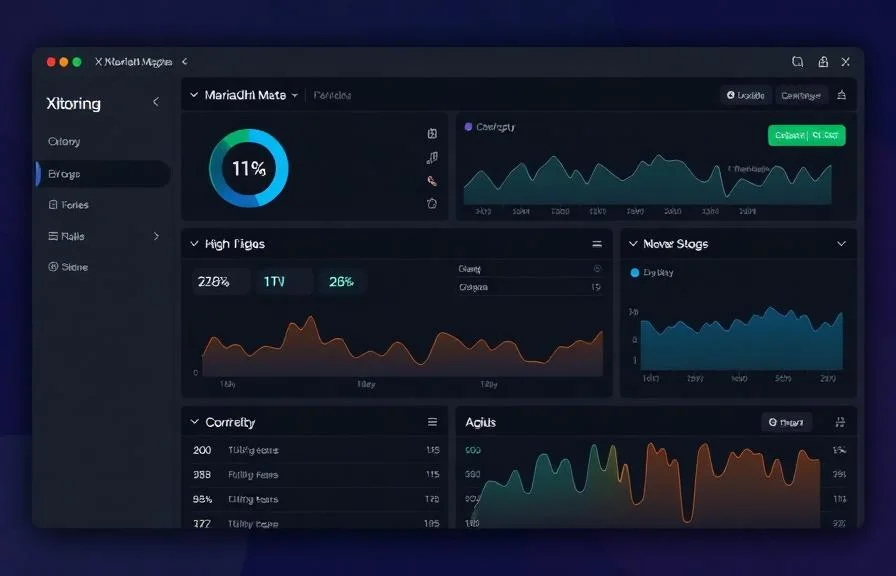
XitoringはゼロコンフィグでエンタープライズグレードのMariaDB監視を提供します。軽量エージェントがMariaDBインスタンスを自動検出し、60秒以内にメトリクス収集を開始、既存の通知チャネルと統合します。
- ワンコマンドインストール — 複雑なYAMLや設定ファイルは不要
- 低遅延チェックのための15以上のグローバル監視ノード
- サーバー、データベース、稼働率を統合したダッシュボード
- Slack、PagerDuty、Telegramなどによる柔軟なアラート
- キャパシティプランニングと監査のための履歴データ保持
MariaDB 監視の一般的な シナリオ
MariaDBが今日一般的に稼働している場所 — そして誰も監視していない場合に何が問題になる可能性があるか。
ホスティングサーバー上のWordPressおよびその他のウェブサイト
多くのウェブサイトが同じデータベースサーバーを共有している場合、1つの遅いプラグインや暴走したクエリが、そのサーバー上のすべてのサイトを静かに引きずり下ろす可能性があります。私たちは遅延の原因を特定し、チームが闇雲に再起動するのではなく、根本原因を修正できるようにします。
障害発生時もオンラインを維持するクラスター
本番環境のセットアップでは、データベースの複数のコピーを実行しているため、1つの障害でアプリがダウンすることはありません。コピー間で不一致が生じたり、互いに連絡が取れなくなったりすると、クラスター全体が突然変更を受け付けなくなる可能性があります。私たちはその兆候を早期に捉え、セーフティネットが機能し続けるようにします。
接続ゲートウェイの背後にあるデータベース
データベースの前面にある接続ゲートウェイは、クエリを高速化し、接続ストームからデータベースを保護しますが、可動部分が増えます。私たちは両方のレイヤーを1つのユニットとして監視し、問題が連鎖する前ではなく、それらを引き起こした部分で捕捉されるようにします。
MariaDB の 前提条件
これらが揃っていることを確認してください — 揃っていれば、ほとんどの導入は 60 秒で完了します。
- MariaDB 10.x がサーバー上で稼働していること
- [mysqld] セクションで performance_schema = ON
- PROCESS、REPLICATION CLIENT、および performance_schema への SELECT を持つ監視ユーザー
はじめに 議事録
Xitogent をサーバーにインストール
まだの場合は、軽量な Xitogent 監視エージェントをサーバーにインストールしてください。
curl -s https://xitoring.com/install.sh | sudo bash -s -- --key=YOUR_API_KEY監視ユーザーを作成
メトリクス収集用に、最小限の権限を持つ専用 MariaDB ユーザーを作成します:
CREATE USER 'xitoring'@'%' IDENTIFIED BY 'your_password';
GRANT REPLICATION CLIENT ON *.* TO 'xitoring'@'%' WITH MAX_USER_CONNECTIONS 5;
GRANT PROCESS ON *.* TO 'xitoring'@'%';
GRANT SELECT ON performance_schema.* TO 'xitoring'@'%';
FLUSH PRIVILEGES;MariaDB 連携を有効化
Xitoring ダッシュボードまたは CLI から MariaDB 連携を有効化してください。
sudo xitogent integrateアラートしきい値を設定(オプション)
クエリレート、バッファプールヒット率、レプリケーション遅延にカスタムしきい値を設定し、注意が必要なときに通知を受け取れるようにします。
動作確認
サーバー上でこのコマンドを実行して、Xitogent が連携を認識していることを確認してください。約 30 秒以内に新しいメトリクスがダッシュボードに流れ始めます。
sudo xitogent status代替ツールを 検討中ですか?
MariaDB 監視の代替ツールと比べて Xitoring がどう優れているかをご覧ください — 定額料金、より深い統合、そしてスタック全体をカバーする 1 つのエージェント。



頻繁に 質問をした
MariaDBの監視はMySQLとは異なりますか?
この統合はMariaDBのパフォーマンスに影響を与えますか?
Galera Cluster を監視することはできますか?
どのバージョンのMariaDBがサポートされていますか?
1台のサーバー上で複数のインスタンスを監視することはできますか?
指標はどのくらいの頻度で収集されますか?
MariaDB MaxScale とは何ですか?どのように監視しますか?
1 台のサーバーで複数の MariaDB インスタンスを監視できますか?
サポートされている MariaDB バージョンは何ですか?
探検を続けよう