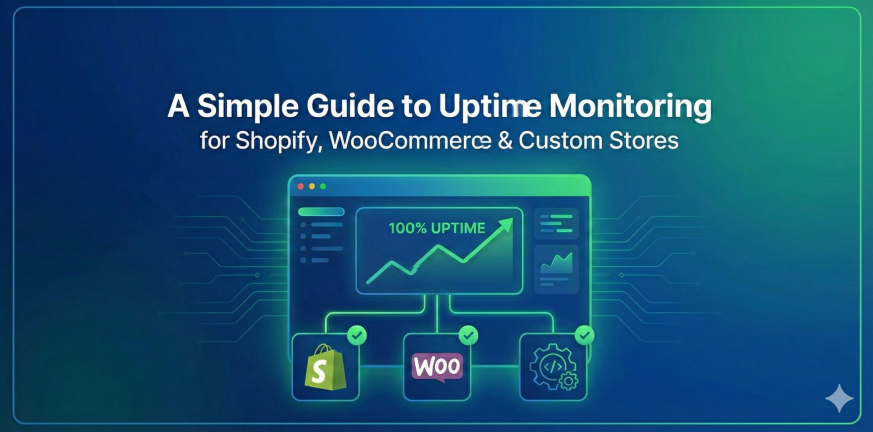
A Simple Guide to Uptime Monitoring for Shopify, WooCommerce & Custom Stores

Running an online store is exciting — until the day it goes offline.

Maybe it’s a sudden traffic spike.
Maybe the hosting provider is having issues.
Maybe a plugin update didn’t go the way you hoped.

Whatever the reason, downtime hurts. Every minute a store is unavailable, customers can’t shop, ads continue spending, carts get abandoned, and the reputation you worked hard to build takes a hit.

If you’re a Shopify or WooCommerce owner, or you run a fully custom-coded store, uptime monitoring isn’t just a technical detail — it’s revenue protection. In this guide, we’ll break down what uptime monitoring is, why it matters, and how store owners (even non-technical ones) can implement it properly.
Why Uptime Monitoring Matters More for eCommerce Than You Think

Let’s paint a quick picture.

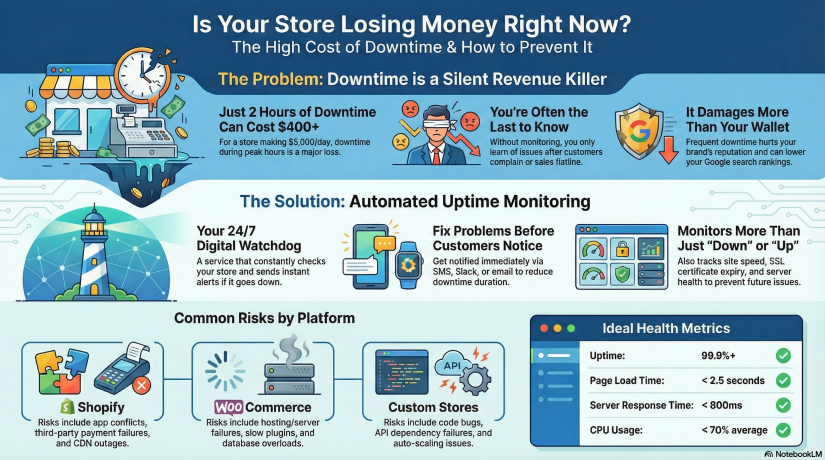
Imagine your store makes $5,000/day in sales.
That’s about $208/hour.

Now imagine your store goes down for just 2 hours during peak traffic.

You just lost over $400 without even knowing it happened — and customers who tried to buy from you might not come back.

Now scale that up during events like:

  • Black Friday / Cyber Monday

  • Product launch

  • Social media viral moment

  • Paid advertising campaign

  • Email marketing blast

  • Holiday season rush

During high-traffic events, just 30 minutes of downtime can cost thousands.

This is why uptime monitoring is essential. It allows you to:

  • Know instantly when your store is down — before your customers do
  • Reduce downtime with faster incident response
  • Prevent revenue loss and protect brand trust
  • Track performance over time with real monitoring metrics
  • Build reliability — important for SEO & customer loyalty

Google even takes site reliability into account for ranking. Search engines don’t like unreliable websites — if crawlers repeatedly find your store down, your rankings can drop.


What Exactly Is Uptime Monitoring?

Uptime monitoring is a service that constantly checks your website to ensure it’s reachable and functioning. If something fails — server crash, DNS issue, payment gateway outage — you get notified immediately via email, SMS, push, Slack, Telegram, or other channels.

Think of uptime monitoring as 24/7 security for your online business.

Most website owners assume hosting includes monitoring. It does not. Hosting companies only guarantee infrastructure uptime (to a limit), but they don’t actively alert you when your site is down.

With uptime monitoring, you will know:

✔ When your website becomes unreachable
✔ When response times slow down
✔ If SSL is about to expire
✔ If server resources are overloaded
✔ If plugins or themes cause failure

Without monitoring, you only know after customers complain — or worse, after checking your revenue dashboard and seeing something is wrong.


Shopify vs WooCommerce vs Custom Stores — Different Stores, Different Risks

Let’s break down the typical risks each platform faces.

Shopify Stores

Shopify is stable, hosted, and handles infrastructure — but that doesn’t mean downtime can’t happen. Risks include:

  • Theme or app conflicts

  • CDN outages

  • Regional downtime

  • Third-party payment failures

  • DNS misconfiguration

  • Store disabled due to billing or policy issues

Shopify takes care of hosting, you must take care of monitoring.


WooCommerce Stores (WordPress)

WooCommerce gives you more control — but with control comes responsibility. Risks:

  • Hosting/server downtime

  • Slow performance from heavy plugins

  • Caching issues

  • Expired SSL certificates

  • Vulnerability or malware attacks

  • Database overload during traffic peaks

WooCommerce stores must monitor server + website + SSL + DNS + performance.


Custom-Built Stores

Custom is unlimited — but also unpredictable. Risks include:

  • Bugs or deployment issues

  • API dependency failures (Stripe/PayPal failures break checkout)

  • Hosting or VPS instability

  • Cache misconfigurations

  • Auto-scaling failure

  • Cron jobs breaking

  • Custom code errors

Custom stores need the most comprehensive monitoring approach.


The 3 Layers of Monitoring Every Store Needs

1. Website Uptime Monitoring

Checks your URL from multiple regions every X seconds.

Good monitoring will test more than “is the page loading?” It will test:

  • HTTP status code

  • Load speed

  • Page response consistency

  • Global availability (US/EU/Asia)

  • Redirect issues

If something breaks, you get alerted within minutes.


2. Server/Hosting Monitoring (WooCommerce & Custom Stores)

Tracks deeper infrastructure metrics such as:

Metric Why it matters
CPU usage Spikes cause slow checkout & crashes
RAM WordPress + plugins = memory hungry
Disk Full disk = site instantly breaks
Network Packet loss = regional outages
Load average Predict performance degradation

This is where platforms like Xitoring become useful.
You can monitor both uptime + server health in one place, meaning you catch problems early — before the site goes down.


3. SSL, DNS & Domain Monitoring

Small things store owners forget, but they break sites instantly:

  • SSL expiration = browsers block visitors

  • DNS misconfiguration = site unreachable

  • Domain expiration = business offline overnight

Your store might be perfect — but expired SSL = dead website.

Monitoring prevents this.


How Uptime Monitoring Tools Work (Simple Breakdown)

Here’s what happens inside an uptime monitoring system:

  1. You add your store URL to the dashboard

  2. The monitor pings your site from different global regions every few seconds/minutes

  3. If it fails (timeout/500 error/slow response/SSL issue), a second location verifies

  4. Once confirmed, notifications are instantly sent

  5. A detailed report logs duration, cause & resolution time

This means you don’t have to constantly check your site manually — the system watches it for you.


Setting Up Monitoring for Your Store — Step-by-Step

Even if you’re non-technical, setup is simple.

For Shopify Stores

No server setup required — just monitor your front URL.

  1. Add your store domain

  2. Choose alert channels (email/SMS/Telegram/Slack)

  3. Enable response-time monitoring

  4. Add SSL expiration monitoring

  5. Set check intervals (1–5 minutes recommended)

Optional advanced step: monitor specific URLs (checkout, add-to-cart, payment page)


For WooCommerce Stores

You should monitor website + server + database.

  1. Add your store domain for uptime checks

  2. Install server agent (if using VPS hosting)

  3. Monitor resource usage (CPU/RAM/Disk)

  4. Add MySQL database monitor

  5. Enable plugin/theme update alerting

  6. Monitor REST API endpoints

  7. Add SSL & DNS monitoring

Bonus: create a status page to publicly show uptime history.


For Custom Stores

Create a multi-layer setup:

  • HTTP uptime monitoring

  • Ping monitoring

  • Port monitoring (80/443/DB/Redis)

  • Server resource logs

  • API endpoint monitoring

  • Cron job/queue monitoring

  • Synthetic tests for key flows

A simple test example:

Can a user add product → checkout → complete payment?

Synthetic monitoring can simulate that automatically.


How Xitoring Can Help (Naturally Integrated Example)

While many tools can monitor websites, eCommerce stores benefit most from a platform that supports both uptime + server monitoring + alerts + status pages — all together.

Xitoring allows you to:

  • Add uptime checks for Shopify/WooCommerce/Custom stores

  • Monitor CPU, RAM, Disk, Network of your servers

  • Create public or private status pages

  • Receive alerts through email, SMS, Slack, Telegram & more

  • Detect anomalies using AI-powered insights

  • Avoid downtime with automated alerts before failure happens

Instead of juggling multiple tools, you get an all-in-one overview of your store health.

Not promotional — just a realistic example of how store owners reduce downtime stress.


Real-World Downtime Scenarios & How Monitoring Saves You

Scenario 1 — Traffic spike crashes WooCommerce

Black Friday + shared hosting = server overload.

Without monitoring:
You notice only after angry emails or sales flatline.

With monitoring:
CPU/RAM spike alert → increase server power → downtime avoided.


Scenario 2 — Shopify App breaks the checkout

A newly installed upsell app conflicts with your theme.

Monitoring catches a jump in response times + checkout failures. You restore backup fast — no major revenue loss.


Scenario 3 — Custom site SSL expires

Browser warnings kill conversions. Easily preventable.

Monitoring alerts you days or weeks in advance. Crisis avoided.


KPIs Store Owners Should Track

To remain stable and fast:

KPI Ideal Target
Uptime 99.9%+ minimum
Page load time < 2.5 seconds
Response time < 800ms average
SSL expiry > 30 days before renewal
CPU usage < 70% average load
Error rate As close to 0% as possible

Even beginners can track these.


Best Practices to Keep Your Store Online & Fast

  • Run monitoring 24/7 — don’t rely on manual checks
  • Test uptime from multiple global locations
  • Monitor critical user flows, not just homepage
  • Use a CDN & caching for faster response times
  • Always monitor SSL, DNS & domain expiration
  • Keep plugins/themes updated and secured
  • Set alerting to multiple channels (email + SMS/Telegram)

A monitoring tool is your seat belt. You hope you never need it — but when you do, it saves you.


At the End!

Whether your online store runs on Shopify, WooCommerce, or a custom platform, uptime monitoring is one of the simplest and smartest steps to protect revenue. Downtime will happen eventually — what matters is how fast you know about it and how quickly you fix it.

Monitoring isn’t just technical infrastructure — it’s business protection.
It is reputation preservation.
It is revenue insurance.

And thankfully, setting it up today is easier than ever.

Take 10 minutes, add a monitoring setup, connect alerts — future-you will be grateful.

Best Practices for Setting Up Server Monitoring

Servers in every sector depend on their servers to deliver seamless and uninterrupted performance. Ranging from serving websites to servicing mission-critical applications, servers constitute the foundation of modern-day IT infrastructure. But without monitoring, even the most superior systems can experience issues that lead to costly downtime and irate users. This makes server setup for monitoring not an optional add-on, but a mandatory practice to ensure operational effectiveness.

Think about it: just as businesses spend on tools that simplify processes and reduce risks, server monitoring is a preventive measure to ensure all runs smoothly and efficiently. Being able to monitor system performance and resolve potential problems before they turn into full-blown issues can save enormous time and money. It’s similar to keeping your online presence available all the time, which is critical to ensure customer satisfaction and trust.

(more…)

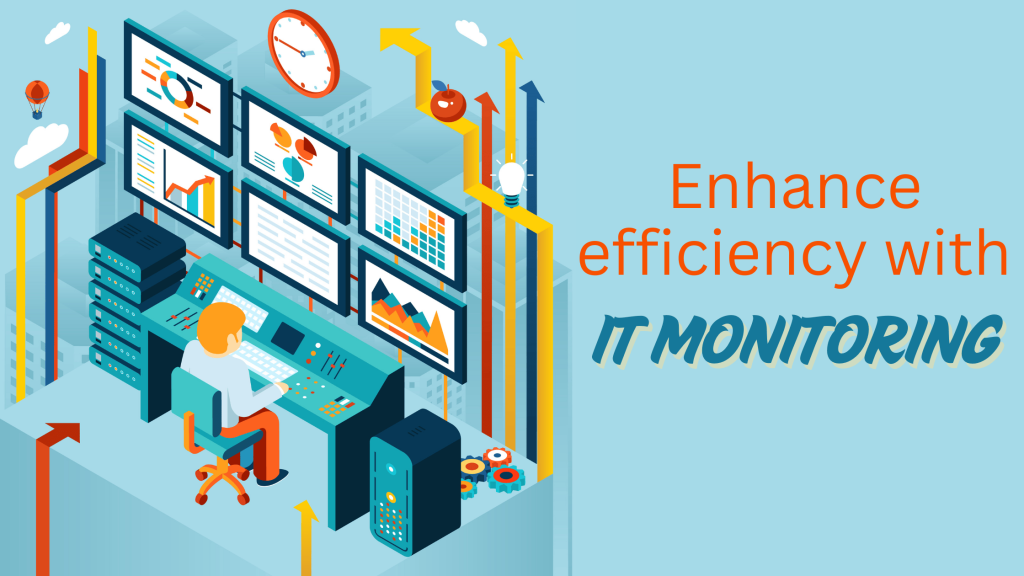
Illustration of a person monitoring multiple data screens in a control room, with the text "Enhance efficiency with IT Monitoring

How IT Monitoring Improves Business Efficiency

Businesses across industries increasingly rely on technology to power business, deliver services, and respond to customer needs. But sophisticated IT infrastructures are daunting, especially when disaster strikes at the worst possible moment. That is where IT monitoring enters the picture—a way through which businesses can remain at top levels of performance, prevent downtime, and enhance efficiency overall. Let us explore what IT monitoring is and why it is essential for businesses today.

(more…)

Illustration of performance metrics and an hourglass representing uptime monitoring tools like Xitoring

5 Reasons Uptime Monitoring Is Essential

In today’s digital-first economy, uptime monitoring has become a cornerstone of effective IT management. Whether you’re running an e-commerce platform, SaaS business, or a simple company website, ensuring uninterrupted availability is crucial for success. Downtime not only impacts revenue but also tarnishes brand reputation. With tools to detect and resolve issues proactively, uptime monitoring can significantly improve operational resilience.

In this comprehensive guide, we’ll explore why uptime monitoring matters, breaking it down into five core benefits that contribute to long-term business growth and customer satisfaction.

What Is Uptime Monitoring?

Uptime monitoring refers to the continuous tracking of the availability and performance of websites, servers, and applications. By leveraging monitoring tools, businesses can receive real-time alerts about outages or performance issues, ensuring swift resolution. This proactive approach minimizes disruptions, improves the user experience, and enhances overall system reliability.

How Does It Work?

Uptime monitoring systems utilize automated tools to:

  • Ping servers at regular intervals.
  • Measure response times.
  • Identify performance bottlenecks.
  • Send immediate alerts when issues arise.

By combining these functions, businesses can achieve greater transparency and control over their IT infrastructure.

Minimize Downtime:

Every second of downtime counts. In e-commerce, even a brief outage can lead to lost sales and dissatisfied customers. Downtime also disrupts business operations, causing delays and increasing operational costs.

How Uptime Monitoring Minimizes Downtime

Uptime monitoring tools provide real-time notifications, enabling IT teams to act quickly. Automated systems can detect and log the root causes of downtime, streamlining the troubleshooting process. By resolving issues swiftly, businesses can reduce the impact of outages and ensure a seamless user experience.

Improve Customer Trust 

Why Trust Matters in the Digital Age

In a competitive landscape, customer trust is a key differentiator. Frequent downtime erodes confidence, making users hesitant to return or recommend your service.

Building Trust with Uptime Monitoring

By maintaining high availability, businesses demonstrate reliability and professionalism. Customers are more likely to trust brands that prioritize their online experience. Proactive uptime monitoring showcases a commitment to service excellence, strengthening customer loyalty.

Optimize Performance

Performance as a Key Competitive Advantage

While uptime ensures availability, performance determines the quality of the user experience. Slow-loading websites or applications frustrate users and lead to higher bounce rates. Studies show that a one-second delay in page load time can reduce conversions by up to 7%.

Uptime Monitoring as a Performance Optimizer

Many uptime monitoring tools go beyond basic availability checks, providing insights into performance metrics like:

  • Response times: Track how quickly your servers respond to user requests.
  • Latency: Measure delays in data transmission.
  • Load times: Identify bottlenecks affecting page speed.

By analyzing these metrics, businesses can fine-tune their systems, improve loading speeds, and deliver a smoother user experience. Tools such as Pingdom or Datadog offer detailed performance reports, empowering IT teams to make data-driven improvements.

Detect Issues Early

The Cost of Unresolved Issues

Minor system hiccups, if left unchecked, can escalate into significant problems, leading to prolonged outages or degraded performance. Early detection is crucial to mitigating risks and avoiding costly repairs or lost business opportunities.

Proactive Monitoring for Early Issue Detection

Uptime monitoring tools are designed to detect anomalies, such as:

  • Spikes in server usage
  • Unusual traffic patterns
  • Potential hardware failures

By receiving real-time alerts, IT teams can take preventative measures, such as increasing server capacity during traffic surges or replacing failing components before they cause downtime. This proactive approach not only minimizes disruptions but also extends the lifespan of your IT infrastructure.

Stay Competitive

Reliability as a Market Differentiator

In today’s fast-paced digital marketplace, customers gravitate toward businesses they can rely on. High uptime and consistent performance set your brand apart from competitors, particularly in industries where availability is mission-critical, such as SaaS, e-commerce, and financial services.

Competitive Edge Through Monitoring Tools

With uptime monitoring, you can:

  • Maintain a robust online presence.
  • Provide a superior user experience.
  • Gain an advantage over less reliable competitors.

For instance, businesses using advanced tools like UptimeRobot or Xitoring can achieve near-perfect uptime, ensuring their services remain accessible 24/7.

Best Tools for Uptime Monitoring

Key Features to Look For

When selecting an uptime monitoring tool, consider these critical features:

  • Real-time alerts: Immediate notifications when issues arise.
  • Customizable reports: Detailed performance metrics tailored to your needs.
  • Integration options: Compatibility with existing systems.
  • Ease of use: User-friendly dashboards and controls.

Recommended Tools
Here are some top-rated uptime monitoring tools to explore:

1. Xitoring

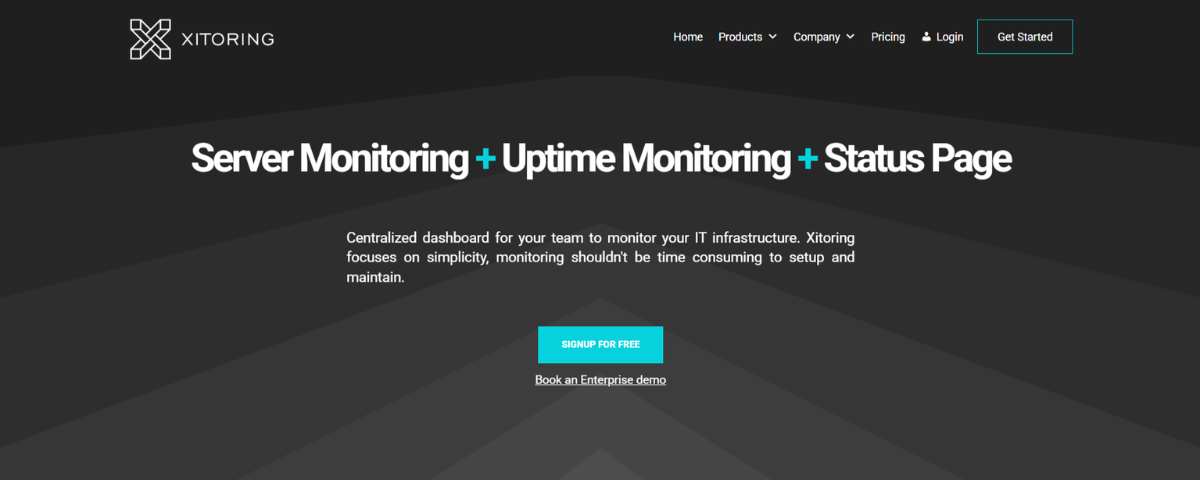
Xitoring homepage showcasing features like server monitoring, uptime monitoring, and status page with a centralized dashboard for IT infrastructure

  • Key Features:
    • Real-time uptime monitoring for servers and websites.
    • Supports multiple protocols: Ping, HTTP(s), DNS, and more.
    • Customizable notification channels and public status pages.
    • Advanced performance metrics and detailed reporting.
  • Best For: Businesses looking for centralized, versatile server monitoring with customizable alerts.
  • Website URL: https://xitoring.com/

2. UptimeRobot

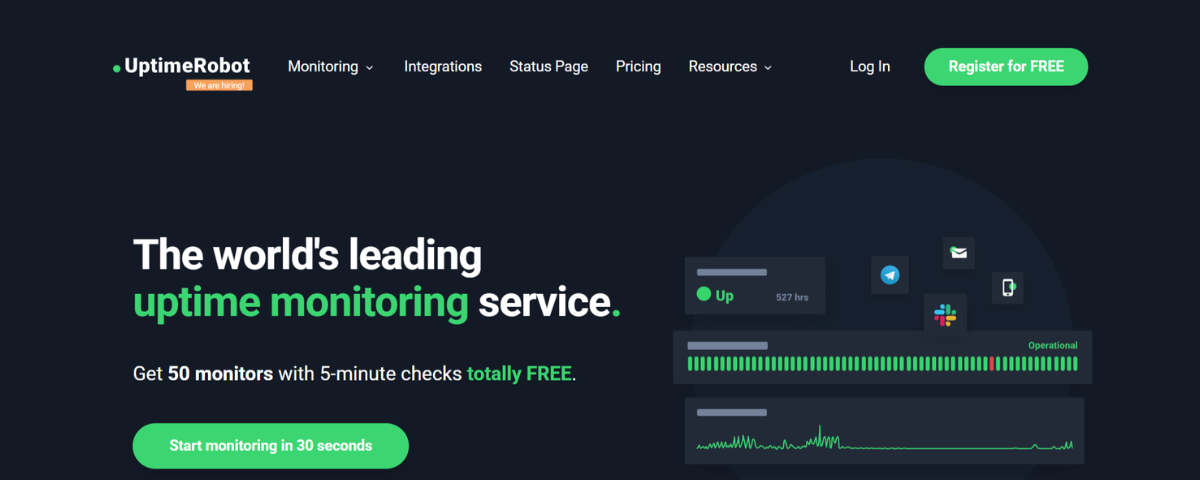
UptimeRobot homepage promoting uptime monitoring services with real-time status updates and free monitoring features

  • Key Features:
    • Free monitoring for websites, SSL, ports, and keywords.
    • Customizable status pages and incident updates.
    • Maintenance windows for scheduled downtime.
    • 1-minute monitoring intervals for paid plans.
  • Best For: Small to medium-sized businesses seeking budget-friendly uptime monitoring with essential features.
  • Website URL: http://uptimerobot.com/

3. Pingdom

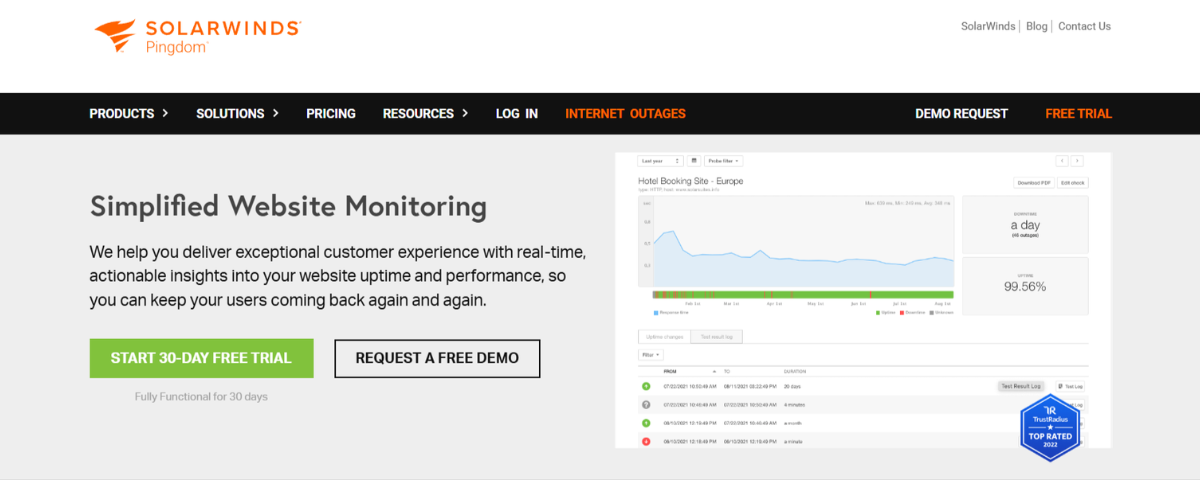
SolarWinds Pingdom homepage highlighting simplified website monitoring with real-time performance insights and uptime analytics

  • Key Features:
    • Synthetic monitoring to simulate user interactions.
    • Comprehensive uptime and performance monitoring.
    • Page speed analysis and transaction monitoring.
    • Advanced alerting and detailed performance reports.
  • Best For: Enterprises and e-commerce businesses focused on user experience and performance optimization.
  • Website URL: http://pingdom.com/

4. Better Stack

Better Stack homepage showcasing a modern observability stack for higher-quality software and faster engineering workflows

  • Key Features:
    • Website and API monitoring with incident management.
    • Playwright-based transaction monitoring for complex workflows.
    • Customizable status pages and real-time notifications.
    • Integrates with Slack, Teams, and other incident management tools.
  • Best For: Teams requiring a robust observability stack with advanced transaction checks and log management.
  • Website URL: http://betterstack.com/

5. Uptime.com

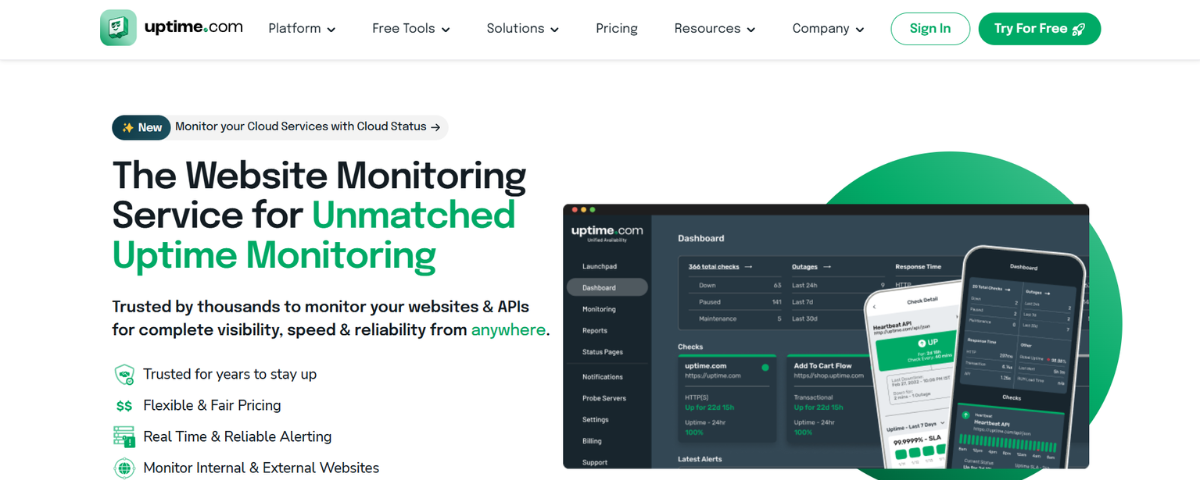
Uptime.com homepage featuring unmatched uptime monitoring services with real-time alerts and dashboard views for website and API performance

    • Key Features:
      • Uptime, API, synthetic, and real user monitoring.
      • Private location monitoring for internal systems.
      • Comprehensive reporting and analytics.
      • Customizable status pages and multi-channel alerts.
    • Best For: Large-scale enterprises seeking diverse monitoring solutions with detailed reporting.
    • Website URL: http://uptime.com/

Conclusion

Each tool offers unique advantages, so choose one that aligns with your business goals and technical requirements.

In today’s always-on digital landscape, uptime monitoring is more than a technical necessity—it’s a strategic imperative. By minimizing downtime, optimizing performance, detecting issues early, and staying competitive, businesses can safeguard their reputation, retain customer trust, and drive growth. With tools like Xitoring, you can take your uptime monitoring to the next level. Try Xitoring for free today and ensure your digital operations stay seamless and reliable.

A digital image featuring a glowing interconnected network overlay on Earth, with the bold text "What is Uptime Monitoring?" and a subtitle "Why Uptime Monitoring Matters?"

What is Uptime Monitoring?

Have you ever wondered what keeps your favorite websites and apps running smoothly without any interruptions? Well, it’s all thanks to uptime monitoring! In this article, we’ll break down the concept of uptime monitoring in simple terms and explain why it’s crucial for online services, websites, and applications. Additionally, we will see how it impacts businesses and organizations.

Uptime Monitoring

Uptime monitoring is like having a watchful eye on your digital systems, ensuring they are always up and running. Additionally, it’s all about checking if a website, app, or online service is available and working properly. The main goal is to ensure that these digital tools are accessible to users 24/7 without any hiccups.

The significance of uptime monitoring has grown tremendously with the rise of the internet and digital technology. In a world where business operations, communication, and information access increasingly depend on online services, consequently, any downtime can have far-reaching consequences. This article explores the vital role of uptime monitoring and its impact on various aspects of the online world.

(more…)

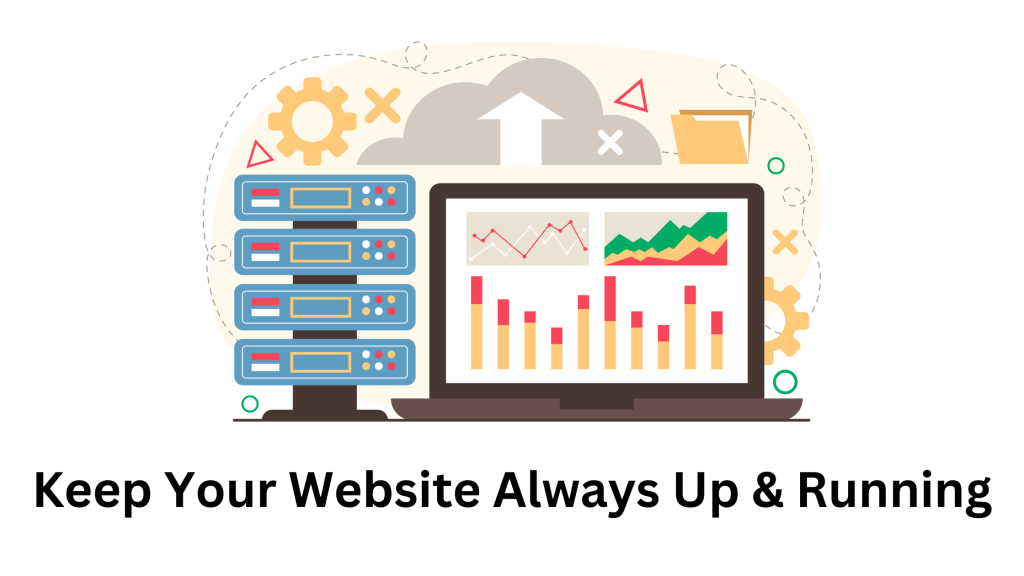
Illustration of uptime monitoring with server racks, a laptop displaying website performance analytics, and a cloud upload icon, emphasizing website availability and performance tracking.

What is uptime monitoring and why is it important?

What is uptime monitoring?

Uptime monitoring is the practice of regularly checking the availability and performance of a website, server, or application to ensure that it is accessible to users and performing as expected. This is typically done using automated tools that perform checks at set intervals, such as every minute or every five minutes. The purpose of uptime monitoring is to minimize downtime, improve website performance, ensure compliance, enhance security, and support business continuity.

(more…)

A digital illustration featuring a person sitting on server racks with a tablet, alongside a server status panel displaying various server conditions. The text on the left reads, "Stay Transparent, Build Trust: The Power of a Public Status Page

How a public status page help your business?

What’s a public status page?

A public status page often offers a summary of the service’s current status, including information such as whether the service is currently up or down, as well as any known faults or events. A timeline of recent events, such as when an issue was originally reported, when it was resolved, and what efforts were made to remedy it, may also be included. Some public status pages also offer information about other connected services and their current state, as well as contact information for the company’s support team. Some service providers host their status pages with third-party solutions, allowing them to integrate the status page into their own website and deliver real-time updates, notifications, and historical data to their clients.

(more…)

Illustration of server uptime monitoring with IT professionals working on servers and performance analytics, emphasizing 24/7 monitoring to prevent downtime and ensure business continuity.

Server monitoring vs Uptime monitoring

What is Server Uptime?

The current uptime of a server is the time elapsed since its last reboot. Years, months, days, hours, minutes, and seconds express uptime. Uptime starts at 0 (zero) every time the server starts up again, and it keeps going up as long as the server is working.

Why is Uptime Monitoring Important?

Monitoring is standard in the IT industry because it allows you to maintain the ideal state of the company’s servers. The server performance monitoring procedure is pretty straightforward; it routinely collects server data and analyzes it in real-time or retrospectively. This enables us to guarantee that the servers run properly, delivering their intended purpose.
You may monitor nearly everything, including processor performance control, memory consumption, network, and disk space bandwidth, and server-related issues. However, understanding how to monitor a server is insufficient. It is essential to comprehend why it is such an integral component of its security. The purpose of monitoring is to provide information on failures and performance issues and to anticipate and prevent problems. In practice, this implies that faults or anomalies are discovered so quickly that the entire organization’s service, application, or operation is not halted. As a result, the company’s server infrastructure functions properly and reliably, and the company does not incur losses due to lengthy system outages.

(more…)