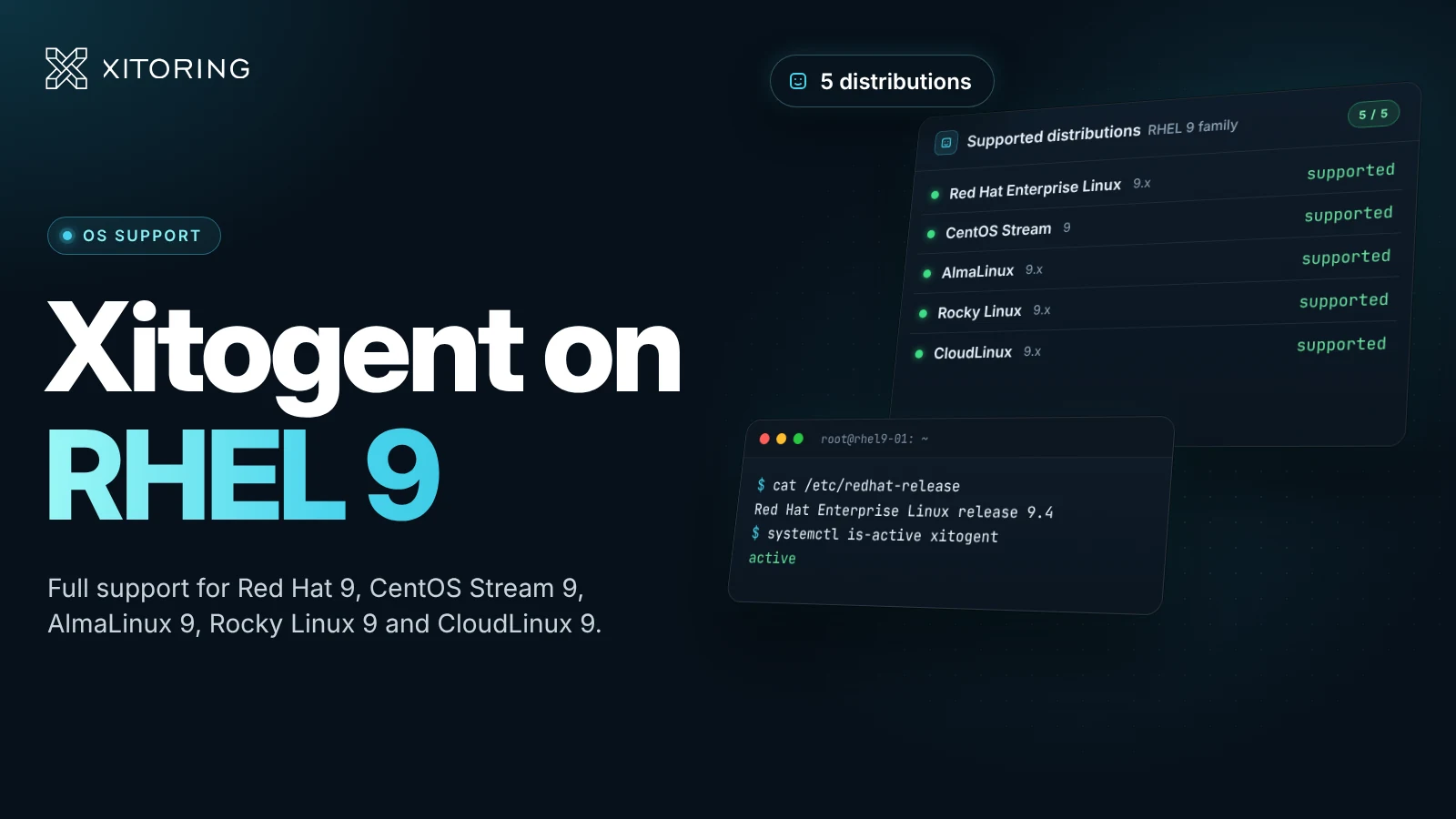
We're happy to announce that Xitogent now fully supports RHEL 9 and the entire RHEL 9 family of distributions. Whether you run Red Hat Enterprise Linux, CentOS Stream, AlmaLinux, Rocky Linux, or CloudLinux, you can install Xitogent in one command and start server monitoring in minutes — for free, on up to five servers, forever.
Supported RHEL 9 Distributions
| Distribution | Version | Supported |
|---|---|---|
| Red Hat Enterprise Linux | 9.x | Yes |
| CentOS Stream | 9 | Yes |
| AlmaLinux | 9.x | Yes |
| Rocky Linux | 9.x | Yes |
| CloudLinux | 9.x | Yes |
If you're still on the 8.x series, see our earlier announcements covering AlmaLinux support and Rocky Linux support — the same Xitogent agent runs on both lines.
What Xitogent Monitors on RHEL 9
Once installed, Xitogent runs as a lightweight system service and ships your server's metrics to the nearest Xitoring probing node on a recurring interval. Out of the box, you get:
- CPU usage — overall and per-core load
- Memory usage — RAM and swap utilization
- Disk I/O — read/write throughput
- Disk usage — per-mount-point free space
- Server load — 1-, 5-, and 15-minute load averages
- Service discovery — automatic detection of installed services like Nginx, Apache, MySQL, PostgreSQL, Redis, and Docker, with checks created automatically. The full list lives on our integrations page.
When a metric crosses a threshold (e.g., CPU above 90% for several minutes, or disk usage past 85%), Xitoring opens an incident and routes an alert through your configured notification channels — Slack, PagerDuty, email, SMS, webhook, and 15+ more.
Install Xitogent on RHEL 9
Installing Xitogent is a single command. After registering an account, copy the install token from your Xitoring dashboard and run it on the server:
curl -fsSL https://xitoring.com/install.sh | bash -s YOUR_TOKEN
The script adds the Xitoring repository, installs the agent, registers it with your token, and enables the xitogent systemd service. Within a few minutes the server appears in your dashboard with initial graphs, default checks, and triggers already in place. Step-by-step instructions and advanced options (proxies, manual configuration, custom probing nodes) are in the Xitogent documentation.
Why Monitor Your RHEL Servers?
The RHEL 9 family powers a huge share of production Linux workloads — web servers, databases, containers, and enterprise applications. When something goes wrong, you don't want to find out from a customer ticket. With Xitogent on each server, you'll know within seconds when:
- A service crashes or stops responding
- Disk space runs out
- Memory pressure spikes
- A scheduled cronjob misses its window
- An SSL certificate is about to expire
Pair Xitogent with uptime monitoring and API checks for a single pane of glass over your full RHEL 9 fleet — server health, public-facing availability, and scheduled work, all in one dashboard.
Try It Free
If you're new to Xitoring, register an account and start monitoring up to five Linux servers — RHEL 9, CentOS Stream, AlmaLinux, Rocky Linux, or CloudLinux — at no cost, forever.