Cronjob
Monitoring
Never wonder if your scheduled tasks actually ran. Xitoring alerts you when a cron job fails to execute, runs late, or takes too long.
Social Proof
Trusted by thousands — rated on
See what real users say about Xitoring on the world's top review platforms.




What is cronjob monitoring?
Cronjob monitoring is heartbeat-based observation of scheduled background tasks — Linux cron jobs, systemd timers, Kubernetes CronJobs, AWS EventBridge schedules, and platform-managed task runners — that execute outside the request/response path of normal application traffic. Each scheduled task is given a unique heartbeat URL; after every successful run, the task pings that URL, and the monitor raises an alert if the next ping is missed or arrives late.
Key Features
Everything you need for Cronjob Monitoring.
Schedule Tracking
Define expected cron schedules. Xitoring knows when your job should run and alerts you if it doesn't check in on time.
Failure Detection
Detect both silent failures (job didn't run) and error exits (non-zero exit codes) automatically.
Duration Monitoring
Track how long each execution takes. Get alerted when a job runs significantly longer or shorter than expected.
Simple Integration
Add a single curl call to the end of your crontab entry. No code changes, no SDKs, no complex setup required.
Execution History
Full audit trail of every cron execution with timestamps, duration, and exit status for compliance and debugging.
Smart Notifications
Configure alerts for missed runs, late starts, long durations, or error exits — each with its own threshold.
Never Miss a Scheduled Task Again
Cronjob Monitoring catches silent failures before they compound. Xitoring tracks schedules, durations, and exit codes — alerting you instantly when something goes wrong.
- Simple curl integration — no SDKs
- Expected schedule tracking with grace periods
- Missed run and error exit detection
- Execution duration monitoring
- Full execution audit trail
- Multi-server cron tracking
- Timezone-aware scheduling with DST support
- Exit code reporting and classification
- +15 Notification Channels
Who it's for
Cronjob Monitoring Use Cases
See how teams across industries use Xitoring to keep their infrastructure reliable.
Database Maintenance
Monitor nightly database cleanups, index rebuilds, and vacuum jobs. Ensure your database stays performant without manual checks.
E-Commerce Operations
Track inventory sync jobs, price update scripts, and order processing crons that keep your store running smoothly.
SaaS & Billing
Monitor subscription renewal crons, invoice generation, and usage metering jobs critical to your revenue pipeline.
DevOps & Infrastructure
Track log rotation, certificate renewal scripts, system health checks, and automated deployment pipelines.
Finance & Compliance
Monitor report generation jobs, regulatory filing crons, and data archival scripts required for audit compliance.
Data Processing
Track ETL pipelines, data warehouse loads, analytics aggregation jobs, and machine learning training schedules.
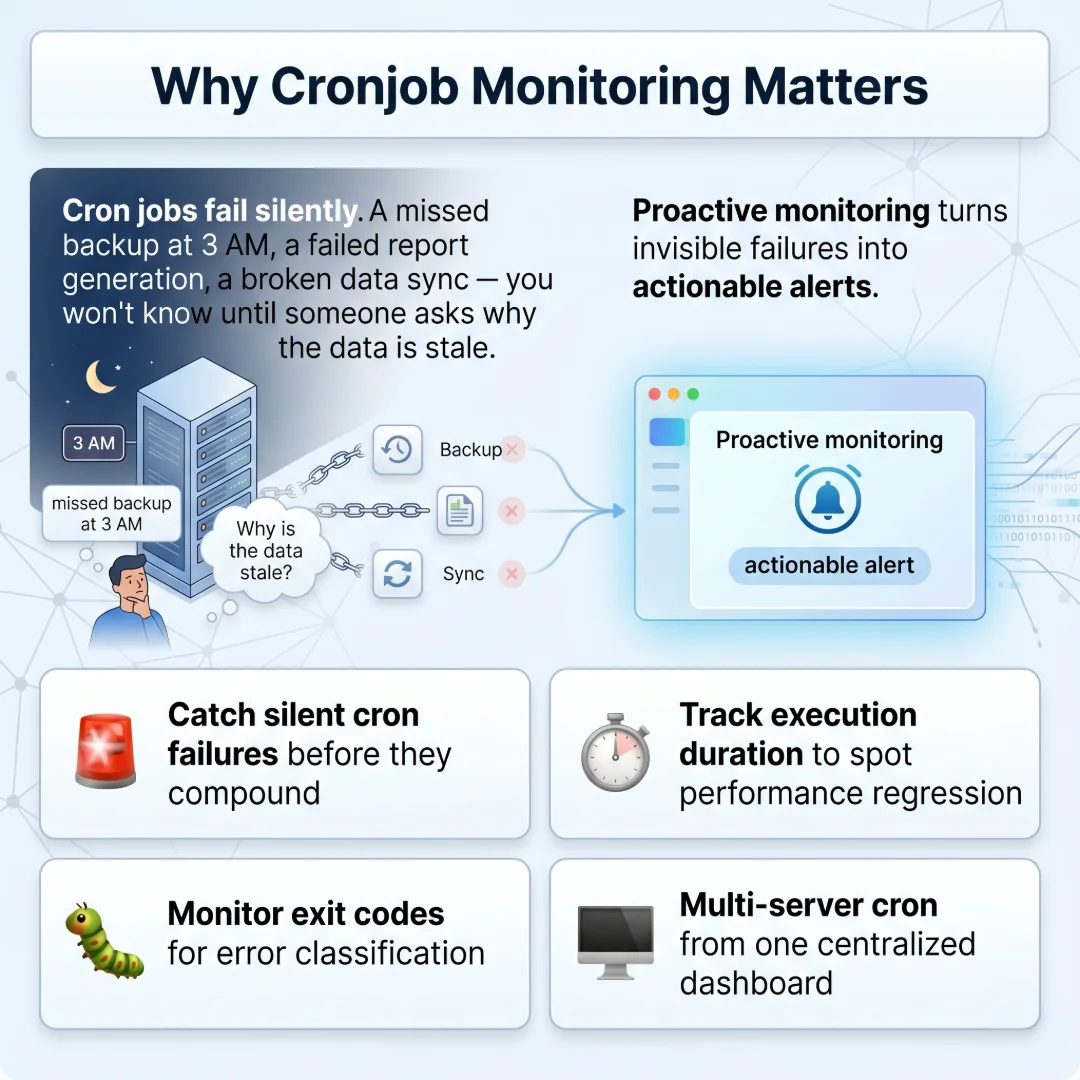
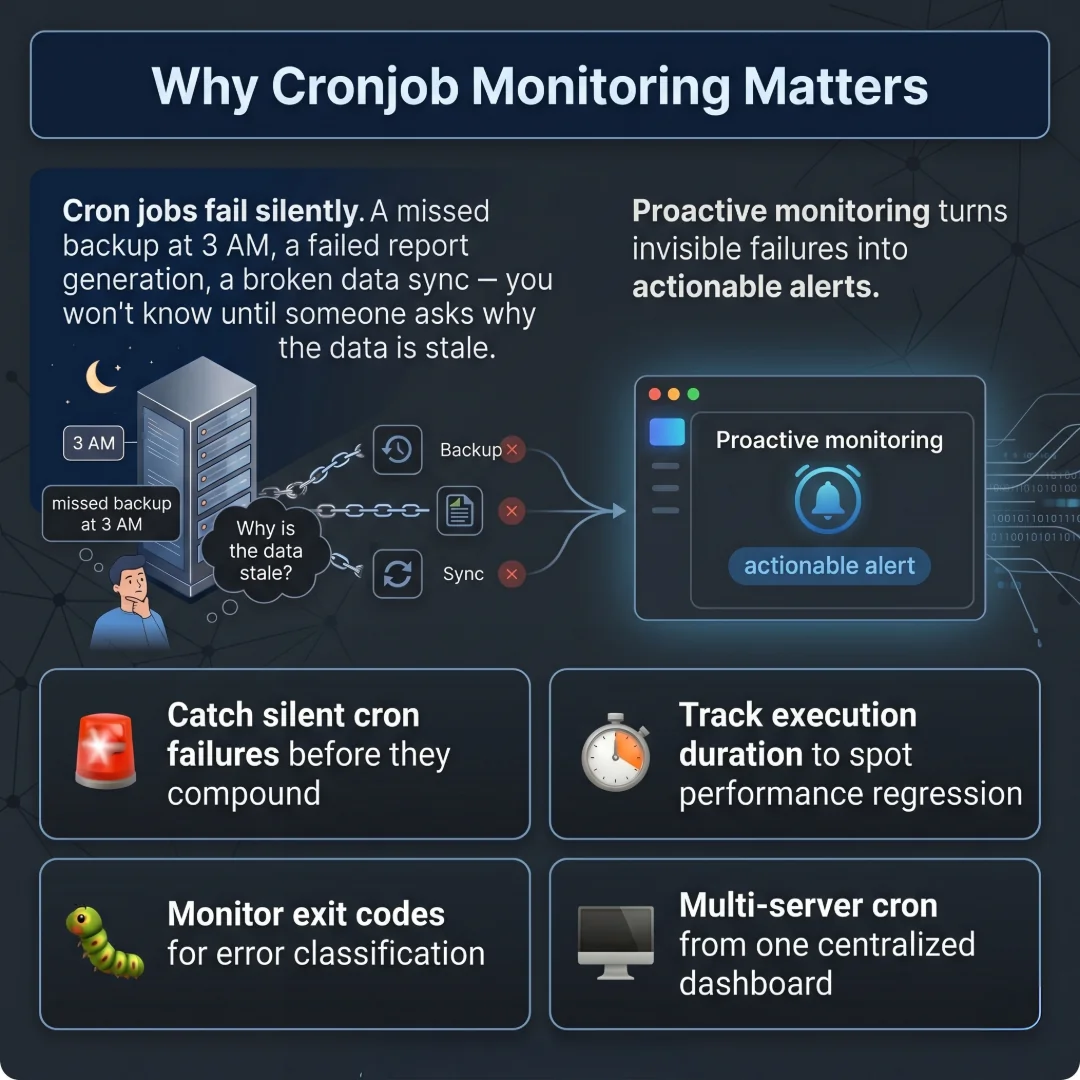
Why Cronjob Monitoring Matters
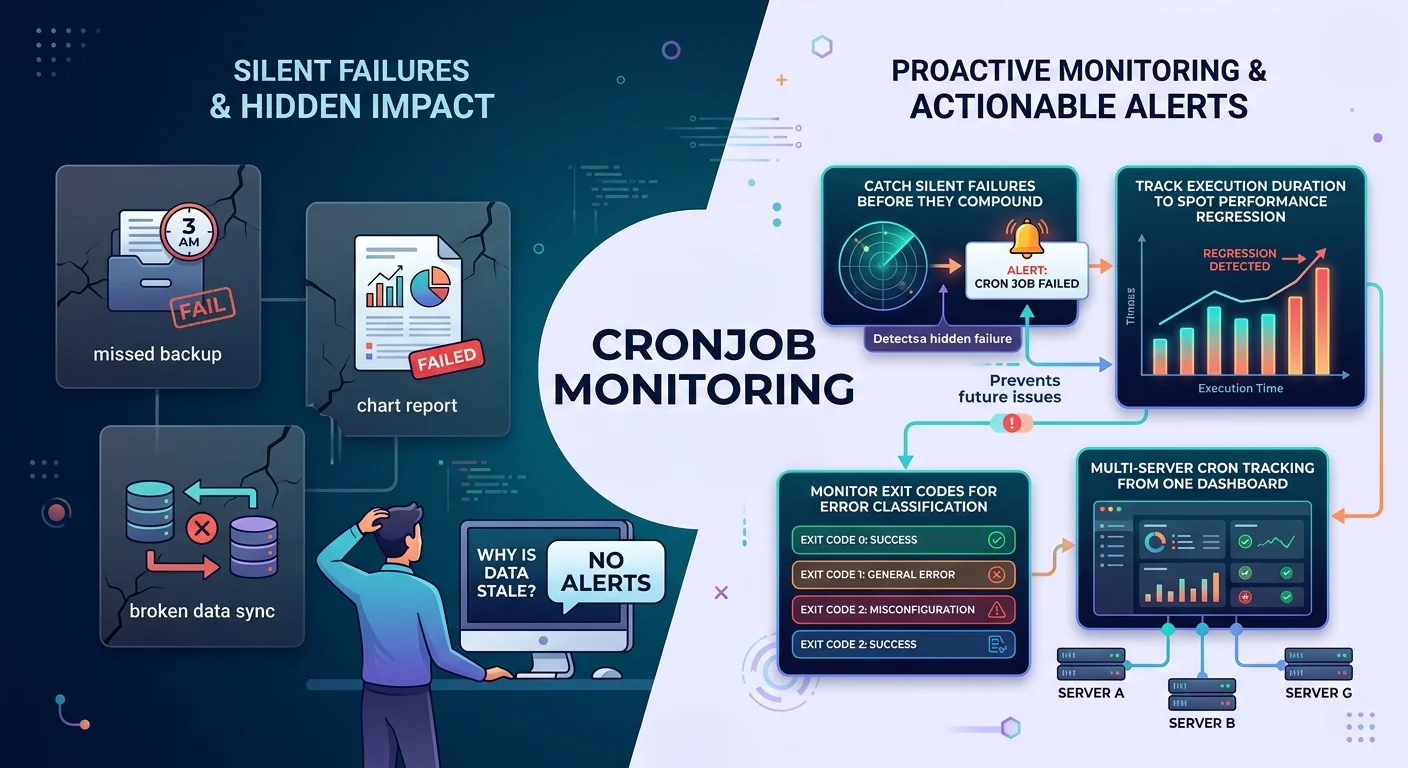
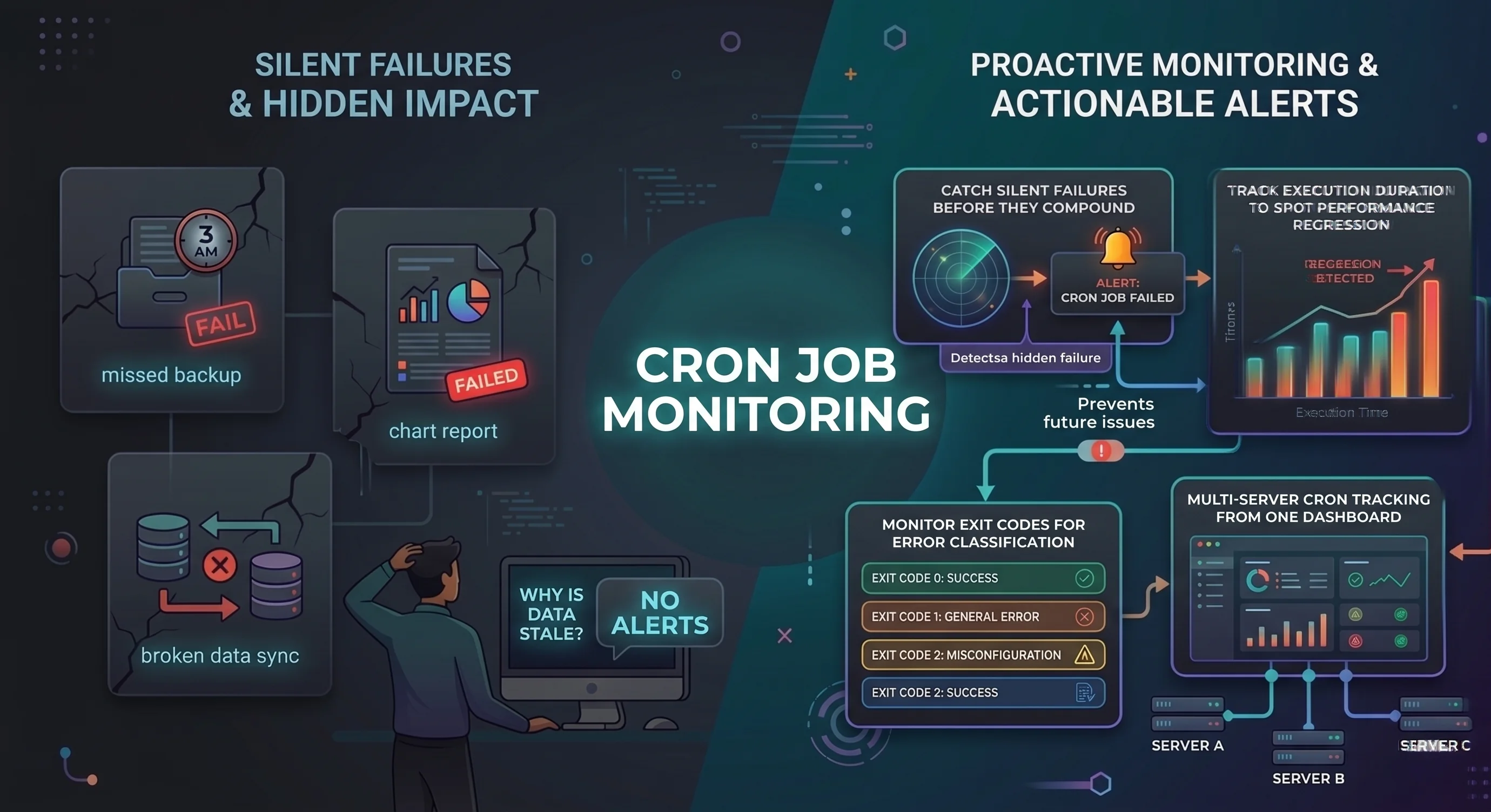
Cron jobs fail silently. A missed backup at 3 AM, a failed report generation, a broken data sync — you won't know until someone asks why the data is stale. Proactive monitoring turns invisible failures into actionable alerts.
- Catch silent cron failures before they compound
- Track execution duration to spot performance regression
- Monitor exit codes for error classification
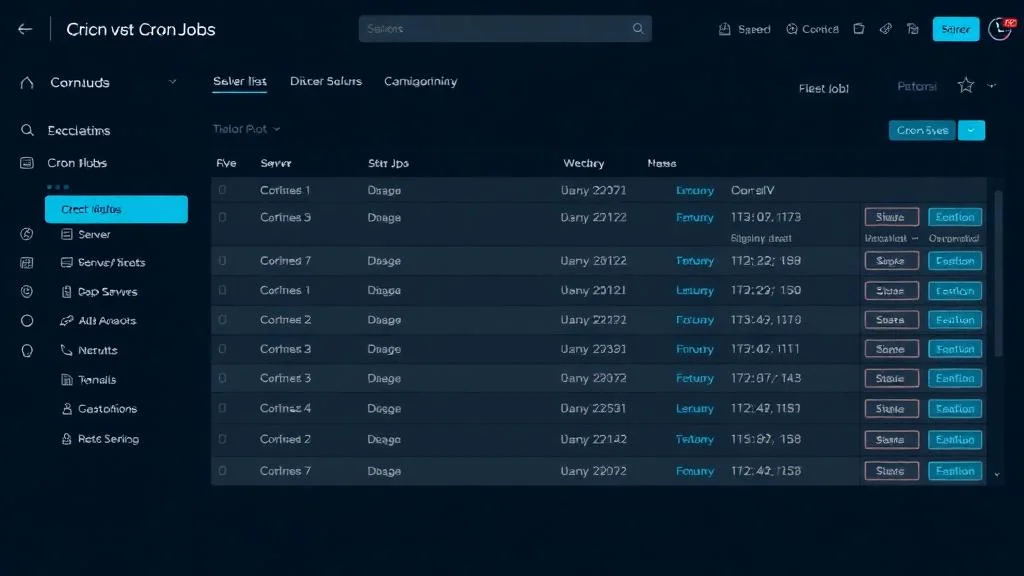
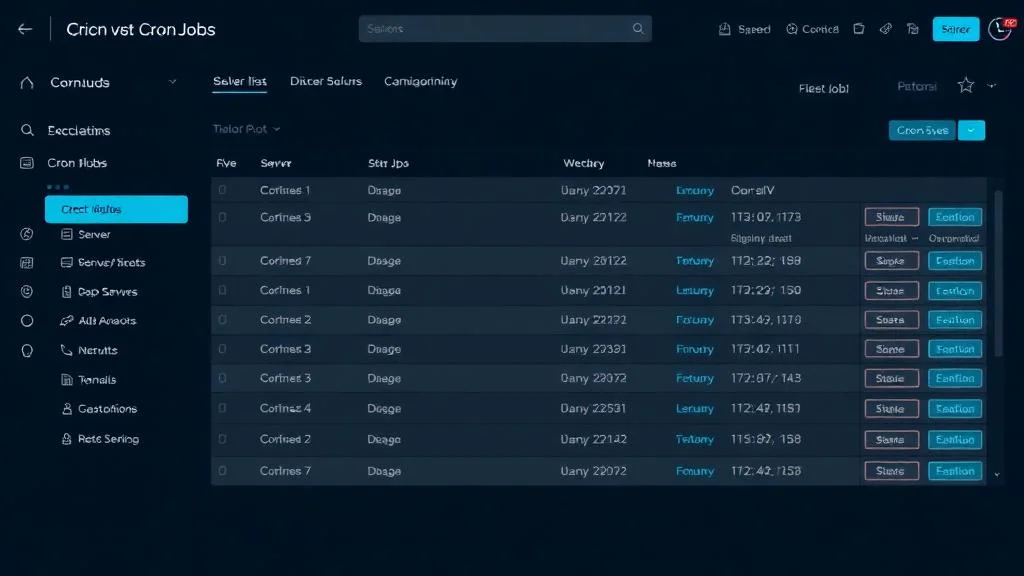
- Multi-server cron tracking from one dashboard
Xitoring's Cronjob Dashboard
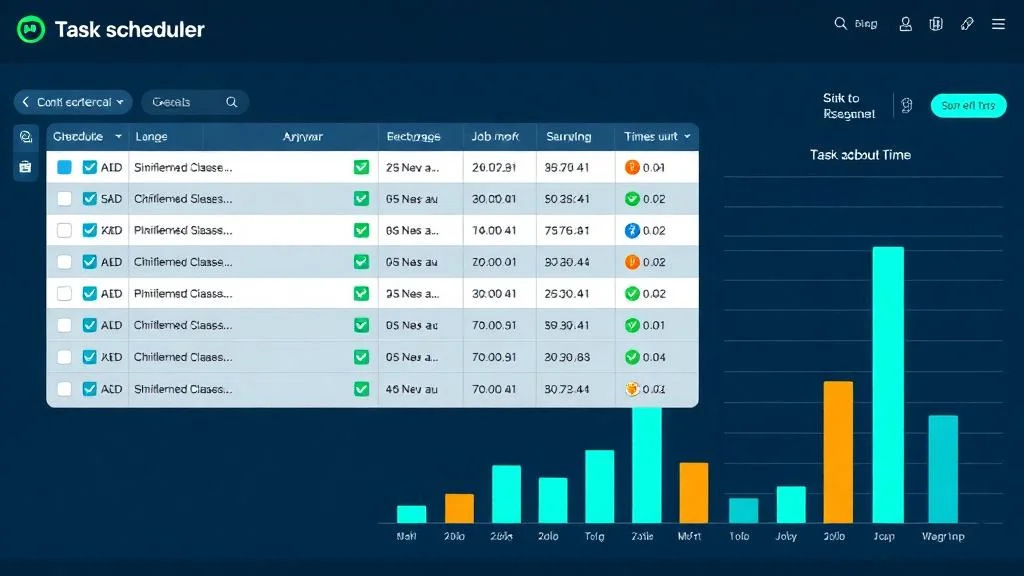
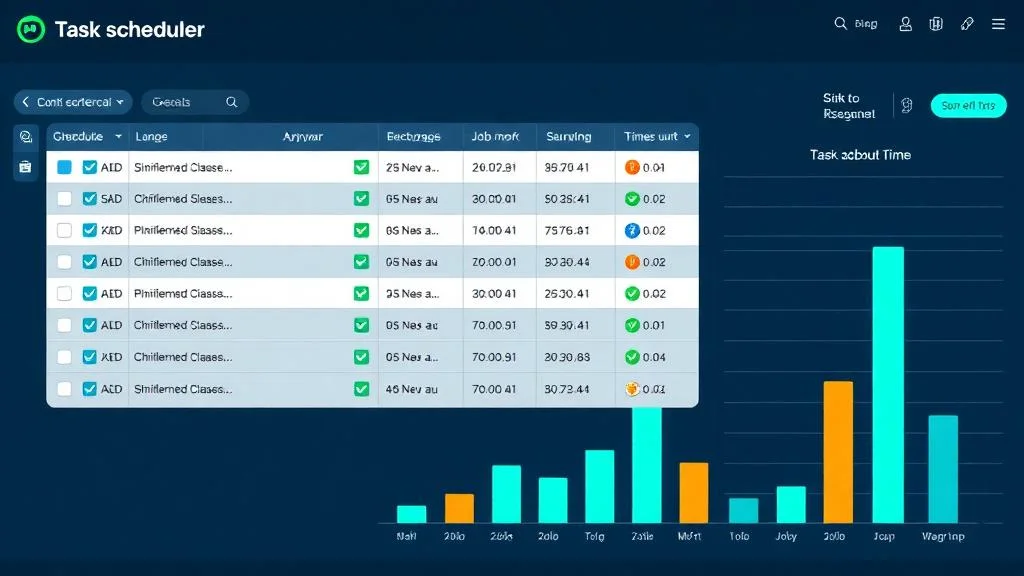
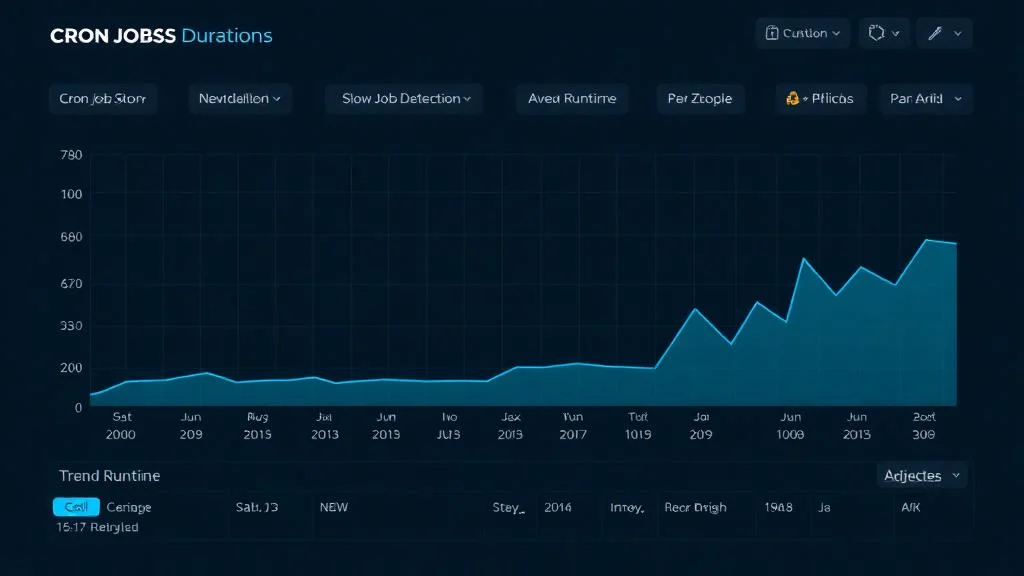
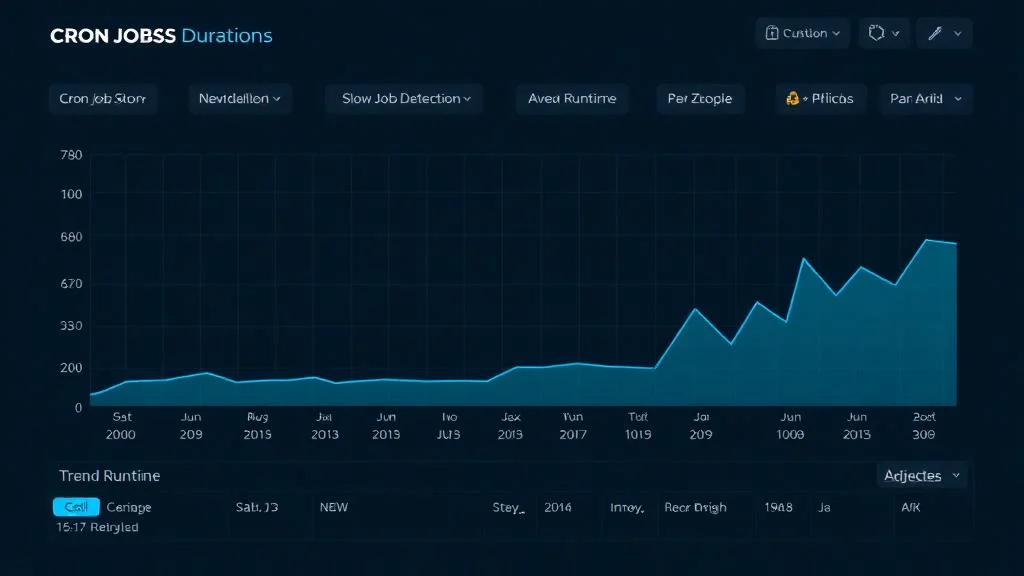
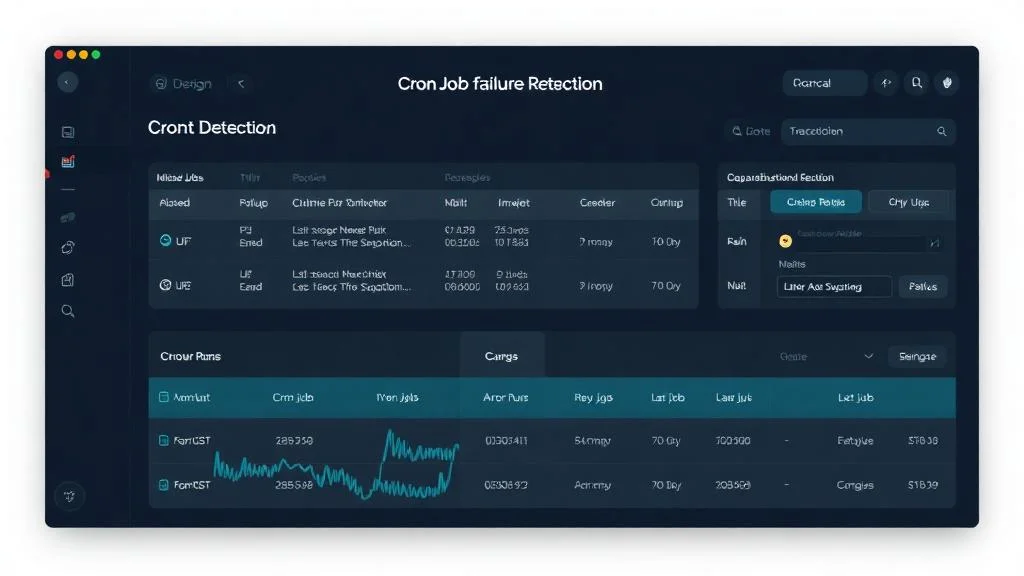
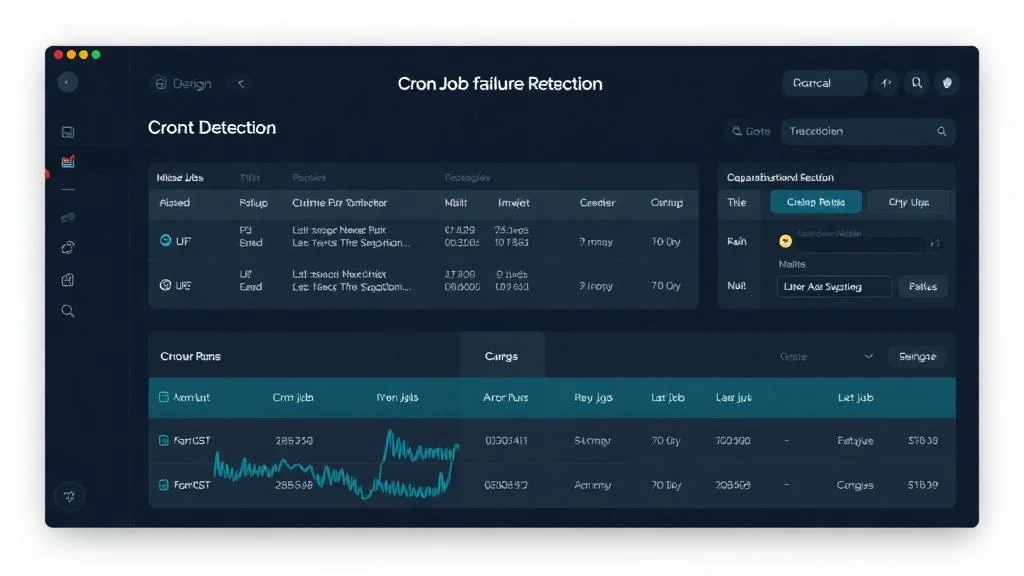
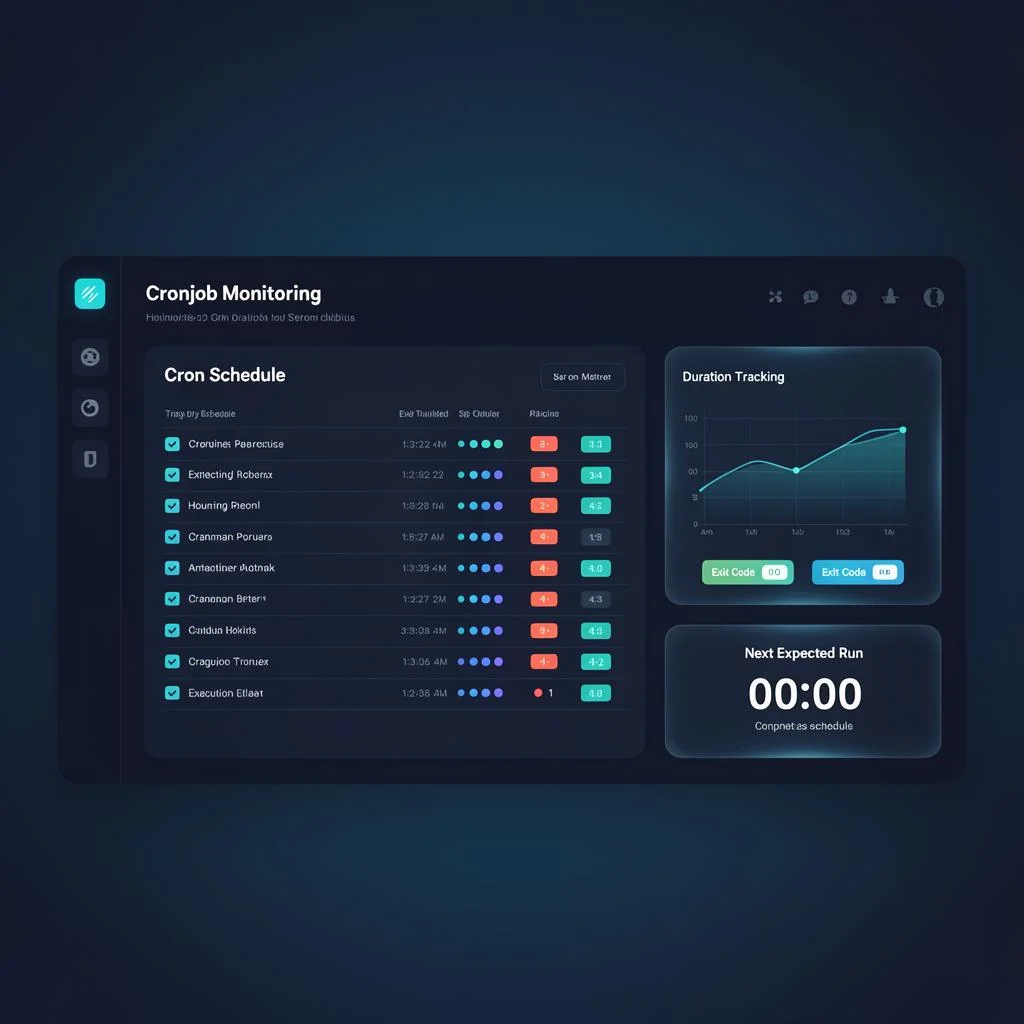
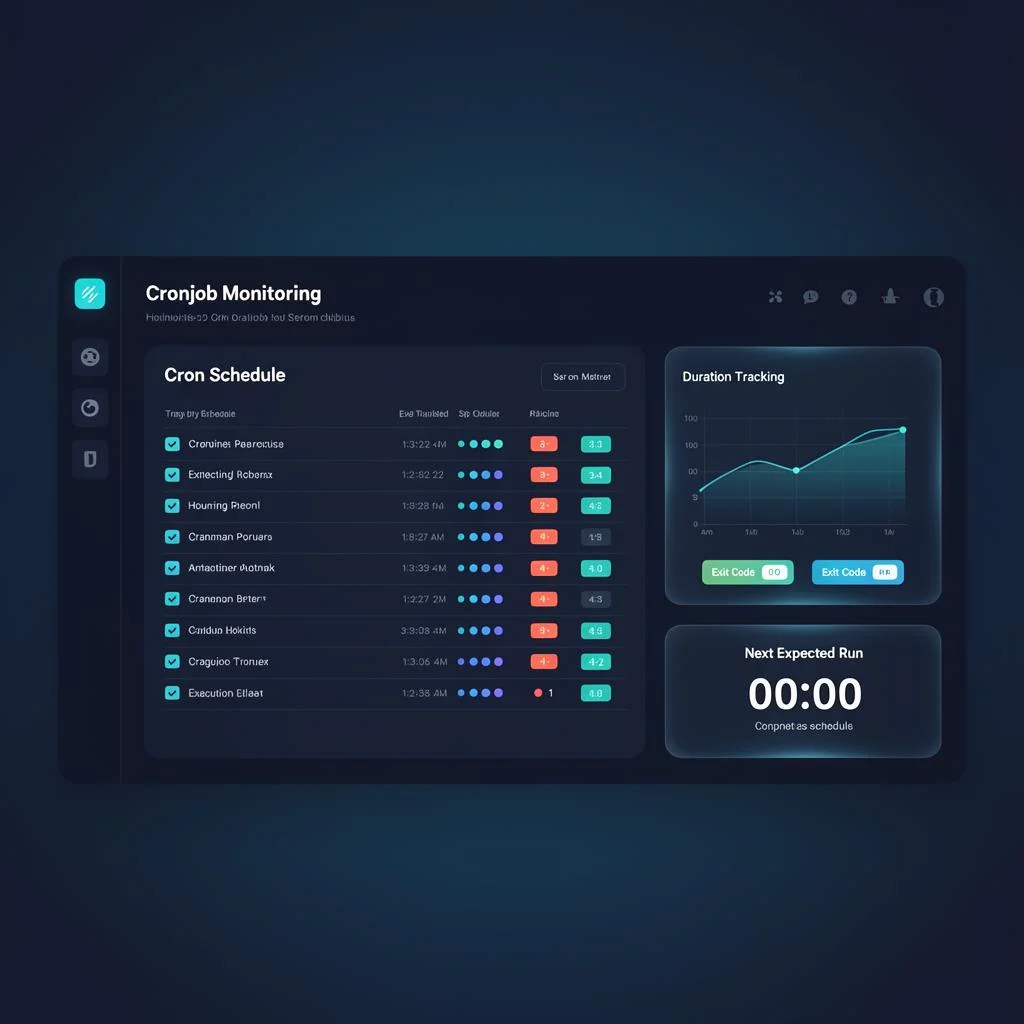
Complete visibility into every scheduled task. See cron schedules, execution history, duration trends, exit codes, and next expected run countdowns — all organized in a single, actionable view.
- Cron schedule list with execution history
- Duration tracking with trend analysis
- Exit code status badges for quick triage
- Next expected run countdown timer
Additional Capabilities
Multi-Server Cron Tracking
Monitor cron jobs across your entire server fleet from a single dashboard. Compare execution patterns across environments.
Exit Code Reporting
Capture and display exit codes from your cron jobs. Quickly distinguish between success (0) and various failure modes.
Timezone Awareness
Define schedules in any timezone. Xitoring handles DST transitions and timezone conversions automatically.
Frequently asked questions
Common questions about Cronjob Monitoring.
How does cron job monitoring work?
What counts as a cron job failure?
Can I monitor jobs on multiple servers?
How are late-running jobs detected?
Does it handle timezone differences?
Can I track job execution duration?
Why do scheduled tasks fail silently — and what does monitoring catch?
Add One Line to Your Crontab, Done
Append a single curl command to your crontab entry. Xitoring tracks every execution, monitors duration, and alerts you on missed runs or failures — zero setup friction.
Start Free Trial