AIOps for
Modern Infrastructure
Stop hunting through dashboards. Ask the in-panel AI about any metric, compare servers in one sentence, and let your own AI agents drive Xitoring through the MCP server.
Social Proof
Trusted by thousands — rated on
See what real users say about Xitoring on the world's top review platforms.



What is AIOps?
AIOps (Artificial Intelligence for IT Operations) is the practice of applying machine learning and large language models to the operational data your infrastructure already produces — metrics, logs, traces, alerts, and incidents — to make humans faster and more accurate at running systems. Instead of pointing engineers at raw dashboards, an AIOps platform synthesizes signals across the fleet, surfaces what matters, and answers questions in plain language.
Key Features
Everything you need for AIOps for Modern Infrastructure.
In-Panel AI Assistant
Chat with an AI that already sees your metrics, charts, hosts, and incidents. Ask about CPU spikes, disk trends, or last night's alert and get an answer grounded in your real data.
Cross-Server Comparison
Ask which servers are performing best, which are drifting, and why. The AI ranks hosts side-by-side on the metrics you care about and explains the gap.
MCP Server for AI Agents
Plug Xitoring into Claude, Cursor, or any MCP-compatible agent — 70 tools for reading metrics, managing checks, and acting on incidents.
Explore the MCP serverNatural-Language Queries
Ask in English instead of writing PromQL or SQL. "Show me the top 5 RAM-hungry hosts this week" returns a ranked chart with the relevant context.
Context-Aware Recommendations
The assistant knows your fleet shape, alert thresholds, and incident history — so its advice fits your environment instead of generic best practices.
Always-On Insight
The AI never sleeps. It surfaces patterns across your fleet — silent regressions, slow drifts, noisy alerts — so you find issues before customers do.
From Dashboards to Conversations and Autonomous Agents
AIOps in Xitoring turns observability into a conversation. The in-panel assistant answers questions in plain English. The MCP server lets your AI agents take action. Together they cut hours of dashboard hunting down to a single prompt.
- In-panel AI chat over your live metrics
- Ask in natural language — no PromQL required
- Side-by-side server comparison with explanations
- MCP server for Claude, Cursor & any MCP agent
- Read and write — agents can manage monitors and alerts
- Grounded in your account's real data, never hallucinated
- Surfaces silent regressions and slow drifts
- Built-in incident and alert history context
- Private by default — no training on your data
Who it's for
AIOps Use Cases
See how teams across industries use Xitoring to keep their infrastructure reliable.
On-Call & Incident Response
Ask the AI what changed in the last hour, which hosts are anomalous, and what likely caused the page. Cut MTTR by skipping the dashboard scavenger hunt.
Capacity Planning
"Which servers are running hot on memory this quarter?" The AI ranks hosts, projects trends, and flags the ones you'll need to resize first.
Fleet Optimization
Compare similar servers in seconds. Find the outliers — the slow disk, the misconfigured worker, the oversized VM — and act on them.
DevOps Automation
Wire Xitoring into your AI agent over MCP. Let it provision monitors during deploys, ack flapping alerts, and pull metrics into post-deploy checks.
Executive Reporting
Generate weekly fleet summaries in plain English — uptime, top incidents, biggest changes — without building a single new dashboard.
Onboarding & Knowledge Sharing
New engineers can ask the AI about your infrastructure instead of paging a senior. The answers are grounded in your real account, not generic docs.
Why AIOps Now
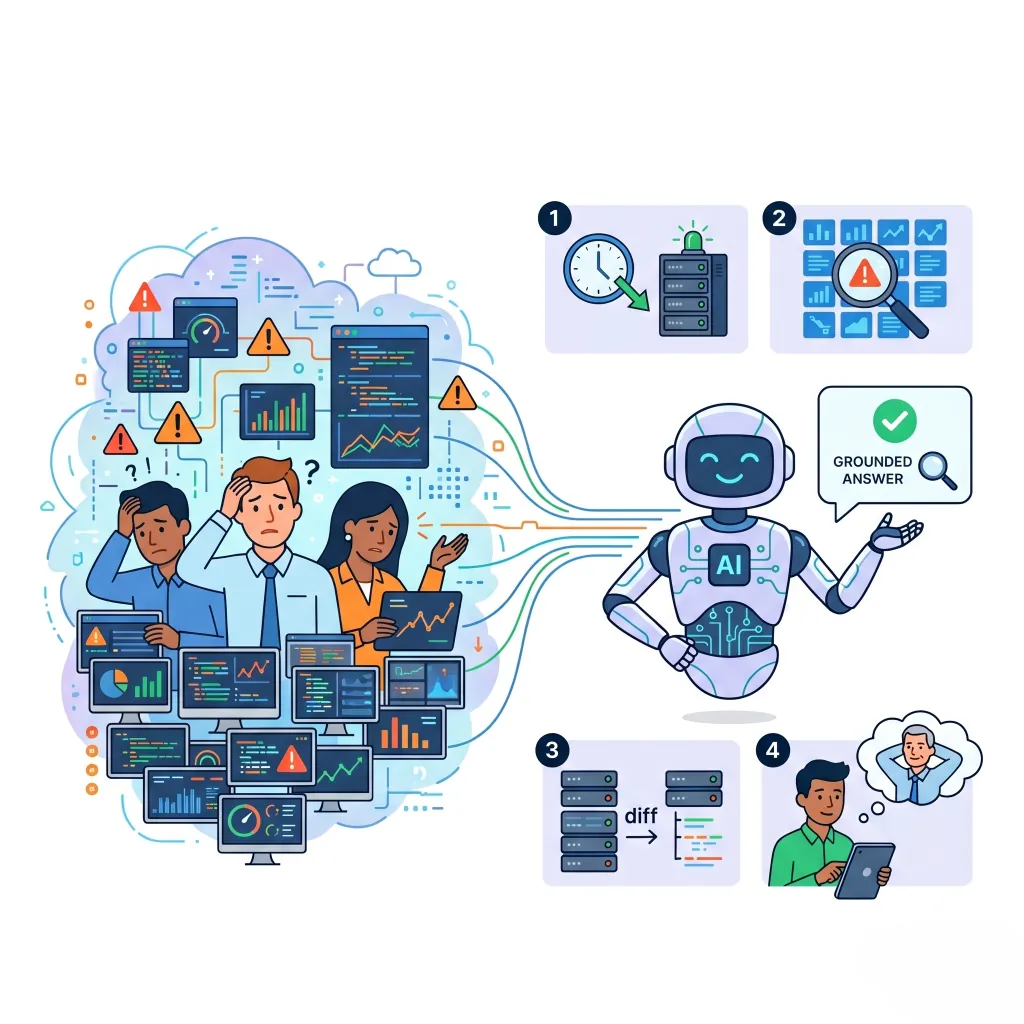
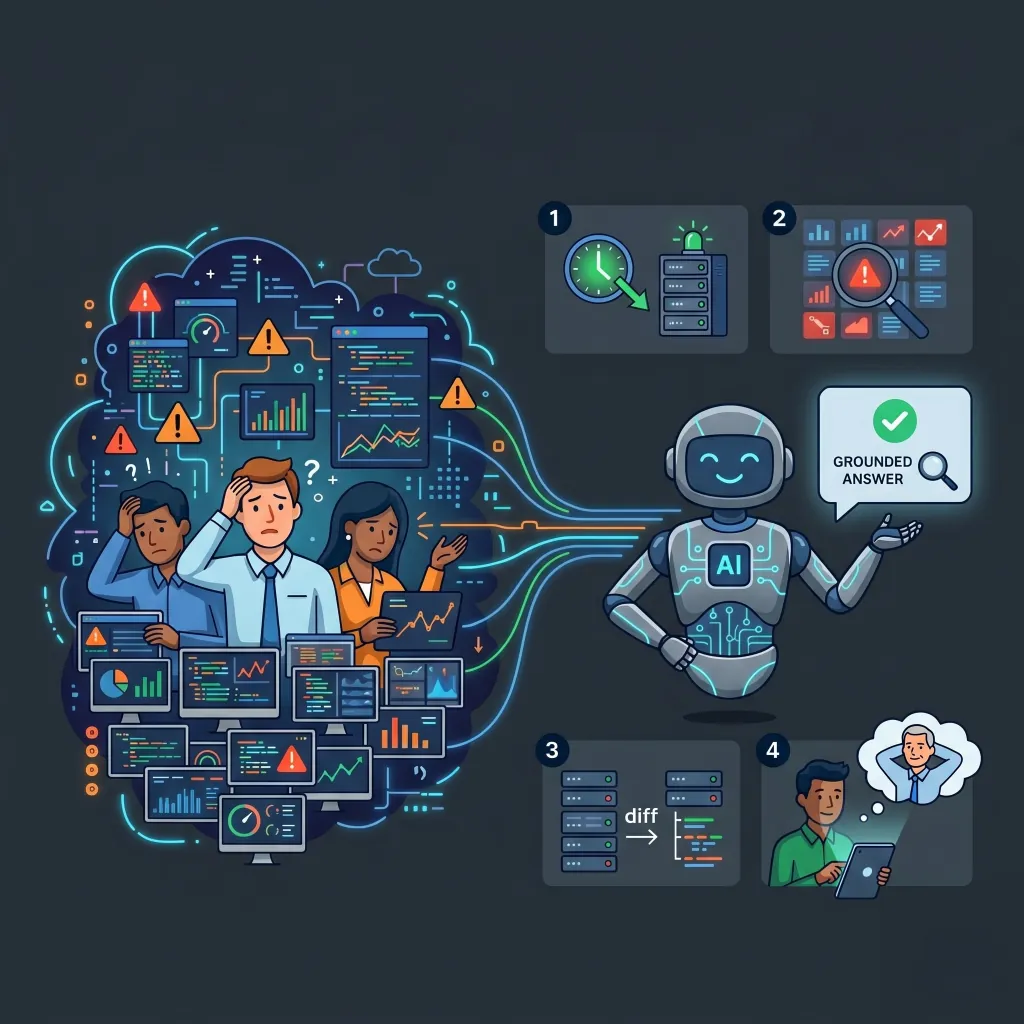
Modern fleets emit more telemetry than any human can read. AIOps closes the gap: an AI that already sees your metrics, alerts, and incidents — and answers in plain English. Instead of clicking through dashboards, you ask a question and get a grounded, specific answer.
- Cut MTTR by going straight from question to answer
- Find silent regressions humans miss in the noise
- Let the AI compare servers and explain the differences
- Onboard new engineers without a senior on standby
Your Agents, Connected to Xitoring
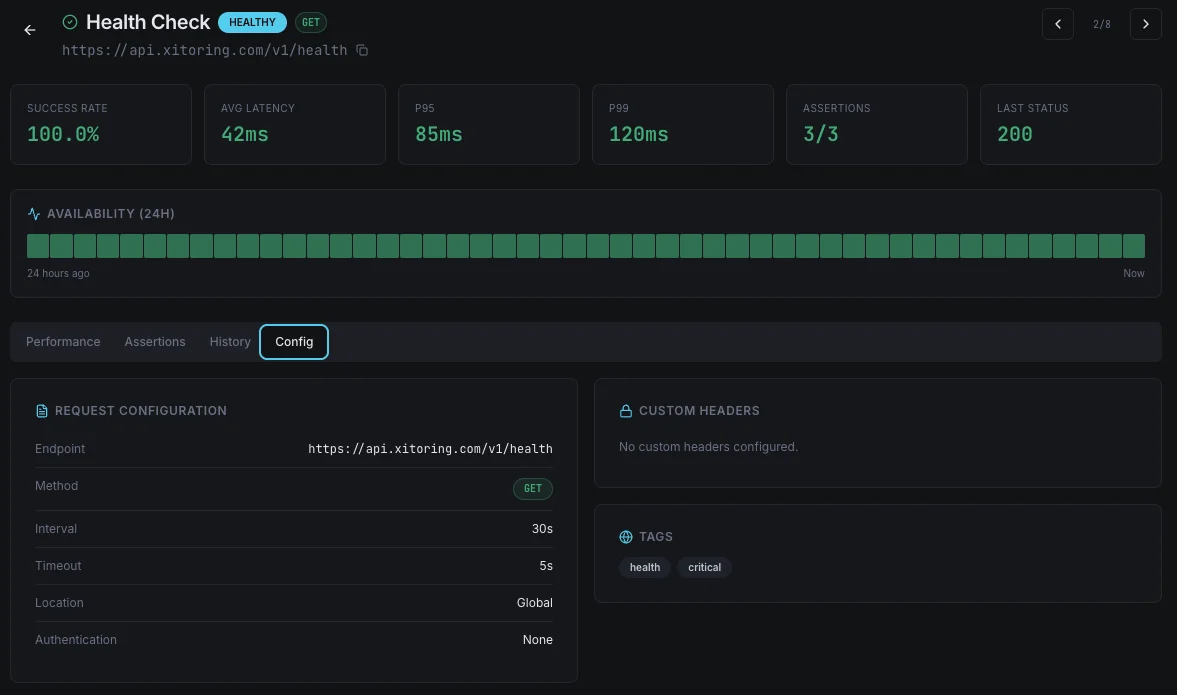
The Xitoring MCP server exposes the full panel API to AI agents that speak Model Context Protocol. Claude, Cursor, your custom agents — all can read metrics, query alerts, manage monitors, and trigger actions. Anything a human can do in Xitoring, an agent can do on their behalf.
- Standard MCP — no custom SDK required
- Read metrics, alerts, hosts, incidents, monitors
- Create monitors, ack alerts, schedule maintenance
- Scoped tokens so agents only touch what you allow
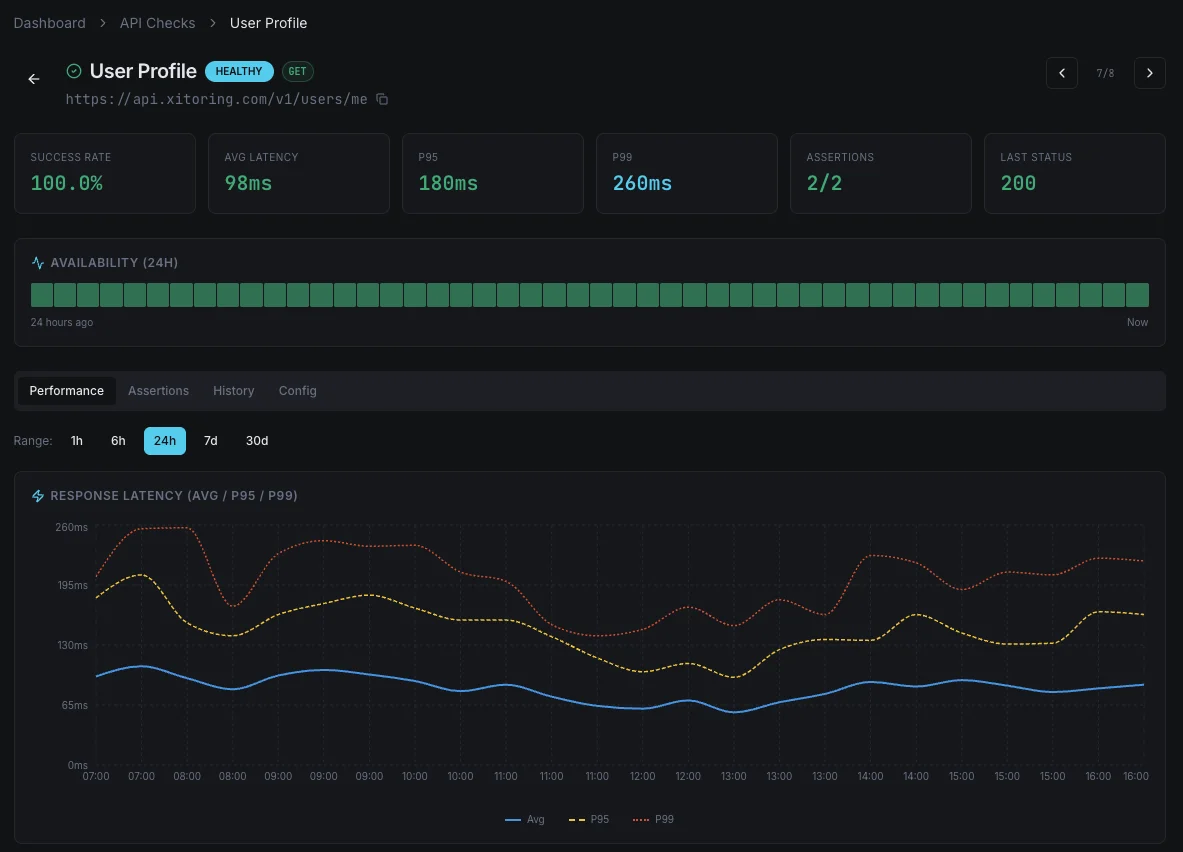
Built for Real Operations
Grounded in Your Data
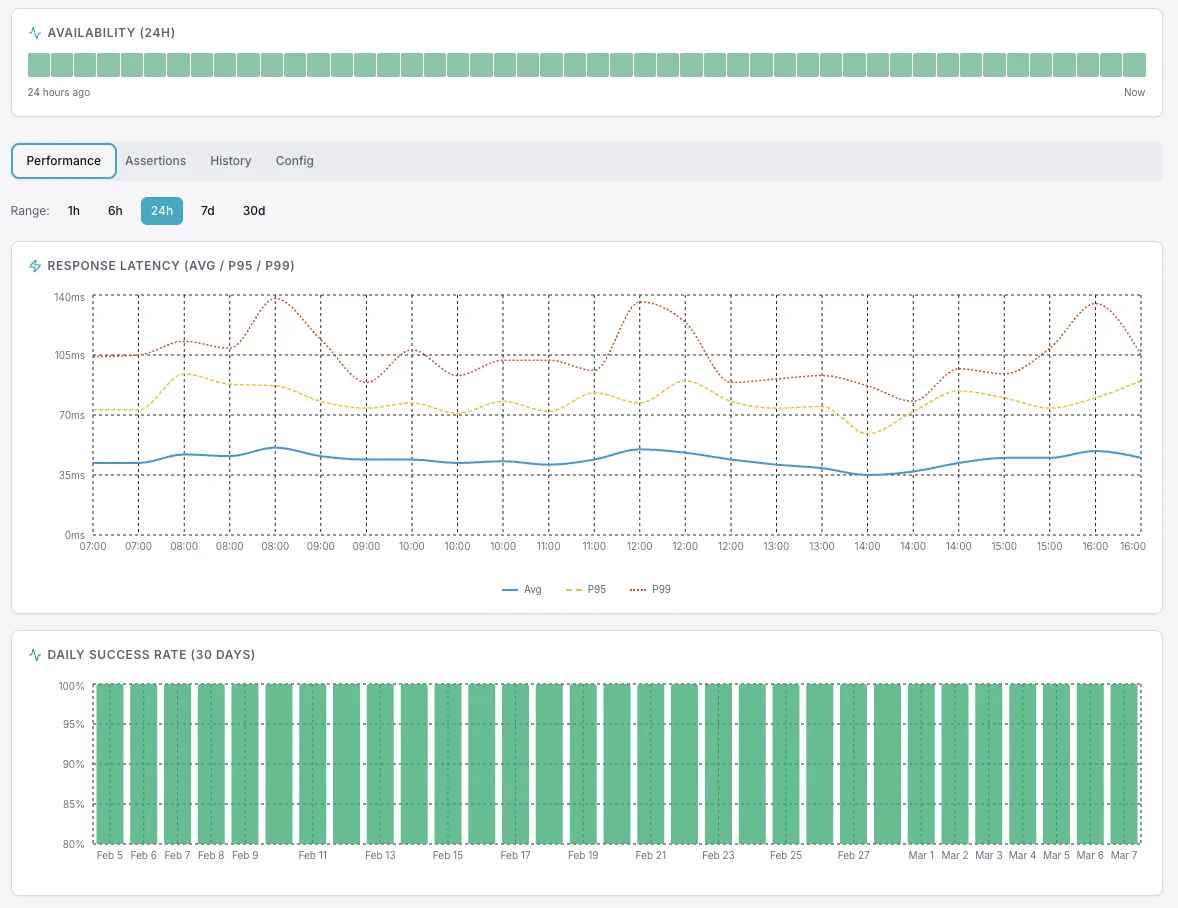
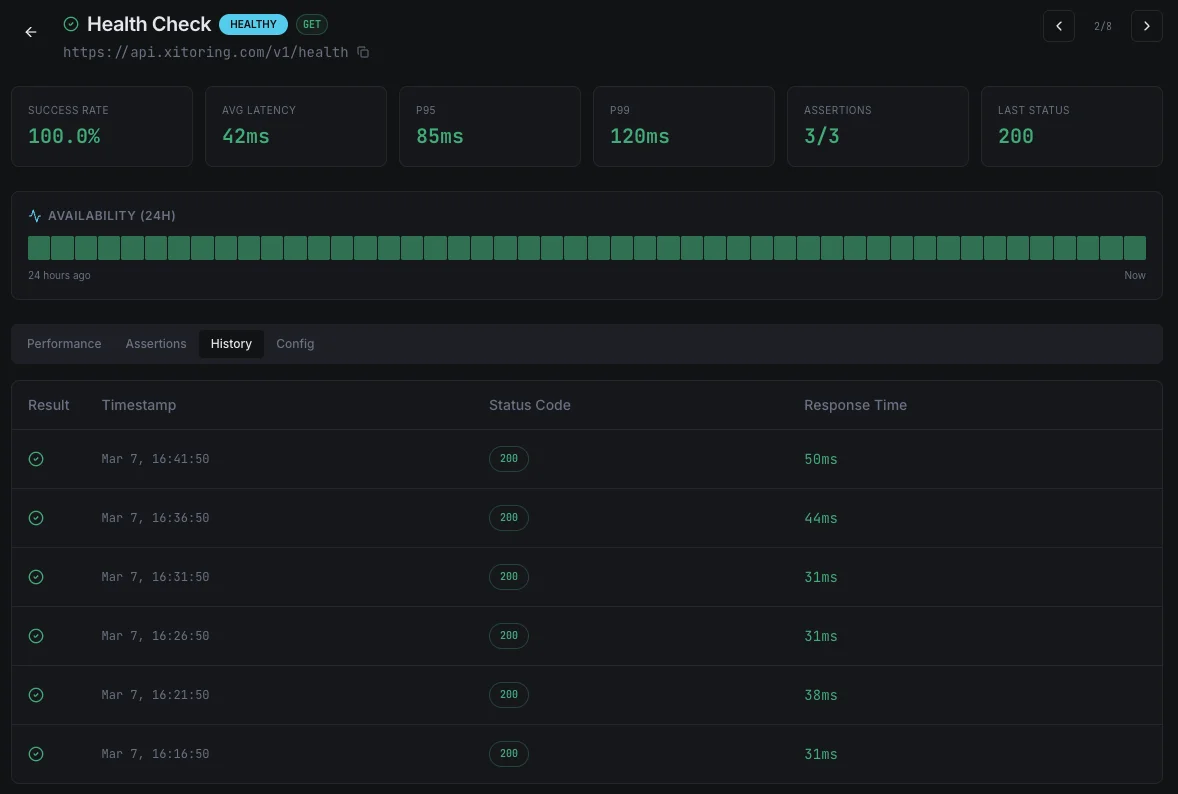
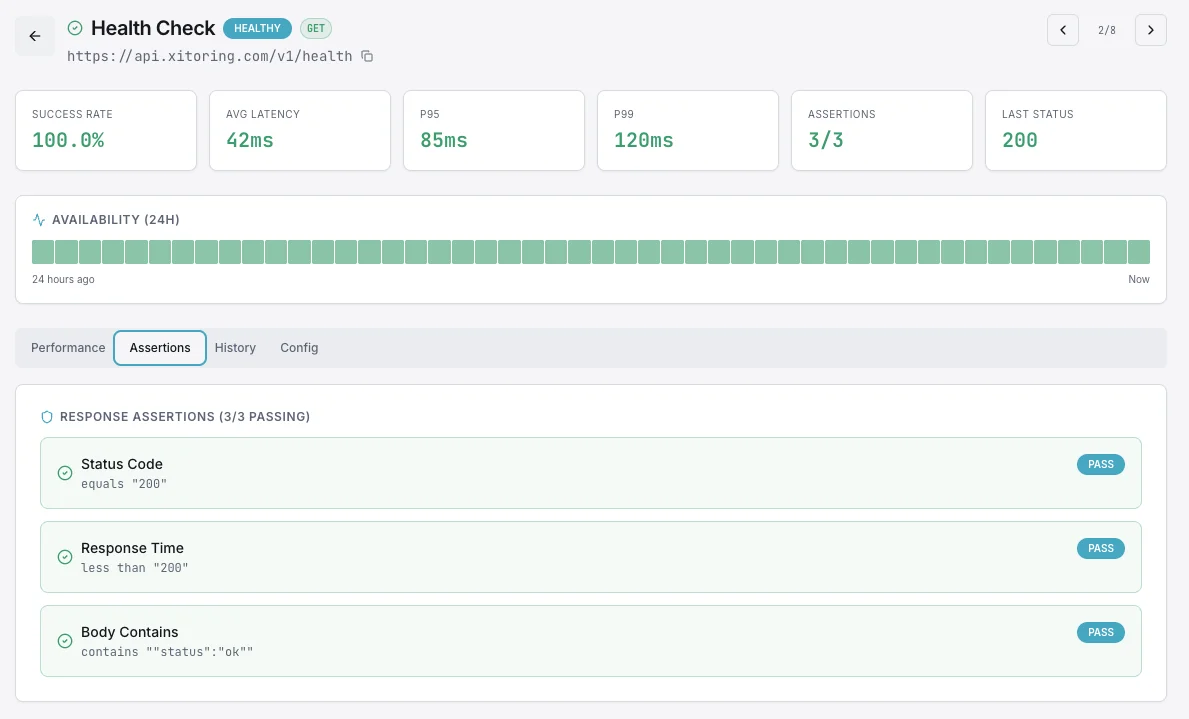
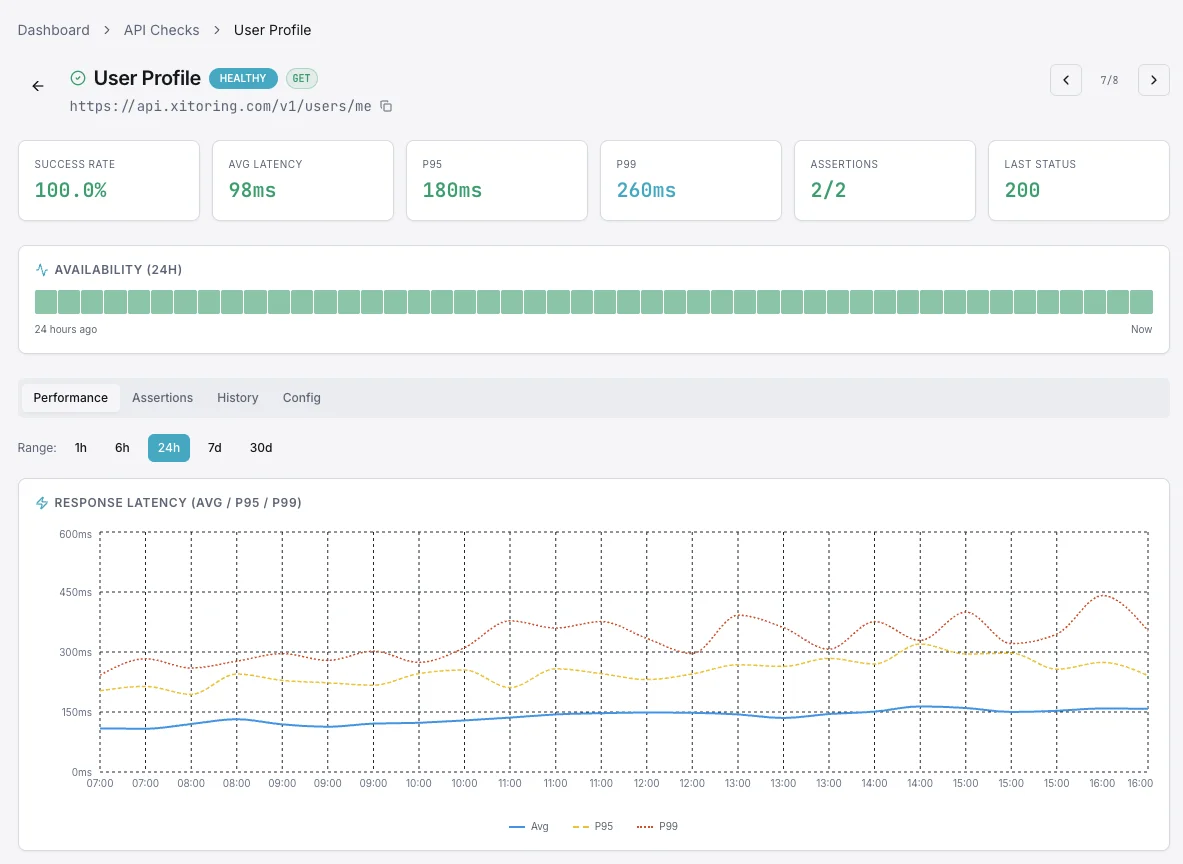
Answers cite real metrics, real timestamps, and real hosts from your account. No hallucinated CPU numbers, no made-up incidents.
Read & Write Access
Your AI agent can do more than answer questions — it can create monitors, ack alerts, and schedule maintenance.
Private by Default
Your conversations and metrics stay inside your Xitoring tenant. No training on your data, no leakage to third parties.
Frequently asked questions
Common questions about AIOps for Modern Infrastructure.
What is AIOps in Xitoring?
Does the in-panel AI assistant see my real data?
Can it compare servers for me?
What is the Xitoring MCP server?
Which AI clients work with the MCP server?
Can an AI agent change things in my Xitoring account?
Is my data used to train AI models?
Do I need anomaly detection separately?
Talk to Your Infrastructure
Open Xitoring, type a question, and get a real answer — backed by your live metrics, alerts, and incident history. No queries to memorize, no dashboards to assemble.
Start Free Trial