Anomaly Detection &
Root Cause Analysis
Xitoring learns what normal looks like on every host and metric, then warns you the moment behavior drifts — before a static threshold trips. When an incident does happen, AI-assisted root cause analysis points straight at the cause.
Social Proof
Trusted by thousands — rated on
See what real users say about Xitoring on the world's top review platforms.




What is anomaly detection?
Anomaly detection is the use of statistical and machine-learning techniques to identify data points, events, or trends in a metric stream that deviate meaningfully from what's expected. In infrastructure monitoring, it replaces brittle static thresholds with adaptive models that learn each system's normal rhythm — peak hours, weekend lulls, batch windows — and flag the moments behavior changes. That gives operators a chance to investigate slow drifts and pattern shifts long before a fixed threshold would trip.
Key Features
Everything you need for Anomaly Detection & Root Cause Analysis.
Predictive AI Detection
Machine learning watches every metric for unusual patterns — slow drifts, sudden steps, periodic glitches — and raises a soft alert before threshold-based alerts fire.
Root Cause Management
When an incident lands, the AI correlates metrics, deploys, alerts, and host events to point at the likely cause. No more 45-minute war rooms hunting for the trigger.
Auto-Learned Baselines
No need to set thresholds for every host. Xitoring builds per-host, per-metric baselines that account for daily, weekly, and seasonal patterns automatically.
Multi-Signal Correlation
Anomalies rarely show up in one place. The AI cross-correlates CPU, memory, disk, network, response time, and service events to spot the real story.
Lower Alert Fatigue
Static thresholds either over-fire or miss real issues. Adaptive detection cuts noise by suppressing expected behavior and surfacing actual deviations.
Incident Forecasts
When a metric is trending toward a known failure mode — disks filling, memory leaking, latency creeping — the AI predicts the time-to-impact so you can act early.
Find Issues Before They Become Incidents
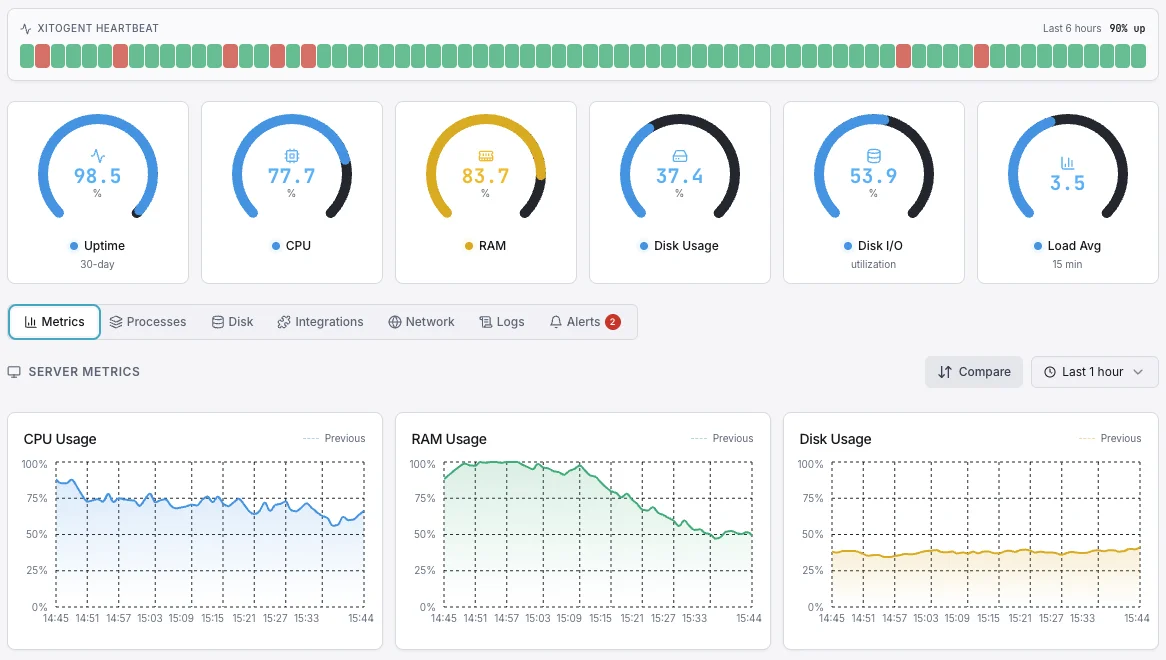
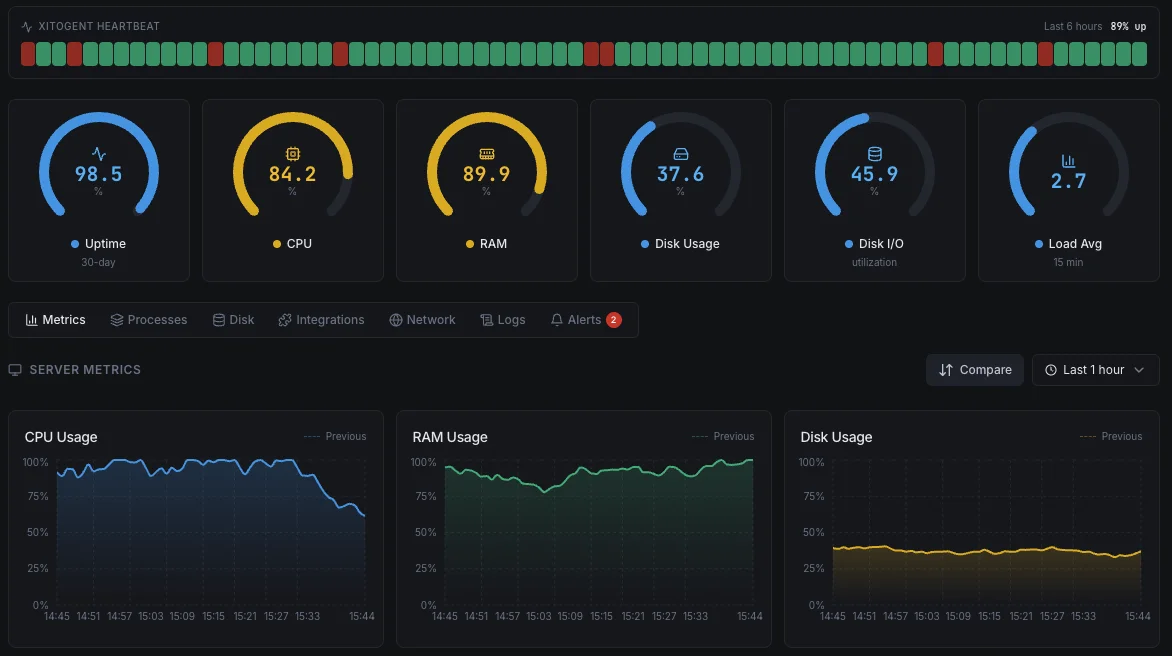
Anomaly Detection in Xitoring is more than a smart threshold. It's a continuous AI loop that learns what normal looks like for every metric on every host, flags deviations as they begin, and traces incidents back to root cause when they happen.
- Predictive alerts before threshold-based fires
- Auto-learned per-host, per-metric baselines
- Daily, weekly, and seasonal pattern awareness
- AI-assisted root cause analysis on every incident
- Multi-signal correlation across CPU, memory, disk, network
- Severity scoring to cut alert fatigue
- Time-to-impact forecasts for trending failures
- Works with Slack, PagerDuty, Teams, webhooks & more
- Zero manual threshold tuning
Who it's for
Anomaly Detection Use Cases
See how teams across industries use Xitoring to keep their infrastructure reliable.
Cloud Fleets
Static thresholds don't scale to hundreds of AWS, Azure, or GCP instances with different workloads. Adaptive detection learns each host's rhythm — no per-VM rules to write.
Database Operations
Catch slow query regressions, replication drift, and connection pool exhaustion as patterns shift — long before downtime metrics turn red.
E-Commerce Reliability
Detect checkout slowness, payment latency drift, and cart abandonment patterns before they cost revenue. The AI sees the dip before the dashboard does.
SaaS Platforms
Spot tenant-specific anomalies — one customer's workload misbehaving, one region degrading — without writing per-tenant alert rules.
FinTech & Compliance
Surface unusual transaction patterns, authentication spikes, and API anomalies that simple thresholds miss. Document every detection for audit trails.
DevOps & SRE Teams
Turn post-incident retros into a faster loop. Root cause analysis points at the change, deploy, or upstream signal that started the slide.
Why Anomaly Detection
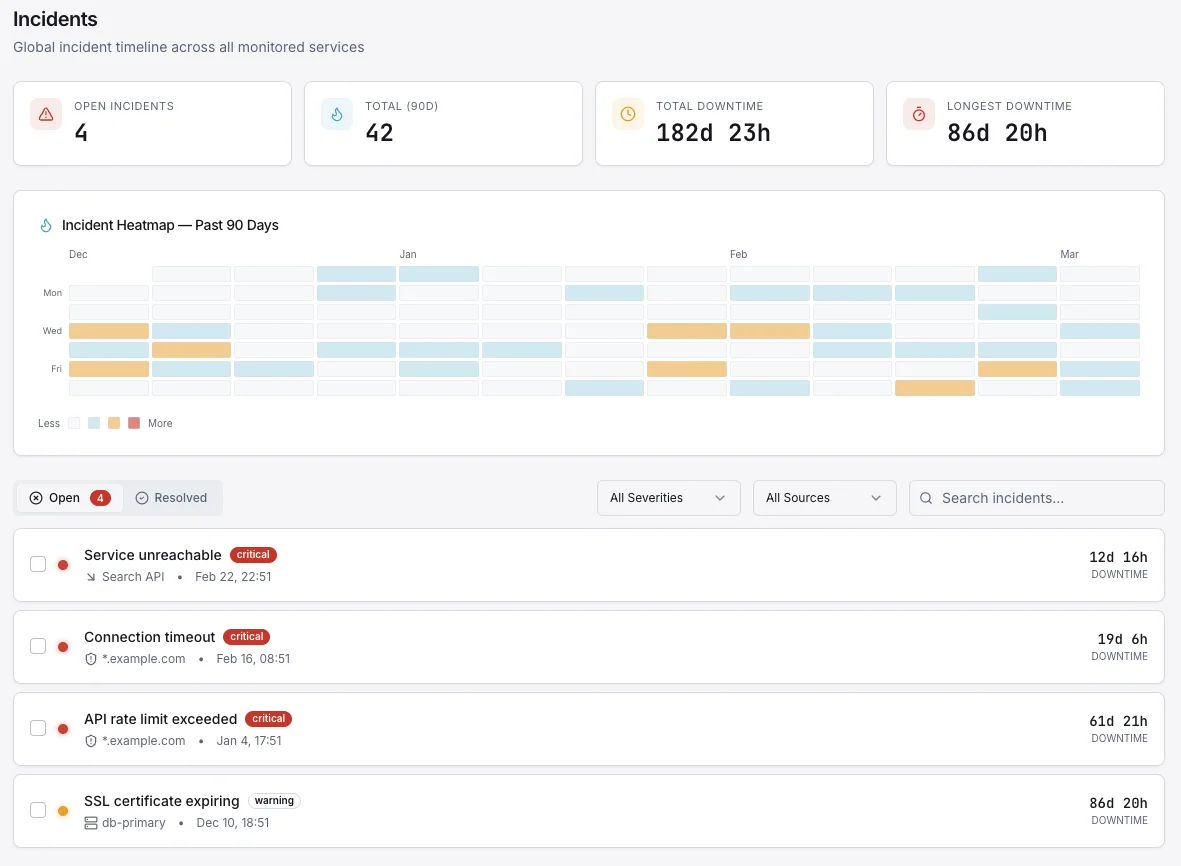
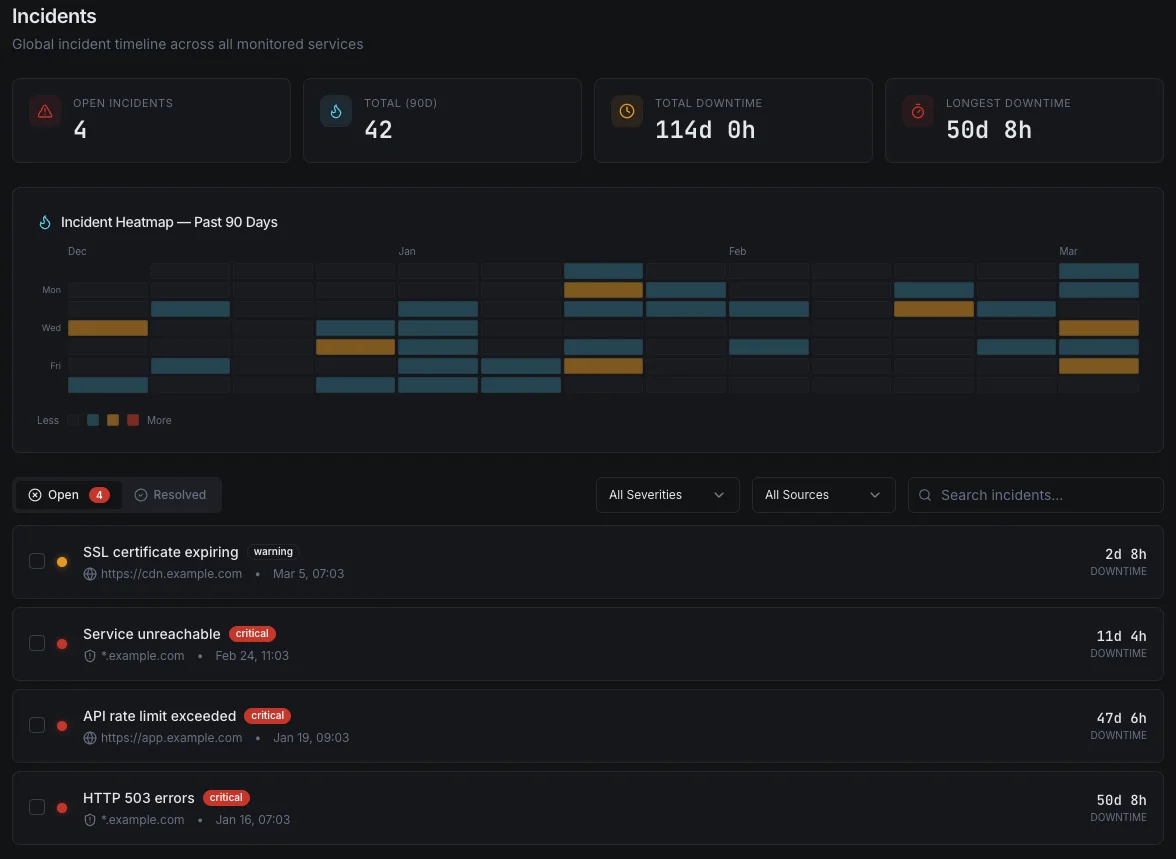
Threshold-based alerts only fire after a metric has already crossed a line you guessed at months ago. Real incidents start as small deviations — a slow memory leak, a 50 ms latency creep, a checkout queue growing 2% an hour. Anomaly Detection sees those deviations from minute one and gives you time to act.
- Catch issues before users — and dashboards — notice
- Stop writing per-host threshold rules that go stale
- Detect slow drifts that thresholds will never trip
- Surface seasonal and weekend patterns you didn't model
Root Cause Analysis, Automated
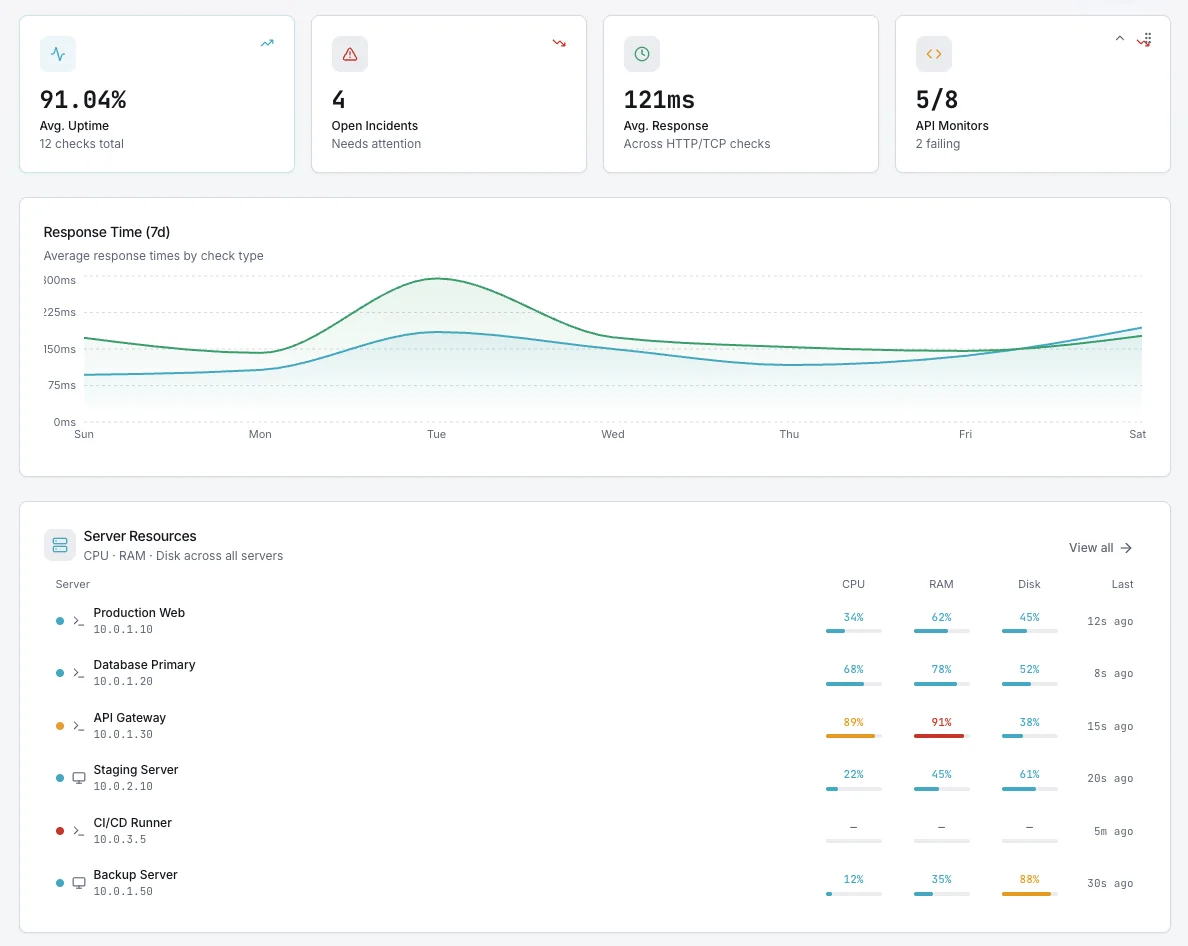
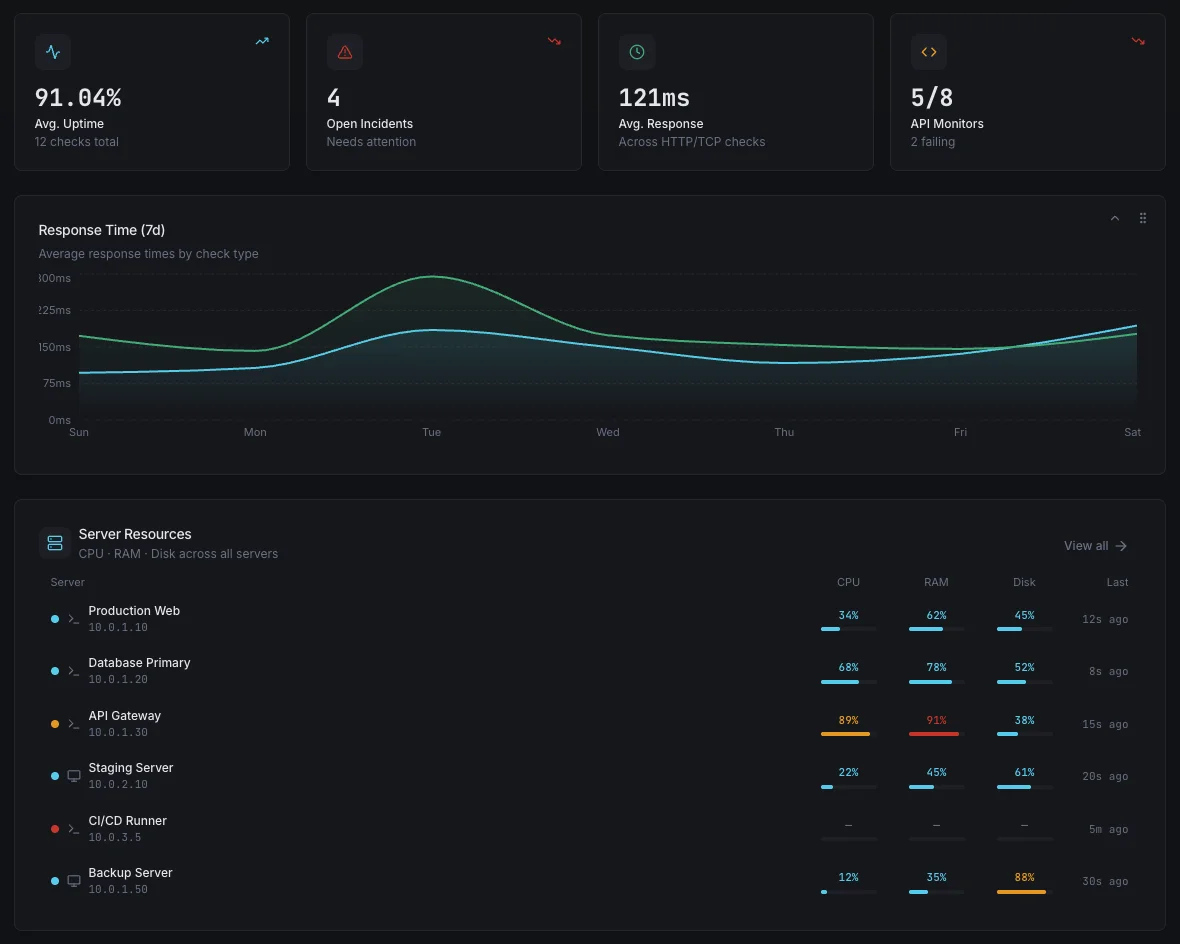
When an incident hits, every second spent hunting through dashboards is a second customers feel the pain. Xitoring's AI correlates metric anomalies, recent deploys, service events, and historical incidents to point at the likely cause — with evidence — before your on-call has finished joining the call.
- Correlate CPU, memory, disk, network, and app metrics in seconds
- Surface recent deploys and config changes near the incident
- Match against historical incidents with similar fingerprints
- Generate a plain-English incident summary for the post-mortem
How It Works
No Manual Tuning
Turn it on per host or fleet-wide. Baselines self-calibrate over a learning window — no thresholds to bikeshed, no rules to maintain as your infrastructure grows.
Severity-Aware
Not every anomaly is an incident. Detections are scored by severity, blast radius, and historical impact so on-call gets paged for real signals only.
Works With Your Channels
Anomaly alerts flow through the same notification channels as static checks — Slack, email, SMS, PagerDuty, Teams, webhooks, and 15+ more.
Frequently asked questions
Common questions about Anomaly Detection & Root Cause Analysis.
How does Xitoring's anomaly detection work?
Is this just a smart threshold?
What is root cause analysis?
Do I still need static thresholds?
How long does the learning period take?
Will this make my alert volume go up?
Which metrics support anomaly detection?
Does this require extra setup or a new agent?
How does pairing anomaly detection with root cause analysis shorten incident response?
Stop Reacting. Start Predicting.
Static thresholds catch problems after they hurt. Xitoring's AI learns the rhythm of every host and surfaces unusual behavior before users notice. Turn it on once — alerts get smarter from there.
Start Free Trial