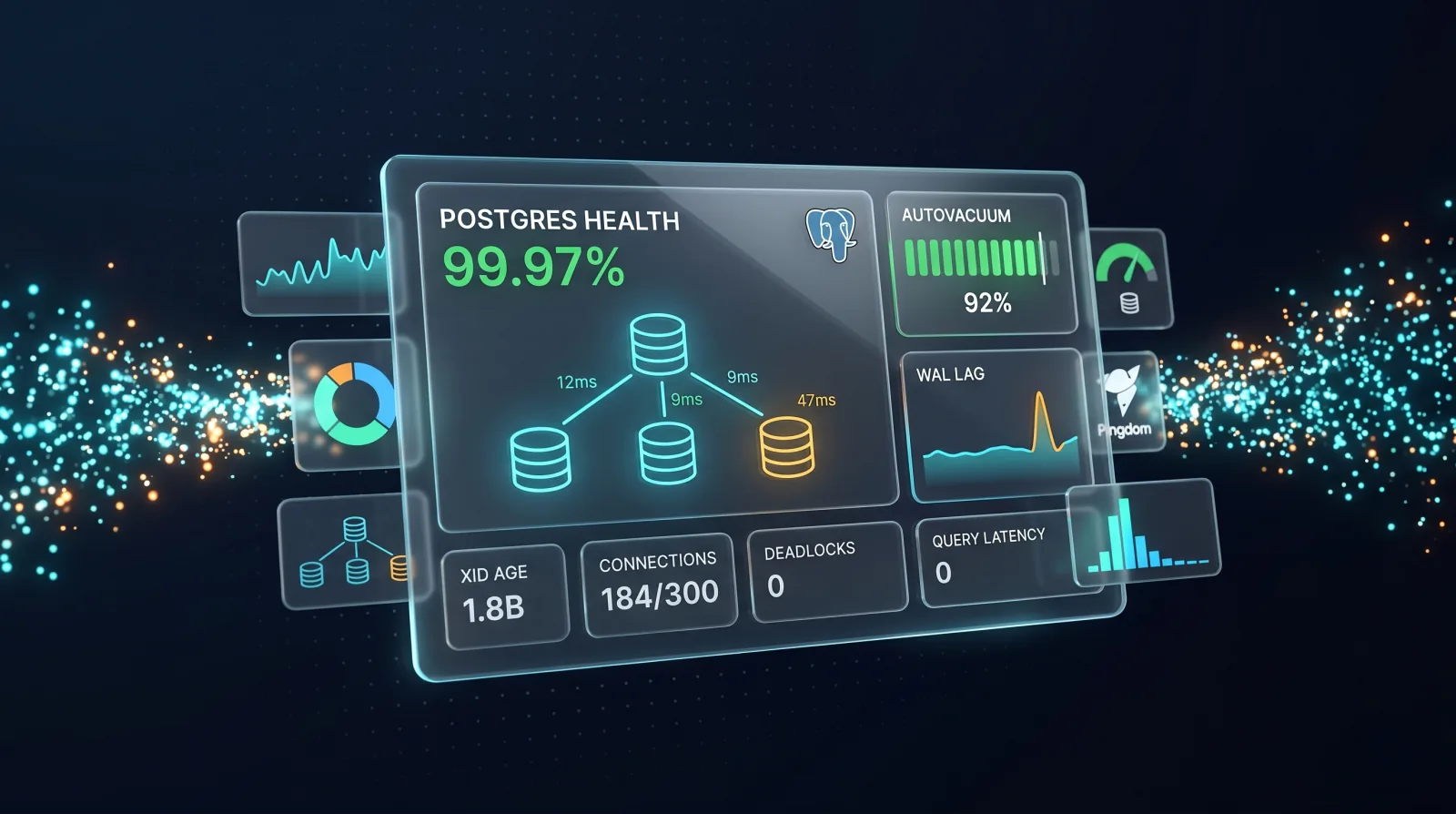
PostgreSQL has won. Six years ago you could still find serious shops running MySQL, MS SQL, or Oracle as their primary OLTP database. In 2026, the default answer for almost every new system — managed, self-hosted, or embedded inside a serverless stack — is Postgres.
That ubiquity created a problem most teams have not caught up to: they are still monitoring Postgres like any other database. Connection counts. CPU. Disk. The same dashboard they had in 2019 with a different logo on it.
Then something breaks at 3am. Autovacuum stalls on a hot table. A long-running transaction blocks every write for twenty minutes. Transaction ID age creeps past 1.8 billion and Postgres refuses new writes until it can do an emergency vacuum. None of these show up on a generic database dashboard. All of them are visible — if you know which Postgres-specific metrics to watch.
This is what PostgreSQL monitoring actually means in 2026.
What PostgreSQL monitoring is — and what most teams get wrong
PostgreSQL monitoring is the practice of observing a Postgres instance's runtime health: the queries it is running, the resources it is consuming, the replication topology it is part of, and the internal housekeeping — autovacuum, WAL flushing, statistics collection — that keeps it stable.
Done well, it catches problems hours or days before users notice. Done as an afterthought — bolted onto a generic infra dashboard — it catches almost nothing Postgres-specific until production is already on fire.
The mistake most teams make is treating Postgres as a black box: monitor CPU, memory, disk, and uptime, and assume anything internal will surface as one of those four. It will not. Postgres is a system with first-class concerns that have no equivalent in MySQL or generic "database health" dashboards: MVCC, autovacuum, the WAL, transaction ID lifetime, and the way locks chain through dependent transactions.
If your monitoring does not speak that language, you are going to be surprised — and the surprises are almost always at 3am.
The five Postgres-specific failure modes worth alerting on
These are the ones that take production down. Generic infrastructure monitoring does not see any of them.
1. Autovacuum and table bloat
Postgres uses MVCC: when you UPDATE or DELETE a row, the old version stays on disk until autovacuum cleans it up. That is by design — it is how Postgres gives you snapshot isolation without locking readers.
The catch: when autovacuum cannot keep up with churn, dead tuples accumulate. Tables and indexes bloat. The planner's statistics drift out of date. Sequential scans slow down because more pages have to be read for the same number of live rows. I/O climbs. p99 latencies creep up — slowly enough that nobody alerts, fast enough to ruin a quarter.
What to track:
pg_stat_user_tables.n_dead_tupand its ratio ton_live_tup, per tablelast_autovacuumandlast_autoanalyzetimestamps- Active autovacuum workers vs
autovacuum_max_workers - Index bloat — via
pgstattupleor community queries
The signature symptom is "queries that got slower over months with no code change". If your dashboard cannot answer "which tables have not been autovacuumed in over a week?", you cannot catch it.
Tune autovacuum_vacuum_scale_factor per-table for high-churn tables — the default of 0.2 (20% dead tuples) is too lax for tables with hundreds of millions of rows.
2. WAL and replication lag
Streaming replication ships Write-Ahead Log records from the primary to replicas. Two things break when you do not watch it: read replicas serve stale data, and your RPO during a failover is whatever lag you happened to have when the primary died.
What to track:
pg_stat_replication.write_lag,flush_lag,replay_lagper replica- LSN diff between primary and each replica:
pg_wal_lsn_diff(pg_current_wal_lsn(), replay_lsn) - WAL generation rate (bytes per second) on the primary
archive_commandfailure count, if you rely on WAL archiving for PITR
A common silent failure: archive_command starts failing — S3 credentials rotated, disk full on the archive target — nobody notices, the WAL piles up on the primary, and your point-in-time recovery window is broken even though replication still looks healthy.
Replication lag should alert in seconds, not minutes. By the time you see minute-level lag, the application is already serving stale reads or your failover RPO is already compromised. The "we will catch it when it matters" approach to lag is exactly how you find out it mattered yesterday.
3. Transaction ID wraparound
Every transaction in Postgres gets a 32-bit transaction ID. That gives you about four billion before the counter rolls over. To prevent corruption, Postgres aggressively vacuums old data to "freeze" XIDs as they age. If freeze vacuum cannot keep up and the oldest XID approaches the wraparound horizon, Postgres enters emergency vacuum mode — and at the limit, it refuses new write transactions entirely until vacuum catches up.
This is the failure mode that takes a site down for hours. It is also entirely preventable.
What to track:
age(datfrozenxid)for every databaseage(relfrozenxid)for write-heavy tables specifically- Warning at 1 billion, critical at 1.5 billion — plenty of runway to act, but only if you are watching
The teams that get bitten by wraparound are usually not the ones with the highest write rates. They are the ones with one or two write-heavy tables that autovacuum keeps skipping — often because a long-running transaction is blocking the freeze. The dashboard looks fine. Then the database stops accepting writes.
If you only set up one Postgres-specific alert in 2026, set up this one.
4. Lock chains and blocked queries
A single long-running transaction holding a row or table lock can block every dependent query. The application sees timeouts. The dashboard sees "everything is slow" with normal CPU and memory. Standard infrastructure monitoring is useless here.
What to track:
pg_stat_activityfiltered tostate = 'idle in transaction'with duration over five minutes- Blocked queries via
pg_blocking_pids()joined topg_stat_activity wait_event_type = 'Lock'count over time- Deadlock count from
pg_stat_database.deadlocks
Idle-in-transaction sessions are the usual culprit. They almost always come from application bugs: a connection grabs a transaction, then waits on something external — an HTTP call, a queue, a human in a UI — without committing or rolling back. While it is idle, the locks it holds do not release.
Alert on any idle-in-transaction session lasting more than five minutes. Your application does not have a legitimate reason to hold a transaction open that long, and the alternative is finding out about it when production stalls.
5. Buffer cache hit ratio — with caveats
You will see "aim for a 99% buffer cache hit ratio" in a lot of older Postgres advice. In 2026 that rule of thumb is misleading.
The buffer cache hit ratio — blks_hit / (blks_hit + blks_read) from pg_stat_database — tells you what fraction of block reads were served from shared_buffers instead of going to the OS page cache or disk. With NVMe storage and machines that have hundreds of gigabytes of RAM, "disk" reads are often OS page cache hits anyway — fast enough that a 95% buffer cache hit ratio is fine and a 99% target is just an excuse to over-size shared_buffers.
What to track:
- Buffer cache hit ratio as a trend over time, not a static SLA
- Sudden drops, which usually signal a working set change or a query plan regression
- Paired with checkpoint frequency and
bgwriterstats to know whether you are under-sized
Use it to detect change. Do not use it to set an absolute target.
The boring metrics still matter
The Postgres-specific failure modes come on top of the standard infrastructure ones, not instead of them. You still need:
- Connection count — total, idle, active, and the ratio to
max_connections. Connection pool exhaustion is one of the most common production incidents. - Slow queries — via
pg_stat_statements. Trackmean_exec_time,total_exec_time, and call counts for the top N queries. - Host metrics — CPU, memory, disk I/O, disk space, and free space on the WAL volume specifically.
- Deadlocks per minute — a non-zero rate that grows over time is a code-level problem worth fixing before it cascades.
Skip these and you will catch the exotic failures while missing the obvious ones.
Tools you will see in the wild
| Tool | Best for | Trade-off |
|---|---|---|
pg_stat_statements |
Foundation for query-level metrics | Built-in. Enable on day one. |
| pgBadger | Periodic deep dives on Postgres logs | Free, but offline reports — not live monitoring. |
| pganalyze | Deep Postgres-specific SaaS | Best-in-class for Postgres; pricier per instance. |
| Datadog DBM | Postgres alongside the rest of your Datadog stack | Less Postgres-deep than pganalyze; expensive at scale. |
Prometheus + postgres_exporter |
Teams already running Prometheus | Open source. Requires assembly and dashboard work. |
| Xitoring | Postgres alongside servers, uptime, SSL, and synthetics | All-in-one platform; best when Postgres is one piece of a broader picture. |
The right choice depends less on feature lists than on what else you are monitoring. If Postgres is the only system you really care about and you have one or two production databases, pganalyze is hard to beat. If you are monitoring forty servers, ten databases, public-facing endpoints, and certificate expiry, an integrated platform that already covers the rest is usually better than bolting on a Postgres-specialist tool.
How to set up Postgres monitoring without overengineering it
A practical 2026 baseline:
- Enable
pg_stat_statementson every Postgres instance. Free, low overhead, the foundation of almost every other check. - Alert on transaction ID age. Warning at 1 billion, critical at 1.5 billion. This one alert prevents the worst-case Postgres outage.
- Track autovacuum activity per table, not just "is it running globally". Tune scale factors for high-churn tables.
- Alert on replication lag in seconds, not minutes. Track all three lag columns — write, flush, replay — they fail differently.
- Alert on idle-in-transaction sessions over five minutes. Almost always an application bug worth fixing.
- Do not alert on absolute buffer cache hit ratio. Alert on sudden drops.
- Monitor
archive_commandsuccess if you rely on WAL archiving for backups. Silent failure here breaks PITR. - Track p99 query latency from
pg_stat_statements, not average. Averages hide the queries that actually hurt users.
That is a defensible baseline. You can always add more — you should never have less.
Postgres has won. Monitor it like it.
The failure modes that take Postgres down — autovacuum starvation, transaction ID wraparound, lock chains, archive failures — are predictable, observable, and entirely visible if your monitoring speaks Postgres. They are also invisible to a generic database dashboard.
Pick a stack that exposes the Postgres-specific signals, alert on the metrics above, and you will spend a lot fewer Sunday afternoons figuring out why production stopped accepting writes.
If you would rather monitor your Postgres instances alongside your servers, public endpoints, and SSL certificates in one place — instead of stitching four tools together — Xitoring is built for that. Start free, and see your first alert in minutes.