In today’s fast-paced digital world, businesses rely heavily on IT infrastructure to deliver seamless services. To ensure consistent performance, IT monitoring tools play a critical role. They offer real-time insights, alert systems, and performance analytics to keep networks, servers, and applications running smoothly.
This article introduces some of the best IT monitoring tools, highlighting their features, benefits, and use cases to help you choose the right solution for your business needs.
What Are IT Monitoring Tools?
IT Monitoring Tools You Should Know About
IT monitoring tools are software platforms that track and analyze the performance, availability, and health of IT systems such as servers, applications, networks, and databases. They provide real-time data, detect potential issues, and send alerts to ensure optimal performance. These tools are indispensable for businesses aiming to reduce downtime and enhance user experience.
1. Xitoring
Features:
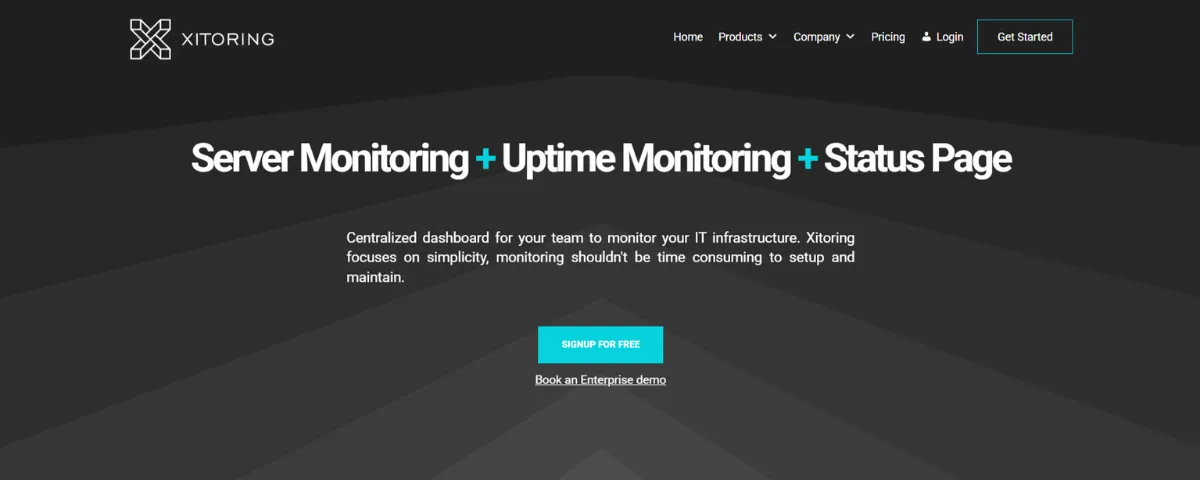
- Real-time server and uptime monitoring.
- Customizable alerts for performance issues.
- Intuitive dashboards for detailed metrics.
Why Choose Xitoring? Xitoring is perfect for businesses of all sizes seeking a scalable and reliable IT monitoring solution. Its seamless integration, robust alert system, and user-friendly interface make it a top choice for managing IT infrastructure.
Website: xitoring.com
2. UptimeRobot
Features:
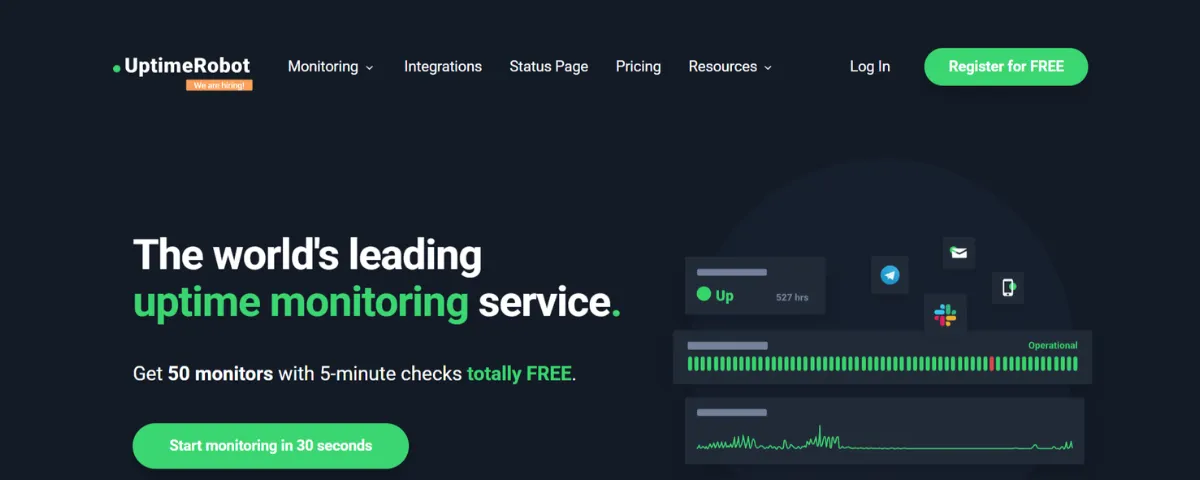
- Simple and affordable uptime monitoring.
- Supports multiple protocols (HTTP, Ping, DNS).
- Easy-to-use interface and customizable status pages.
Why Choose UptimeRobot? UptimeRobot is ideal for small to medium-sized businesses that need budget-friendly yet efficient uptime monitoring. Its free plan offers essential features, while paid plans provide more advanced capabilities.
Website: uptimerobot.com
3. Pingdom
Features:
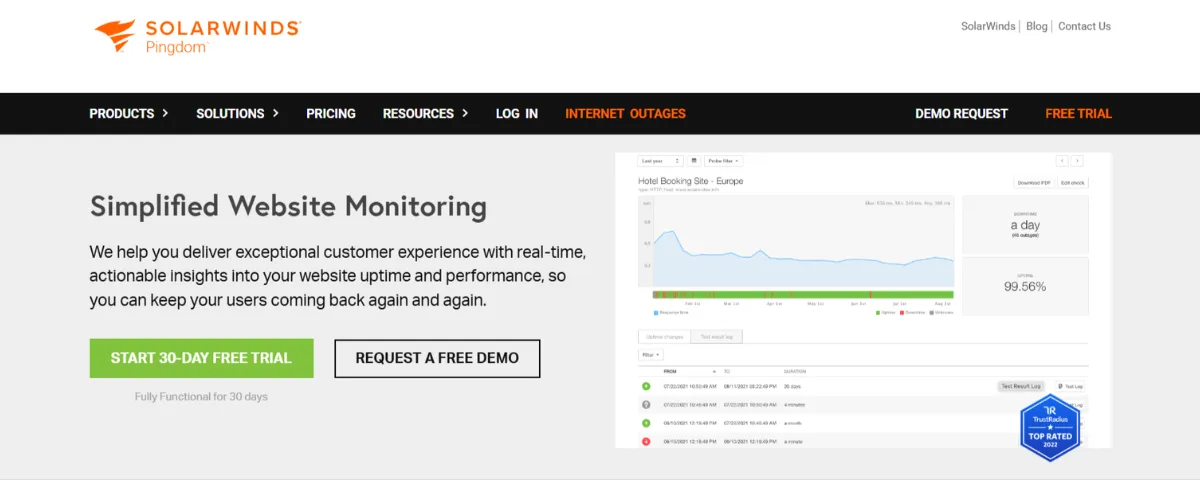
- Comprehensive website and server monitoring.
- Real-time alerts and performance insights.
- Synthetic transaction monitoring and page speed analysis.
Why Choose Pingdom? Pingdom is an excellent tool for businesses that prioritize user experience. Its ability to simulate user interactions and provide actionable insights helps organizations optimize website and application performance.
Website: pingdom.com
4. Better Stack
Features:
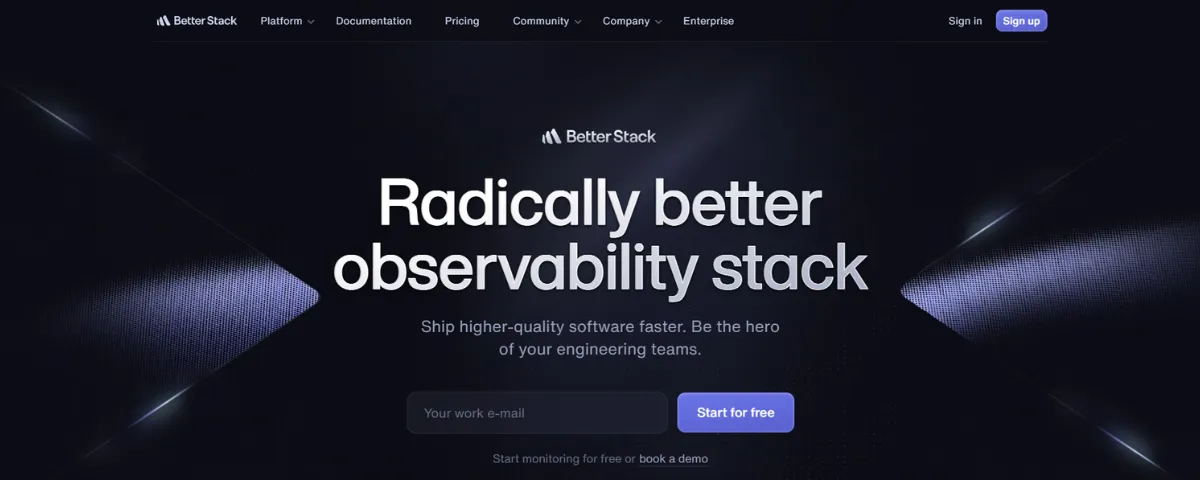
- Full-stack monitoring for applications and infrastructure.
- Integrated logging and alerting capabilities.
- Advanced analytics for trend identification and root cause analysis.
Why Choose Better Stack? Better Stack offers a unified view of IT performance by combining monitoring, alerting, and log management. It’s a great choice for developers and IT teams seeking a holistic monitoring solution.
Website: betterstack.com
5. Uptime.com
Features:
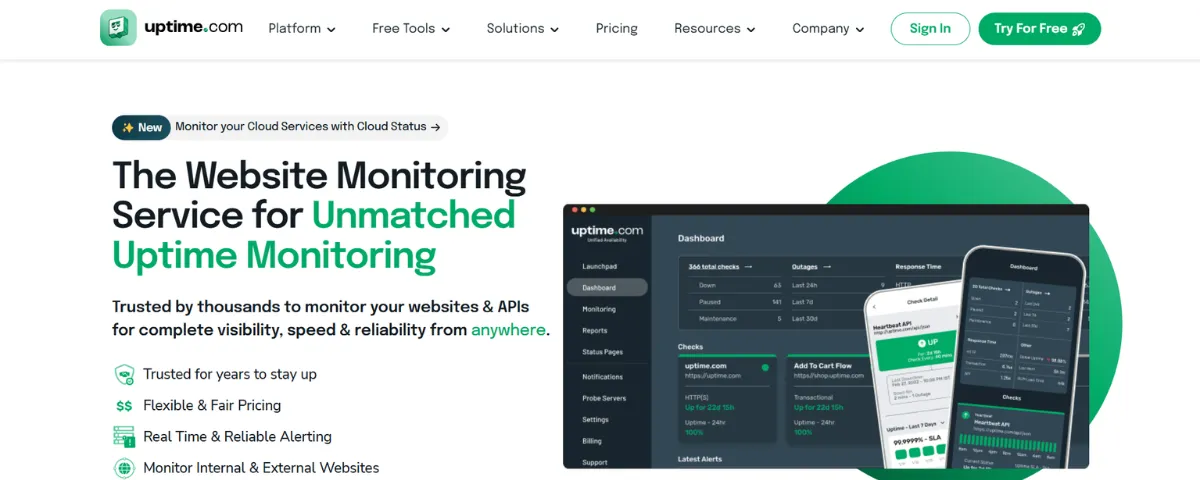
- Website and server monitoring with detailed analytics.
- Support for multiple monitoring locations worldwide.
- SLA monitoring and comprehensive reporting.
Why Choose Uptime.com? Uptime.com is designed for enterprises requiring robust and scalable monitoring solutions. It provides in-depth insights and ensures compliance with service-level agreements (SLAs).
Website: uptime.com
How to Choose the Right IT Monitoring Tool
When selecting an IT monitoring tool, consider the following factors:
- Ease of Integration: Ensure the tool integrates smoothly with your existing IT infrastructure.
- Customizability: Look for tools with flexible alert systems and customizable metrics.
- Scalability: Choose a solution that can grow alongside your business.
- Cost: Evaluate whether the pricing aligns with your budget and required features.
- Customer Support: Opt for tools with reliable support and resources for troubleshooting.
Benefits of Using IT Monitoring Tools
- Proactive Issue Detection: Real-time alerts enable teams to resolve issues before they escalate.
- Improved Performance: By monitoring metrics like response time and uptime percentage, businesses can optimize their systems for peak performance.
- Reduced Downtime: Swift issue resolution minimizes disruptions and ensures high availability.
- Enhanced User Experience: Consistent performance leads to better customer satisfaction and loyalty.
- Data-Driven Decisions: Detailed reports and analytics provide insights for informed IT strategies.
Conclusion
IT monitoring tools are essential for maintaining the performance and reliability of modern IT infrastructure. Whether you’re a small business or a large enterprise, there’s a monitoring tool tailored to your needs. From the budget-friendly features of UptimeRobot to the comprehensive capabilities of Xitoring and Uptime.com, these tools empower businesses to reduce downtime, enhance performance, and optimize IT operations.
Start optimizing your IT infrastructure today. Sign up for Xitoring and explore other top tools to ensure your systems run smoothly and efficiently.