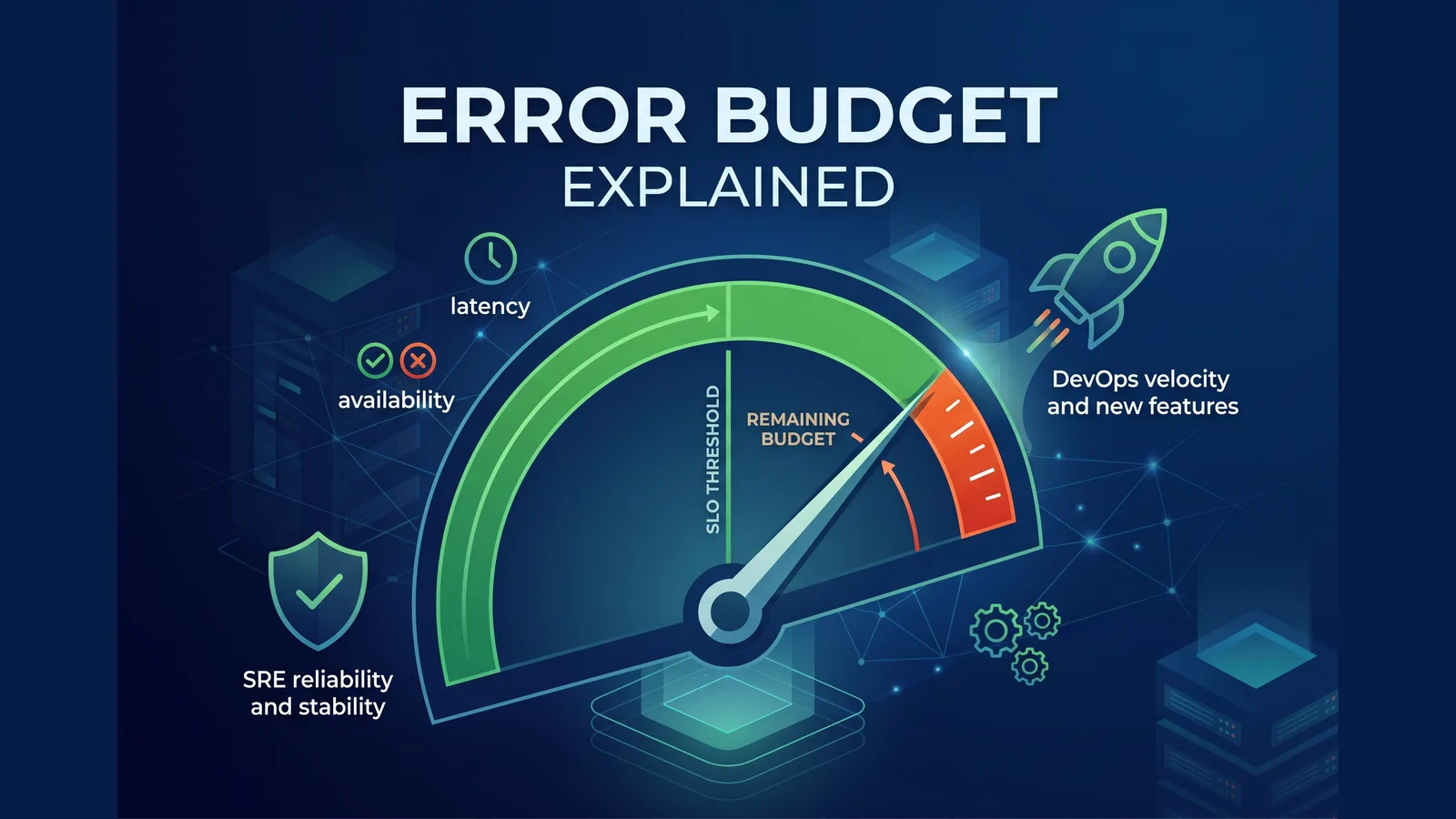
Most teams treat downtime as a moral failing. Something broke, someone apologizes, a post-mortem gets written, and the implicit target is always zero. Which is a problem, because zero isn't achievable and pretending otherwise means you never get to make an honest trade — you just oscillate between shipping too fast and freezing in fear after an incident.
An error budget replaces that with arithmetic. If your SLO is 99.9% availability, you are explicitly permitted to be unavailable 0.1% of the time. That 0.1% is not a failure. It's a budget, it's yours to spend, and the interesting question becomes what do we buy with it.
What an error budget is
The error budget is the inverse of your SLO:
error budget = 100% − SLO target
Expressed as time over your measurement window, that's the same figure from the downtime-per-nine table:
| SLO | Error budget | Budget over 30 days |
|---|---|---|
| 99% | 1% | 7h 12m |
| 99.5% | 0.5% | 3h 36m |
| 99.9% | 0.1% | 43m 12s |
| 99.95% | 0.05% | 21m 36s |
| 99.99% | 0.01% | 4m 19s |
So a team running a 99.9% monthly SLO has 43 minutes and 12 seconds of unavailability to spend every month. If they use 12 minutes on a database failover, they have 31 minutes left. If they use all 43 by the 18th, they are out of budget with 12 days remaining — and that is the signal the budget exists to produce.
For request-based SLOs the shape is identical, just in requests rather than minutes: 99.9% of 50 million monthly requests means a budget of 50,000 failed requests.
Why this is better than "don't break things"
Three concrete reasons.
It makes the reliability/velocity trade explicit. Every feature ships with some risk. A team with a budget remaining can take that risk; a team out of budget shouldn't. Instead of arguing about whether a release is "safe enough" based on vibes, you look at a number you both agreed on last quarter.
It stops over-investment in reliability. If you finish every month with 95% of your budget unspent, you are more reliable than you promised, and you paid for that in engineering time and shipping speed that produced nothing a customer noticed. Consistently unspent budget is a signal to either ship faster or tighten the SLO — not a badge.
It depersonalizes incidents. "We spent 18 minutes of budget on that" is a very different conversation from "you took the site down." One leads to a fix; the other leads to people hiding failures.
Burn rate: the metric that actually pages you
Knowing you've used 60% of your budget is useful at review time. What you need operationally is how fast you're consuming it. That's burn rate:
burn rate = (budget consumed as a fraction) / (window elapsed as a fraction)
A burn rate of 1 means you'll finish the window having spent exactly your budget. A burn rate of 2 means you'll be out at the halfway mark. A burn rate of 14.4 over one hour means you consumed an entire 30-day budget in that hour.
The reason burn rate matters more than raw consumption: it catches both failure modes.
- Fast burn. A hard outage. High burn rate over a short window. Detected in minutes, obvious, pages immediately.
- Slow burn. A 0.5% error rate on one endpoint that nobody notices for three weeks. Low burn rate, sustained, and it quietly eats the whole budget without ever tripping a conventional up/down alert. This is the one error budgets are uniquely good at catching, because a service that is 99.5% up looks fine on a dashboard built around "is it responding."
The standard practice is multi-window alerting — two conditions, different sensitivities:
| Alert | Condition | Meaning | Response |
|---|---|---|---|
| Fast burn | Burn rate > 14.4 sustained 5 minutes | 2% of a 30-day budget gone in an hour | Page on-call now |
| Slow burn | Burn rate > 3 sustained 6 hours | 10% of budget gone in ~2 days | Ticket, handle in hours |
Requiring the rate to be sustained over a window is what keeps a single blipped check from waking anyone up — the alert-fatigue problem that makes teams start ignoring their monitoring in the first place.
The policy is the whole point
An error budget with no policy attached is a dashboard widget. The policy is what converts the number into behaviour, and it has to be written down before you need it — because a team that decides what to do about a depleted budget in the middle of a bad month will always decide to keep shipping.
A workable policy, in tiers:
Budget > 50% remaining. Normal operations. Ship features, take reasonable risks, deploy on Fridays if that's your culture.
Budget 20–50% remaining. Caution. Risky changes need a second reviewer and a tested rollback. No schema migrations or infrastructure changes bundled with feature work.
Budget < 20% remaining. Feature freeze on the affected service. Engineering capacity redirects to reliability work — the top items from recent post-mortems, the retry logic nobody got to, the runbook that's out of date.
Budget exhausted. No production changes except reliability fixes and security patches until the window rolls over or the budget is explicitly extended by whoever owns the SLO. Every exhaustion produces a written explanation of where the minutes went.
Two things make or break this:
- Someone senior has to own it. The freeze will be inconvenient at exactly the wrong moment, and there needs to be a name attached to the decision to honour it or override it. Overriding is legitimate — sometimes a launch matters more — but it should be a deliberate, recorded call, not an argument that erodes the policy permanently.
- The rollover window has to be rolling, not calendar. With a calendar month, a team that blows its budget on the 28th gets a clean slate three days later and learns nothing. A rolling 28-day window means the consequences persist for four weeks, which is roughly how long it takes to actually fix something.
Worked example: one month
A 99.9% monthly SLO on a checkout API. Budget: 43m 12s.
| Date | Event | Budget spent | Remaining |
|---|---|---|---|
| Jul 3 | Deploy regression, bad rollout, reverted | 6m 40s | 36m 32s |
| Jul 9 | Upstream payment provider timeout spike | 11m 15s | 25m 17s |
| Jul 14 | Database connection pool exhaustion at peak | 19m 02s | 6m 15s |
| Jul 14 | Policy trigger: <20% remaining → feature freeze | ||
| Jul 15–31 | Connection pool sizing fixed, retry budget added, runbook updated | 0 | 6m 15s |
| Jul 31 | Month closes at 99.986% | 6m 15s unspent |
Notice what the policy bought. Without it, the 14th's incident is a post-mortem and the team keeps shipping — and the same connection pool problem takes another 19 minutes in August. With it, the remaining two weeks went into the fix, and the month closed inside SLO with margin to spare.
Also notice the July 9 line. That outage was an upstream provider's fault and it still cost 11 minutes of budget, because your customers experienced it as your checkout being broken. Error budgets don't care whose fault it was, which is uncomfortable and correct — it's what forces the conversation about retries, circuit breakers, and whether that provider needs a fallback.
Tracking it without a dedicated SRE platform
You need three things, and none require a six-figure observability contract:
- An availability signal measured from outside your infrastructure. External synthetic checks at an interval matched to your SLO — 60 seconds for 99.9%, faster for 99.95% and above. Internal metrics miss DNS, TLS, and CDN failures, which are exactly the incidents that burn budget while your own dashboards stay green.
- Retention long enough to cover the window. A rolling 28-day budget needs at least 28 days of check history you can query.
- Alerting on rate, not just state. Your monitoring should be able to fire on "error rate elevated for 6 hours," not only on "check failed."
Xitoring covers the measurement side of that: 60-second multi-protocol checks from 15+ global probing nodes, availability and response-time history retained for monthly reporting, escalation policies so a fast burn reaches a human in under two minutes, and anomaly detection for the slow-burn degradation that never quite trips a hard threshold. The budget arithmetic itself is a spreadsheet or a dashboard query on top of that data — start there rather than waiting for a platform.
The free plan covers 8 checks without a credit card, which is enough to instrument the one or two services whose SLO you actually care about.
Common mistakes
Treating the budget as a target to hit. Nobody should be trying to spend all of it. It's a ceiling, not a quota — the goal is finishing the window with some left, not landing exactly at zero.
Setting the SLO from the budget you want. Pick the SLO from measured history and customer expectation. Deriving it backwards from "we'd like an hour of slack" produces a number your customers didn't agree to.
One budget for everything. A monolithic company-wide error budget can't be acted on by any single team. Scope budgets to services with clear owners.
Counting maintenance. If your SLA excludes announced maintenance, your budget accounting needs the same exclusion, or the two will disagree at month end. Declare maintenance windows in your monitoring tool so the exclusion is automatic.
No consequence. Worth repeating, because it's the failure mode: a budget that never changes what the team does is theatre. The policy is the product; the number is just how you trigger it.
Related reading
- SLA vs SLO vs SLI: What's the Difference? — where the SLO your budget derives from comes from
- 99.9% vs 99.99% Uptime: The Real Downtime Numbers — the budget in minutes at every tier
- MTTR, MTTD, MTBF: Incident Metrics Explained — cutting detection time is the cheapest way to burn less budget
- Incident Severity Levels: SEV1–SEV5 Explained — deciding which incidents are worth spending budget on
- Incident Management and Alert Fatigue — why burn-rate alerts beat threshold alerts for on-call sanity
- Common Causes of Server Downtime (and Fixes) — where the minutes usually go
- What Is Uptime Monitoring? The 2026 Guide — the measurement layer your budget is calculated from
- How to Achieve 99.99% Uptime — the architecture that keeps burn rate low in the first place
Frequently Asked Questions
What is an error budget?
An error budget is the amount of unreliability your SLO permits, expressed as a usable quantity: 100% − SLO target. A 99.9% monthly availability SLO produces a budget of 43 minutes 12 seconds of downtime per month. It reframes downtime from a failure to be apologised for into a resource the team spends deliberately on release velocity and risk.
How do you calculate error budget burn rate?
Divide the fraction of budget consumed by the fraction of the window elapsed. Spending 50% of a 30-day budget in 15 days is a burn rate of 1.0 — exactly on pace. Spending 2% of the budget in one hour is a burn rate of about 14.4, which is the conventional threshold for paging on-call immediately.
What happens when the error budget runs out?
Whatever your written policy says — which is the point of writing it in advance. The standard response is a feature freeze on the affected service, with engineering capacity redirected to reliability work until the measurement window rolls over. Without a pre-agreed policy, teams reliably decide mid-month to keep shipping, and the budget stops meaning anything.
Should error budgets use a rolling or calendar window?
Rolling, typically 28 days. A calendar month resets the budget at midnight on the 1st, which means an outage late in the month carries almost no consequence and teams learn to schedule risk around the reset. A rolling window keeps the consequence in effect for four weeks — roughly the time needed to actually fix the underlying cause.
Do error budgets work for small teams?
Yes, and arguably better, because a small team can act on a single number without coordination overhead. You need one SLO on the service that matters, external checks at a matching interval, and a one-paragraph policy. The overhead is minutes per month; the value is having a non-emotional way to decide whether this week's risky deploy waits.
Is an error budget the same as a downtime allowance in an SLA?
They're the same arithmetic applied to different targets. Your SLA allowance comes from the contractual number; your error budget comes from your stricter internal SLO. Because the SLO should be tighter than the SLA, exhausting your error budget is an internal event that happens before you're anywhere near a contractual breach — which is exactly the early warning you want.