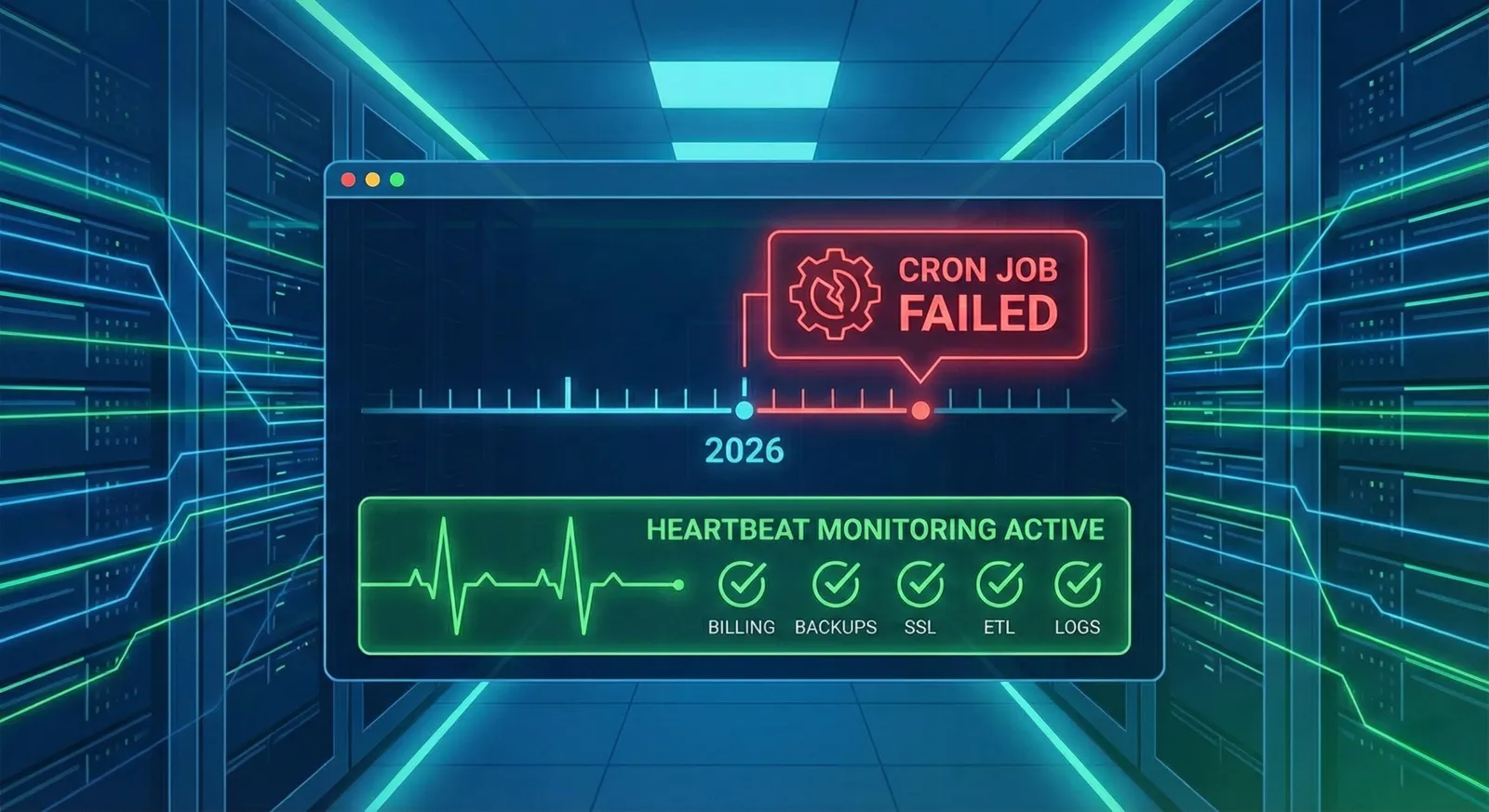
Imagine it is Monday morning. You sit down with your coffee, open your dashboard, and see that your servers are humming along perfectly. CPU is at 20%, memory is stable, and your website uptime is sitting at a flawless 100%. Then, your lead sales rep messages you: "Why didn't any of our weekend subscription renewals process?"
Your heart sinks. Your billing script—scheduled to run every Saturday at midnight via a cronjob—failed silently. You didn't get an alert because your traditional monitoring tools were only looking at server health, not scheduled tasks.
Welcome to the hidden danger of unmonitored background jobs.
As we navigate through 2026, modern infrastructure relies on scheduled tasks more than ever. From triggering complex data pipelines to running automated billing, cronjobs are the invisible engine of your business. Here at Xitoring, we believe that an all-in-one monitoring strategy is incomplete if it leaves your background tasks in the dark.
In this article, we will explore the state of cronjob monitoring in 2026, dive into real-life use cases, and show you how to bulletproof your automated workflows.
The Heartbeat Mechanism: Flipping the Script
Traditional monitoring relies on a "pull" model: the monitoring server pings your application every minute and asks, "Are you still there?" Cronjob monitoring requires the opposite approach. Because background tasks are ephemeral—spinning up, executing, and shutting down in a matter of seconds—they require a "push" model, commonly known as heartbeat monitoring.
Instead of Xitoring constantly checking your server, your script sends a lightweight HTTP ping (a "heartbeat") to a unique Xitoring cronjob monitor URL the moment it starts, and again when it finishes successfully.
If our system expects a heartbeat at 2:00 AM and does not receive it by 2:05 AM (factoring in a customizable grace period), we instantly flag the job as failed and route an alert to your team. This completely eliminates the risk of silent failures, catching jobs that crash midway, hang indefinitely, or fail to start altogether.
5 Real-Life Use Cases for Cronjob Monitoring
If you are running a server, you are running cronjobs. But not all scheduled tasks are created equal. Here are the top five mission-critical use cases where heartbeat monitoring is an absolute necessity in 2026.
1. E-Commerce Billing and Invoicing
For SaaS platforms and e-commerce businesses, revenue collection is often batched and processed via scheduled scripts. If a payment gateway API changes or a database locks up, the billing cronjob will fail. Without monitoring, you might not notice until days later, resulting in delayed cash flow and a massive backlog of support tickets.
2. Automated Database Backups
A backup strategy is only as good as its last successful execution. Many teams schedule nightly SQL dumps or cloud storage snapshots and assume they are safe. But what happens if the disk runs out of space or cloud storage credentials expire?
A heartbeat monitor ensures that your disaster recovery plan is actually functioning. If the nightly backup script exits with an error code, you are notified immediately, allowing you to fix the issue before a real disaster strikes.
3. SSL Certificate Renewals
In 2026, automated tools like Certbot handle SSL certificate renewals in the background. If the renewal script fails to run due to a firewall misconfiguration or DNS issue, your SSL certificate will eventually expire. The result? Browsers will block access to your site with a massive "Not Secure" warning, instantly destroying customer trust and halting traffic.
4. Data Pipeline Syncs (ETL)
Business intelligence relies on fresh data. If you have an Extract, Transform, Load (ETL) job that pulls data from your production database into your analytics warehouse every hour, a failure means your executives are making decisions based on stale data. Monitoring these pipelines ensures data integrity and prevents downstream reporting errors.
5. Log Rotation and Cleanup
Left unchecked, application logs can rapidly consume all available disk space, eventually crashing your entire server. Jobs scheduled to compress and archive old logs are unglamorous but vital. If they fail silently, your server is essentially a ticking time bomb.
Cronjob Best Practices for 2026
Setting up a monitor is only half the battle. To build a truly resilient system without burning out your engineering team, follow these modern best practices:
- Implement Tiered Alerting: Not all failures require a 3:00 AM wake-up call. Categorize your jobs by severity. A failed database backup might trigger a daytime Slack message, while a failed billing run triggers a critical phone call to the on-call engineer.
- Utilize Grace Periods: Network latency happens. If a job normally takes 5 minutes, do not trigger an alert at 5 minutes and 1 second. Set a reasonable grace period (e.g., 10 minutes) to absorb natural performance fluctuations and prevent false positives.
- Monitor Execution Duration: A job that usually takes 2 minutes but suddenly takes 45 minutes is a symptom of a deeper issue, such as a degraded database or an infinite loop. Modern monitoring should track runtimes and alert you to performance regressions, not just total failures.
- Check Outputs, Not Just Execution: A script can exit successfully (with a
0exit code) even if it didn't actually do its job. Ensure your scripts validate their own outputs (e.g., checking if the backup file was actually created and has a size greater than 0 bytes) before sending the final heartbeat.
How Xitoring Solves the Cronjob Crisis
At Xitoring, we built our all-in-one monitoring platform because we were tired of patching together different tools for server metrics, website uptime, and cronjobs. You need a single pane of glass to understand your infrastructure's health.
When you use Xitoring for your scheduled tasks, you unlock an enterprise-grade safety net:
| Feature | How It Protects Your Business |
|---|---|
| Instant Heartbeat Integration | Add a single HTTP call to your existing crontab. No complex agents or code rewrites required. |
| 20+ Notification Channels | Route alerts exactly where your team lives. We support SMS, phone calls, WhatsApp, Slack, MS Teams, Discord, PagerDuty, webhooks, and more. |
| Advanced Notification Roles | Prevent alert fatigue by sending critical alerts to your on-call rotation and low-priority alerts to a muted Slack channel. |
| Global Probing Nodes | Our 15+ global nodes ensure high availability. Your monitor won't fail just because a single geographic region experiences an outage. |
| Unified Dashboard | View your cronjob health side-by-side with your Linux and Windows server metrics and API latency. Find the root cause of a failure in seconds. |
Stop Letting Background Tasks Fail in the Dark
In 2026, the cost of downtime is simply too high to leave your automated processes to chance. Hope is not a monitoring strategy. By implementing heartbeat monitoring for your cronjobs, you transform opaque, silent tasks into observable, reliable workflows.
You spend hours writing the code to automate your business—it takes less than a minute to ensure it actually runs. Start monitoring your cronjobs with Xitoring — the free plan covers up to 5 cronjobs and integrates with your existing crontab in a single line.
Frequently Asked Questions
What is cronjob monitoring?
Cronjob monitoring is the practice of verifying that scheduled background tasks — billing scripts, database backups, ETL jobs, log rotations, certificate renewals — actually run and complete successfully. Unlike traditional server monitoring, which watches CPU, memory, and uptime, cronjob monitoring watches the outcome of scheduled work and alerts you when a job is late, missing, or failing.
How does heartbeat monitoring work?
Your cronjob sends a lightweight HTTP request (a "heartbeat") to a unique URL when it starts and again when it finishes. The monitoring service knows your job's expected schedule. If a heartbeat doesn't arrive within the expected window plus a grace period, the job is flagged as failed and an alert is sent. This catches silent failures that traditional pull-based monitoring misses entirely.
What's the difference between cronjob monitoring and server monitoring?
Server monitoring tracks the health of the machine — CPU, memory, disk, uptime, processes. Cronjob monitoring tracks the work the machine is supposed to do on a schedule. A server can be 100% healthy while every nightly backup silently fails. You need both layers running together to catch the full range of production issues.
How do I set up cronjob monitoring with Xitoring?
Create a heartbeat check in Xitoring, copy the unique URL it generates, and add a single curl call to the end of your crontab entry. That's it — no agent install, no code changes. Set the expected interval and grace period, choose your notification channels, and you'll be alerted the moment a job misses its window. Full setup takes under a minute.