What Is a Status Page? (And Why do you need get one?)

In today’s always-online world, downtime is no longer just a technical issue — it’s a trust issue. Whether you run a SaaS platform, an e-commerce store, a cloud service, or an internal IT system, users expect transparency, reliability, and real-time communication when something goes wrong.

That’s where a status page comes in.

A status page is one of the most underrated yet powerful tools for improving customer trust, reducing support workload, and communicating system health clearly and proactively.

In this article, you’ll learn:

  • What a status page is (and what it’s not)

  • How status pages work

  • Who needs a status page

  • 5 major benefits of having a status page

  • Best practices for creating an effective status page

  • Common mistakes to avoid

(more…)

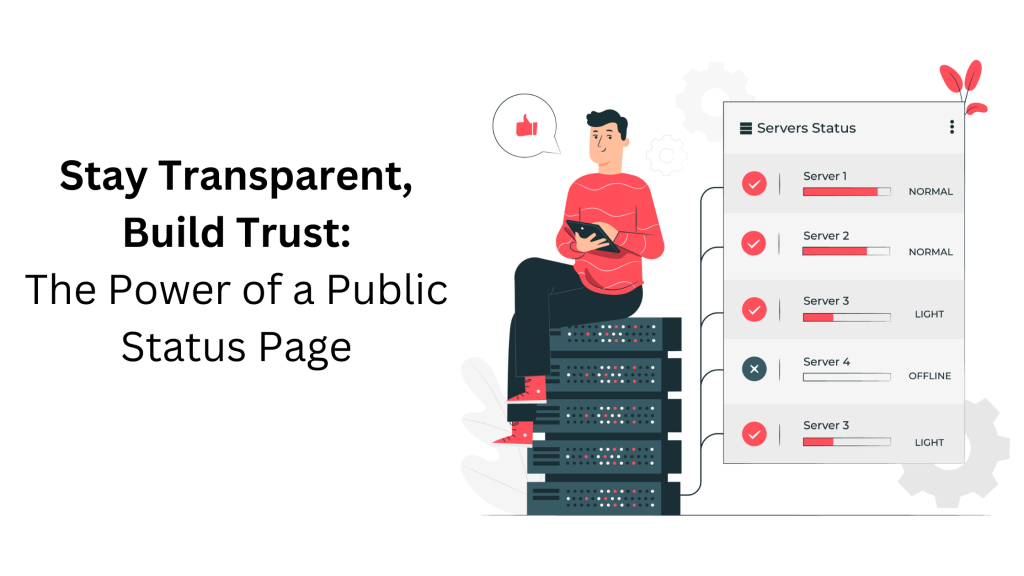
A digital illustration featuring a person sitting on server racks with a tablet, alongside a server status panel displaying various server conditions. The text on the left reads, "Stay Transparent, Build Trust: The Power of a Public Status Page

How a public status page help your business?

What’s a public status page?

A public status page often offers a summary of the service’s current status, including information such as whether the service is currently up or down, as well as any known faults or events. A timeline of recent events, such as when an issue was originally reported, when it was resolved, and what efforts were made to remedy it, may also be included. Some public status pages also offer information about other connected services and their current state, as well as contact information for the company’s support team. Some service providers host their status pages with third-party solutions, allowing them to integrate the status page into their own website and deliver real-time updates, notifications, and historical data to their clients.

(more…)