Supervisor Monitoring
Monitor every Supervisor-managed process — state (`RUNNING`/`FATAL`), uptime, unexpected exits, restart loops, and exit codes — in real time. Agent-based via `supervisorctl`, with an alert the moment a process goes `FATAL`.
Why monitor Supervisor?
Supervisor (`supervisord`) keeps your background processes alive — Celery and Sidekiq workers, Gunicorn and uWSGI app servers, queue consumers, and long-running daemons. But after `startretries` failed restarts it gives up and parks the process in `FATAL`, where it stays dead silently. Per-process monitoring is the difference between a one-line alert and a backed-up queue nobody noticed for hours.
Supervisor monitoring, explained
Supervisor monitoring is the continuous tracking of the state of every program supervisord manages, plus alerting when a process leaves RUNNING. Supervisor is great at restarting a process that crashes — but only startretries times within startsecs. Cross that limit and the process drops to FATAL and Supervisor stops trying. Nothing else notices: the host is up, the daemon is up, the queue just stops draining. Xitoring reads the live process table through supervisorctl, tracks each program independently, and routes an alert to your on-call rotation the instant a worker goes FATAL, flaps in a BACKOFF loop, or exits with an unexpected code.
What we monitor
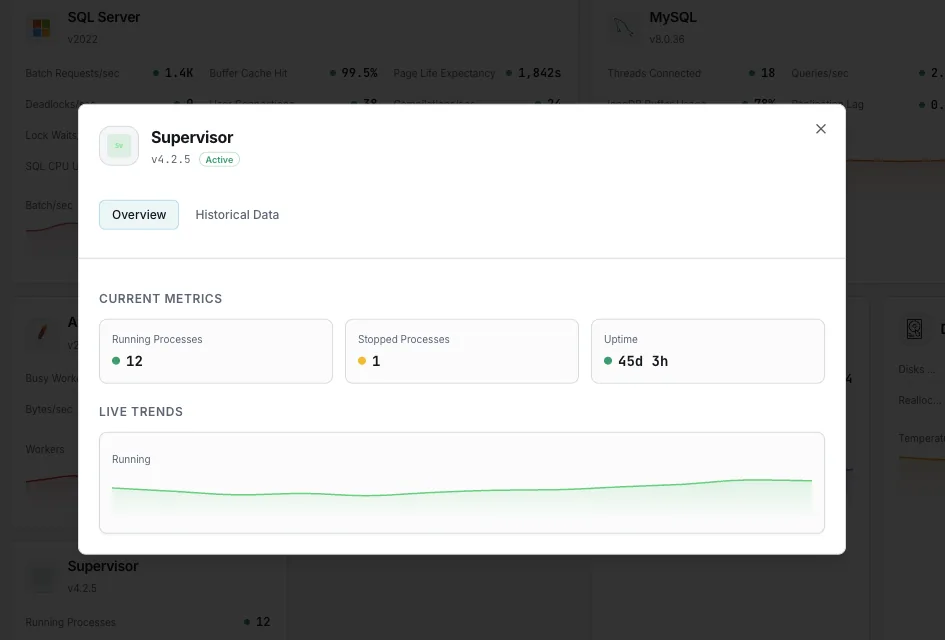
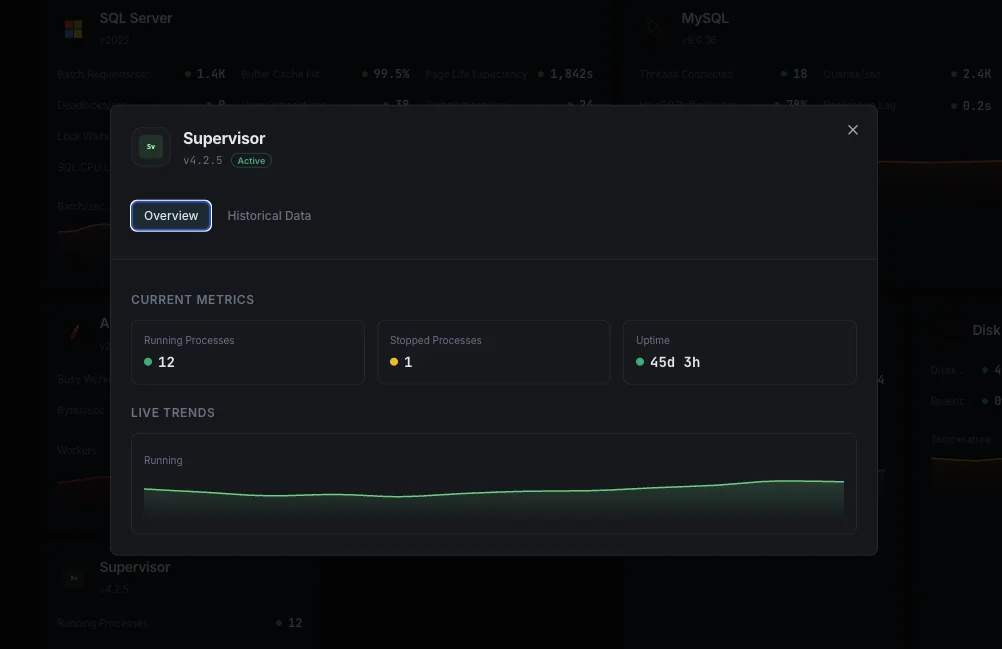
Process State
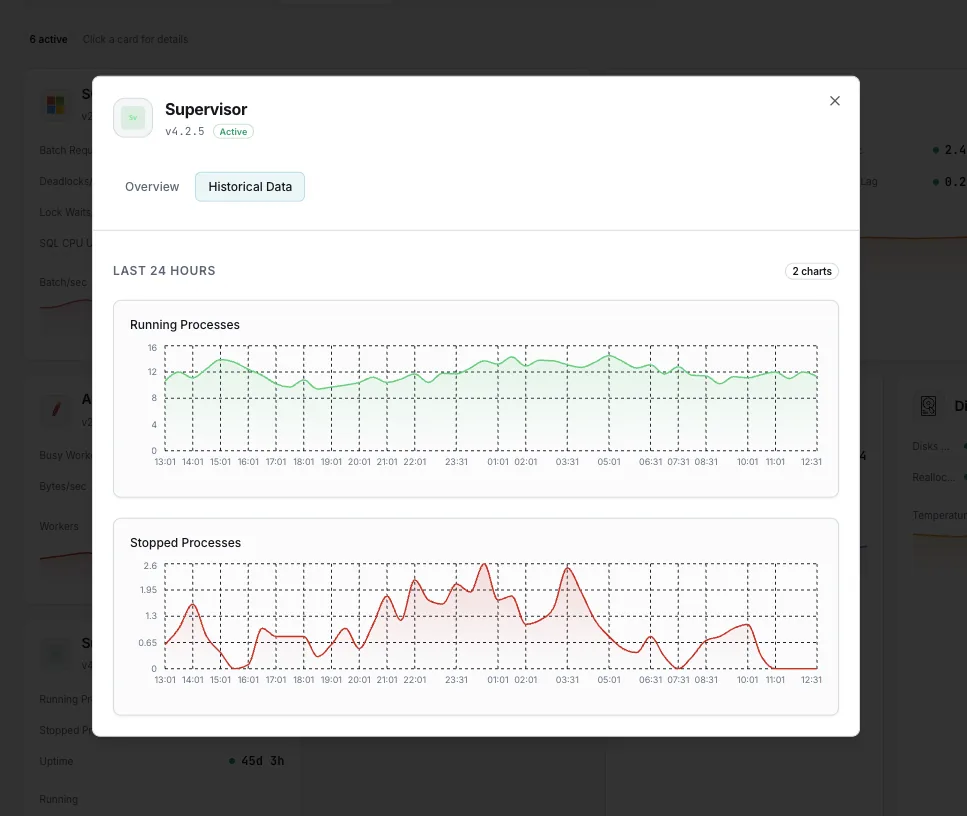
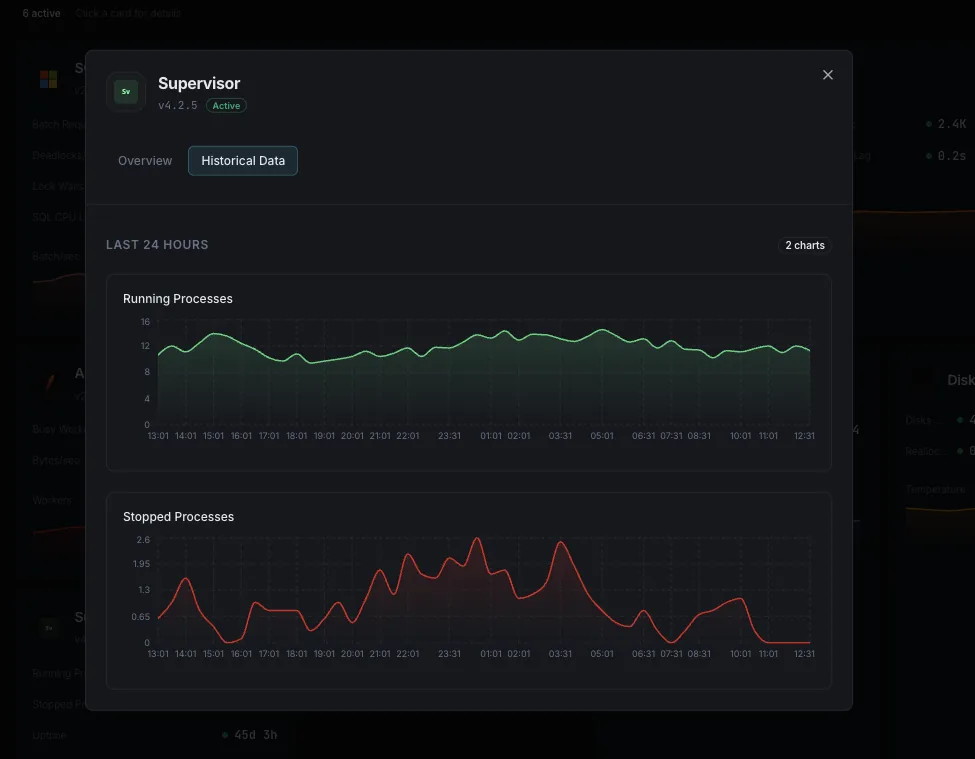
The current state of each program (`RUNNING`, `STARTING`, `BACKOFF`, `EXITED`, `FATAL`, `STOPPED`, `STOPPING`, `UNKNOWN`). The single most important Supervisor signal — anything other than `RUNNING` for a long-running worker is a problem.
FATAL State
A process that exceeded `startretries` and was abandoned by Supervisor. It will not restart on its own. Any program in `FATAL` is a hard, page-worthy signal.
BACKOFF / Restart Loop
A process that keeps dying before `startsecs` and is being retried. Sustained `BACKOFF` means a flapping worker burning CPU on restarts and never serving traffic.
Uptime (start since)
How long each process has held its current PID. A worker whose uptime keeps resetting is silently crash-looping even if it briefly shows `RUNNING` between restarts.
Process PID
The live PID per program from `supervisorctl status`. Presence confirms the process is actually running, not just configured.
Last Exit Code
The exit status of the most recent run. Compare against the program's `exitcodes` to tell an expected shutdown from an unexpected crash.
Running vs. Configured
Count of processes actually `RUNNING` against the number declared (including `numprocs`). Surfaces missing workers in a group at a glance.
Unexpected Exits
Exits with a code outside `exitcodes` when `autorestart=unexpected`. These are the crashes that should never have happened — trending them up points at a regression.
Restart Count
How often each process has been restarted over time. Steady churn on a process that should run continuously is an early warning of instability or a memory leak.
Stopped Processes
Programs in `STOPPED` or `EXITED` that should be running. Catches a worker someone stopped manually and forgot, or one that quit without auto-restarting.
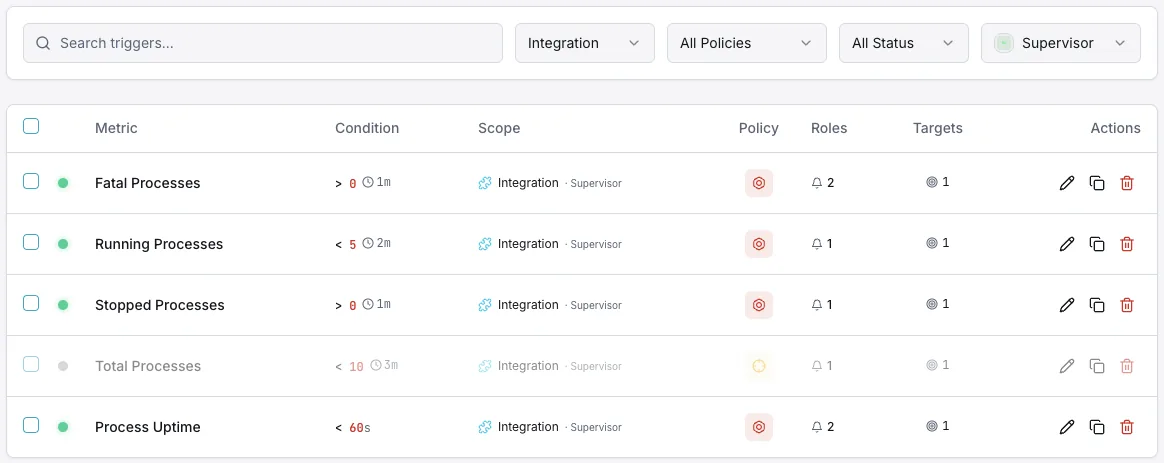
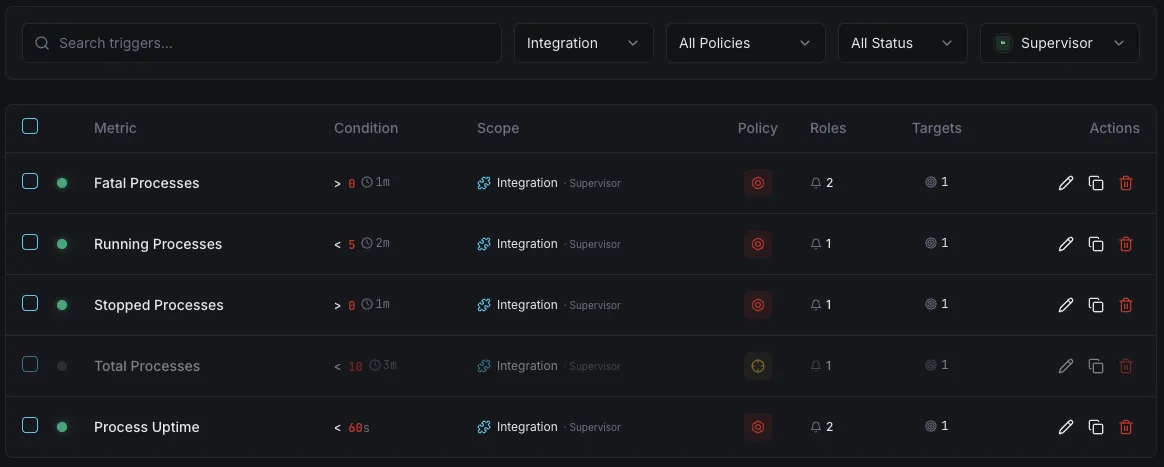
Configurable alert triggers
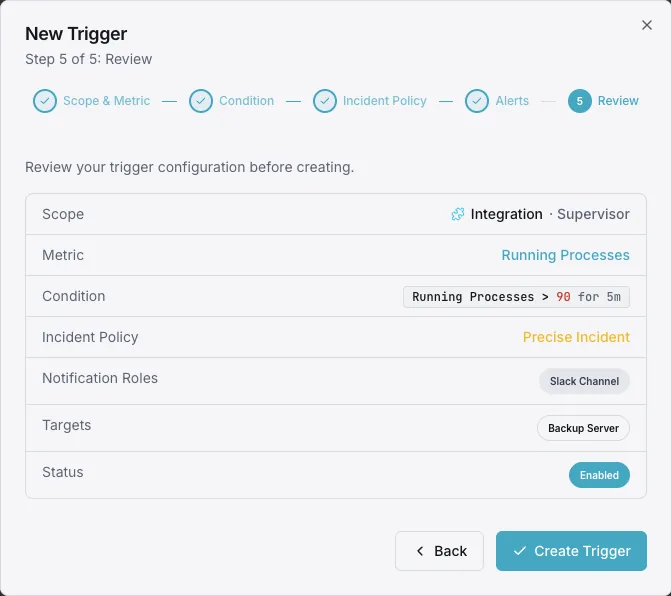
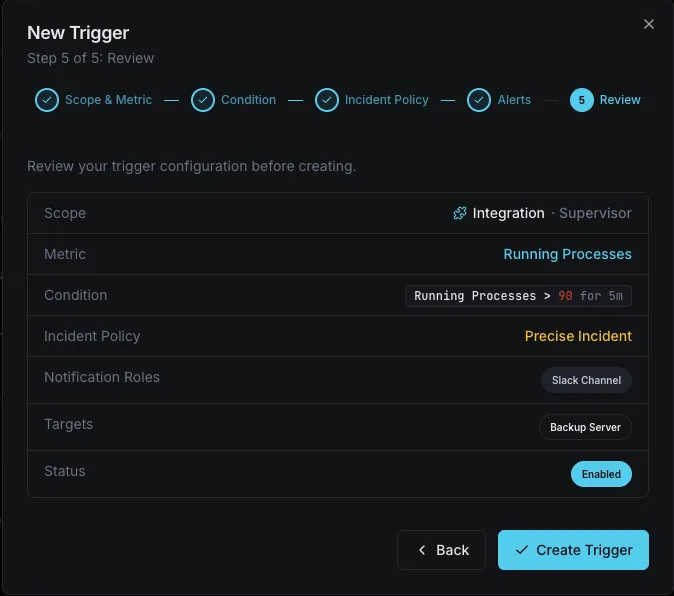
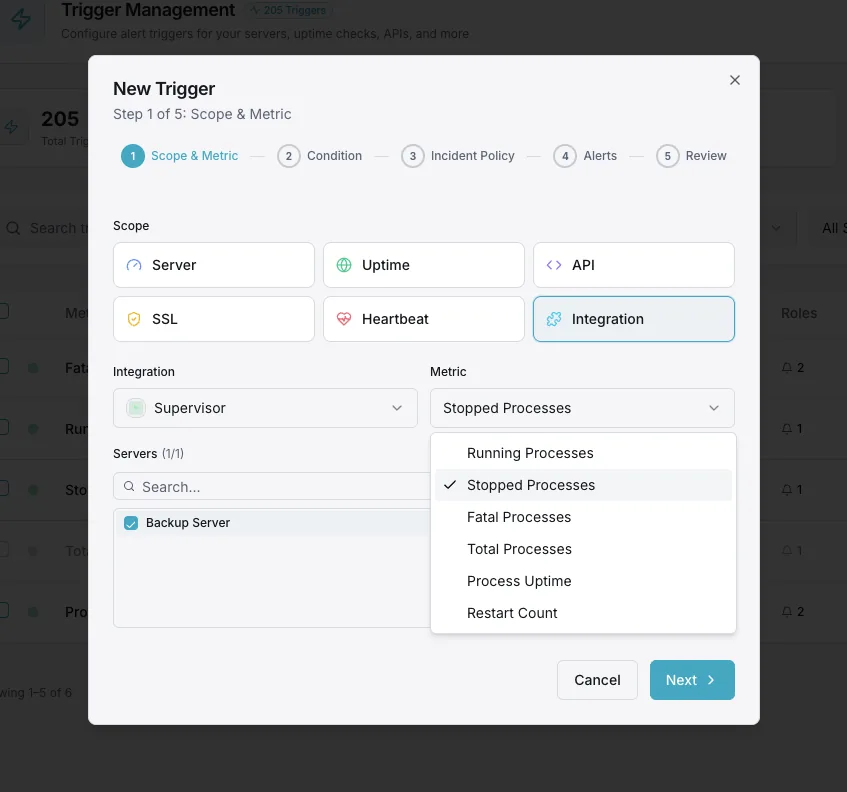
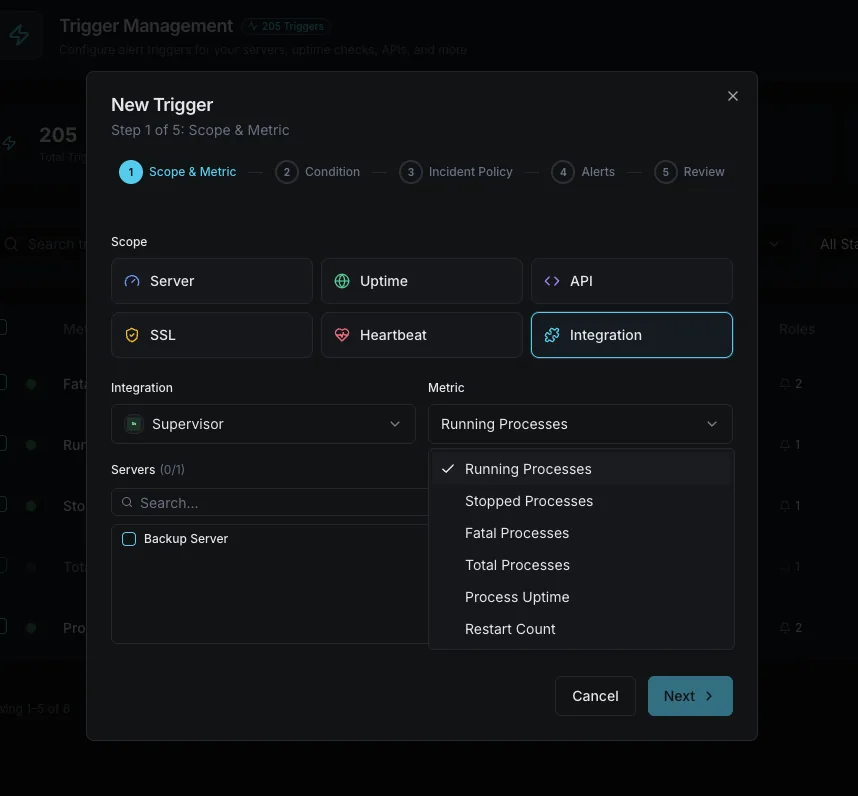
Set up custom triggers in your dashboard to get notified the moment Supervisor metrics cross your defined thresholds.
Process FATAL
criticalFires when a process enters `FATAL` — Supervisor has given up restarting it and it is dead until someone intervenes.
Process Not Running
criticalTriggers when a program that should be `RUNNING` is `STOPPED`, `EXITED`, or `UNKNOWN`.
Restart Loop
warningAlerts on sustained `BACKOFF` or repeated restarts — a worker that keeps crashing and never stabilizes.
Unexpected Exit Code
warningFires when a process exits with a code outside its configured `exitcodes`.
Importance of Supervisor Monitoring
Supervisor will restart a crashing process — until it won't. After `startretries`, the process is parked in `FATAL` and stays dead, with nothing on the host to tell you.
- Catch processes that hit `FATAL` and stop restarting
- Detect flapping workers stuck in `BACKOFF` loops
- Spot silent restarts via resetting uptime
- Know when workers exit with unexpected codes
Why Choose Xitoring
Agent-based Supervisor monitoring with zero-config setup and per-process visibility across every program supervisord manages.
- One-command install and integrate
- Per-process and per-group tracking
- No XML-RPC or HTTP interface to expose
- Multi-channel alerting to your on-call rotation
- Historical state and restart history
Common Supervisor monitoring scenarios
Where Supervisor typically runs — and what fails silently when no one's watching.
Background workers (Celery, Sidekiq, RQ, Resque)
Queue workers are exactly the processes that die quietly — a bad deploy or a poison message sends them into a restart loop, then FATAL. We alert the moment a worker stops running, before the queue backs up and jobs start timing out.
App servers and daemons (Gunicorn, uWSGI, Daphne, Node)
When Supervisor manages your application server, a process that won't start after a deploy means the site is down with the host still green. We catch FATAL and BACKOFF instantly so a failed release pages someone instead of waiting for a customer report.
Processes in containers and on legacy hosts
Plenty of containers and older servers run Supervisor instead of systemd to keep several processes alive in one place. We track each one independently so a single crashed process in a busy container doesn't hide behind the others.
Prerequisites for Supervisor
Make sure you've got these in place — most installs are a 60-second job once they are.
- A Linux server with Supervisor (
supervisord) installed and managing at least one program - Xitogent installed on the same host, able to run
supervisorctl status - Access to run
sudo xitogent integrateand select the Supervisor integration
Get started in minutes
Install Xitogent on your server
Install the lightweight Xitogent monitoring agent on the host running Supervisor.
curl -s https://xitoring.com/install.sh | sudo bash -s -- --key=YOUR_API_KEYEnable the Supervisor integration
Run `sudo xitogent integrate` and select Supervisor. Xitogent writes `/etc/xitogent/integrations/supervisor_integration.conf`, reads the process table via `supervisorctl`, and auto-discovers every program and group under `supervisord` — no Supervisor config changes required.
sudo xitogent integrateConfigure triggers (optional)
Set per-process triggers and severities in the Xitoring dashboard — for example, page on any process entering `FATAL`, and warn on sustained `BACKOFF` or an unexpected exit code — so failures reach on-call before the queue backs up.
Verify it's working
Run this command on the server to confirm Xitogent picked up the integration. Fresh metrics will start streaming to your dashboard within ~30 seconds.
sudo xitogent statusConsidering alternatives?
See how Xitoring stacks up against the alternatives for Supervisor monitoring — flat pricing, deeper integrations, and one agent that covers your whole stack.



Frequently asked questions
What is Supervisor monitoring?
How does Xitoring collect Supervisor data?
How do I set up the Supervisor integration?
What do the Supervisor process states mean?
What does the FATAL state mean and why does it matter?
How do I detect a Supervisor restart loop?
What is the difference between autorestart true, false, and unexpected?
Can I monitor multiple processes and process groups?
Supervisor vs. systemd — why monitor Supervisor specifically?
Start monitoring Supervisor today
Set up in under 60 seconds. No credit card required. Full metrics from day one.
Start Free TrialKeep exploring