MariaDB Monitoring
Monitor MariaDB InnoDB buffer pool, slow queries, replication lag, and Galera Cluster `wsrep_*` state (cluster size, flow control, donor/joiner) in real time — the MariaDB-specific signals MySQL monitoring misses.
Why monitor MariaDB?
MariaDB is the default database on most cPanel hosts and the standard for Galera HA clusters. When the cluster loses quorum, flow control kicks in, or one node falls out of sync, every site on the box can suddenly go read-only. Monitoring surfaces cluster state before split-brain or stuck connections.
MariaDB monitoring, explained
MariaDB monitoring catches Galera cluster instability, replication drift, slow queries, and connection saturation before they cause split-brain, replica failover storms, or hosting-account-wide slowness. For cPanel WordPress hosts, Galera HA clusters, and any MariaDB workload, per-database visibility plus Galera-specific wsrep_* state is what separates a clean 30-second failover from a multi-hour outage. Xitoring auto-discovers your MariaDB, reads native status views plus Galera state, and routes alerts to Slack, PagerDuty, Telegram, or your existing on-call.
What we monitor
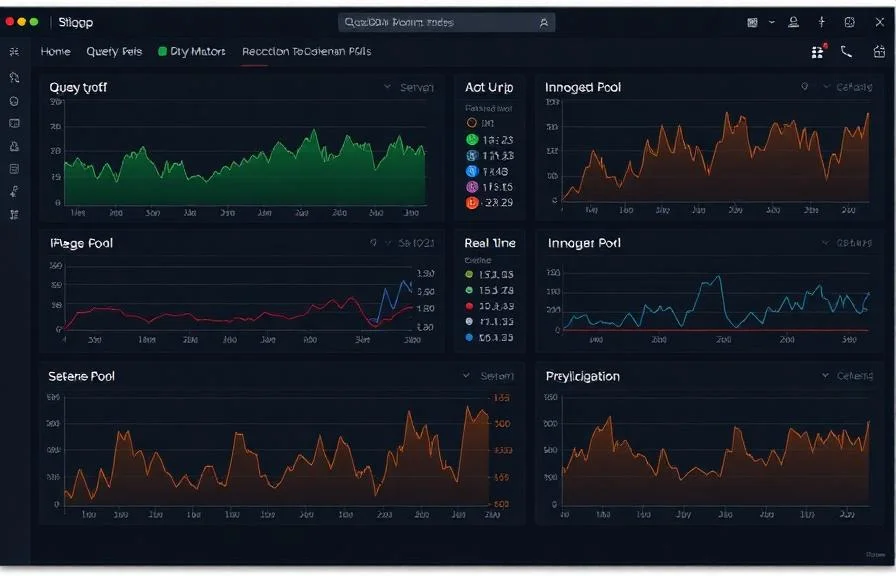
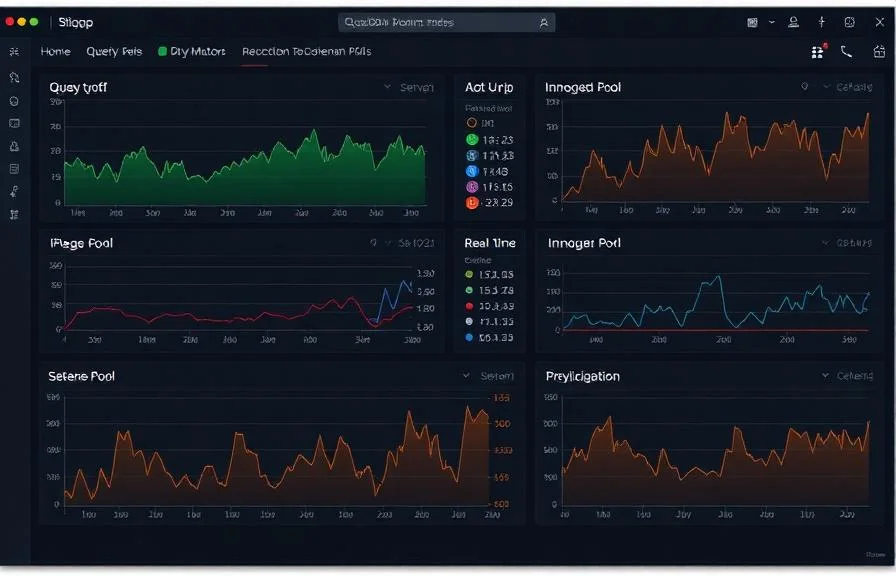
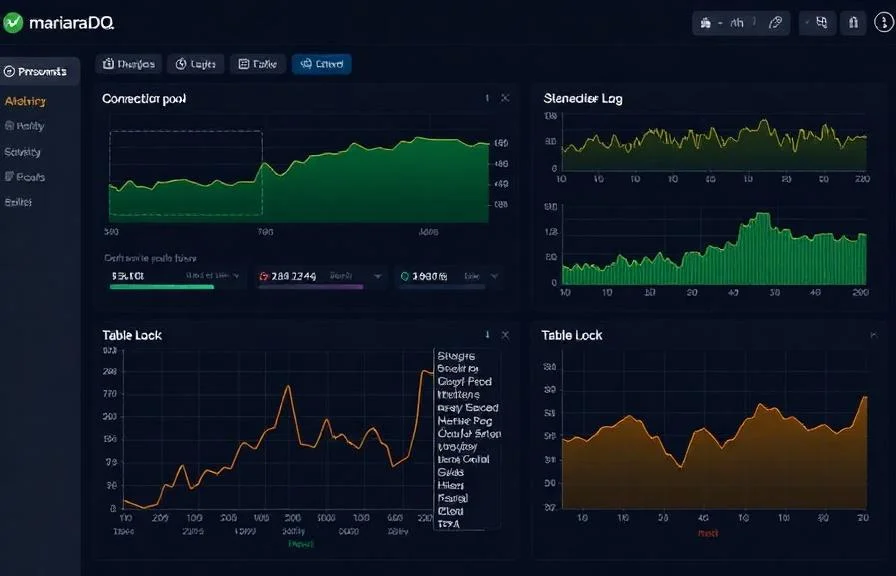
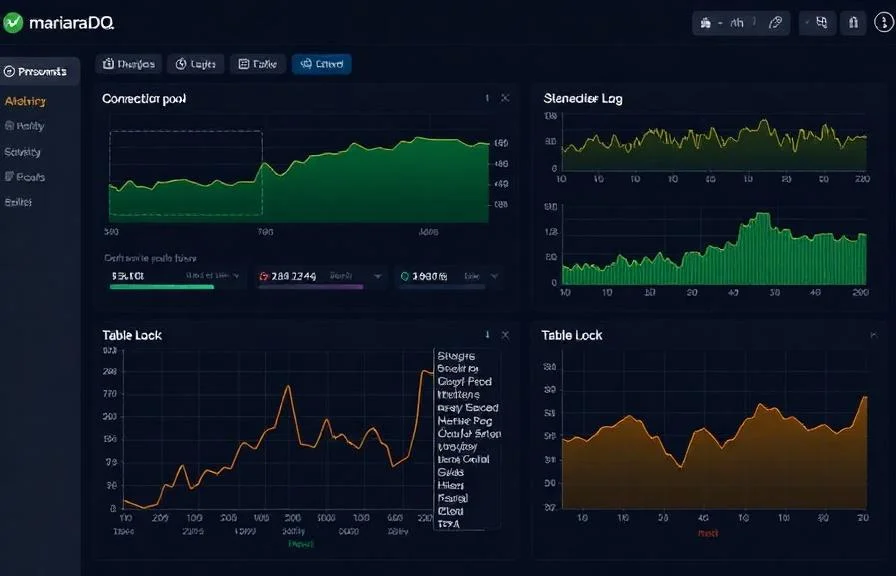
Queries per Second
Rate of SELECT, INSERT, UPDATE, and DELETE statements.
Slow Queries
Number of queries exceeding the configured long_query_time threshold.
InnoDB Buffer Pool Hit Rate
Percentage of page reads served from buffer pool vs disk.
InnoDB Row Operations
Rate of row reads, inserts, updates, and deletes in InnoDB.
Connections
Active threads, connected threads, and max_connections usage.
Thread States
Distribution of thread states (running, sleeping, locked, etc.).
Replication Lag
Seconds_Behind_Master and slave I/O/SQL thread status.
Table Locks
Table lock waits and immediate lock acquisitions.
Temporary Tables
Rate of temporary tables created on disk vs in memory.
Binary Log
Binary log size and event count for replication tracking.
Aborted Connections
Failed connection attempts and aborted client connections.
Handler Operations
Handler read/write rates indicating storage engine activity.
Configurable alert triggers
Set up custom triggers in your dashboard to get notified the moment MariaDB metrics cross your defined thresholds.
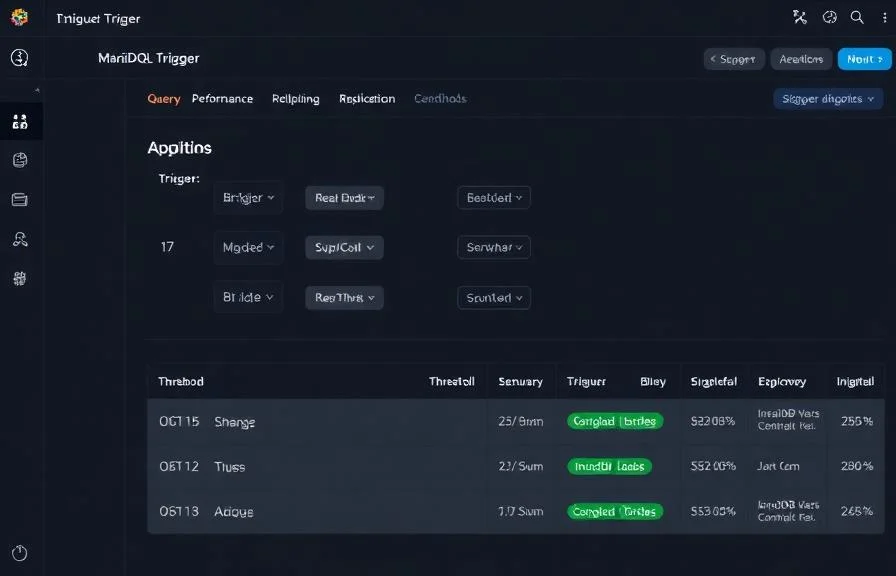
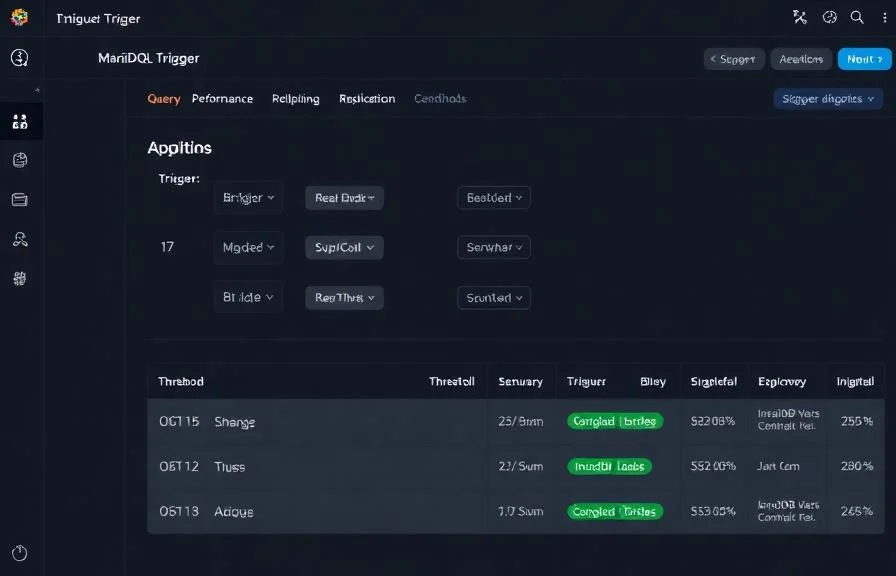
Replication Lag
criticalFires when slave falls behind master, risking data inconsistency and stale reads.
Slow Queries
warningTriggers when slow query rate exceeds threshold, indicating unoptimized queries or missing indexes.
Buffer Pool Hit Rate
warningAlerts when InnoDB buffer pool hit ratio drops, causing increased disk I/O.
Connection Usage
criticalFires when active connections approach max_connections, risking connection refused errors.
Table Lock Waits
warningTriggers when table lock contention increases, degrading concurrent query performance.
Aborted Connections
criticalAlerts when connection failures spike, indicating authentication issues or network problems.
Importance of MariaDB Monitoring
MariaDB handles critical data for web applications, e-commerce platforms, and enterprise systems. Without monitoring, slow queries, replication drift, and connection exhaustion can silently degrade user experience and risk data loss.
- Detect slow queries before they impact application response times
- Monitor InnoDB buffer pool efficiency to optimize memory allocation
- Track replication health to ensure read replicas stay consistent
- Identify connection pool exhaustion from application servers
- Prevent table lock contention in high-concurrency environments
Why Choose Xitoring
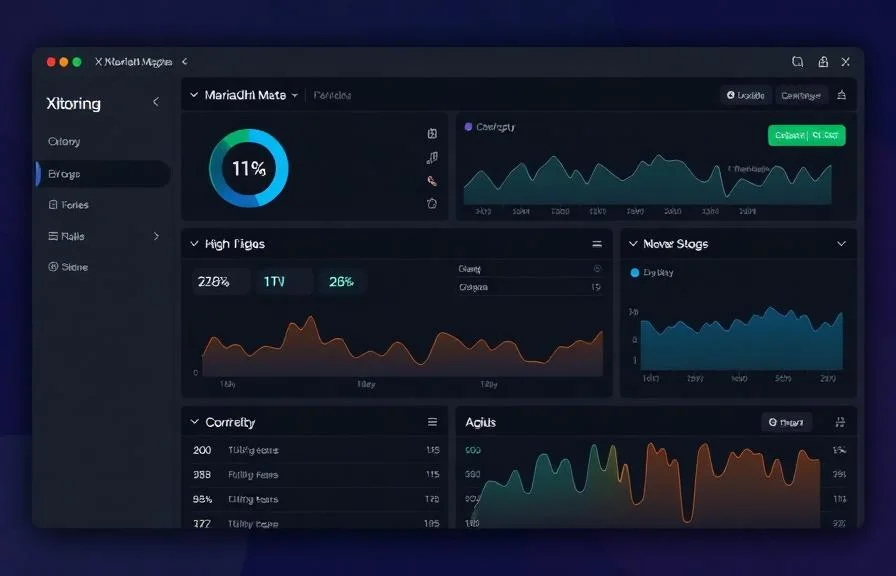
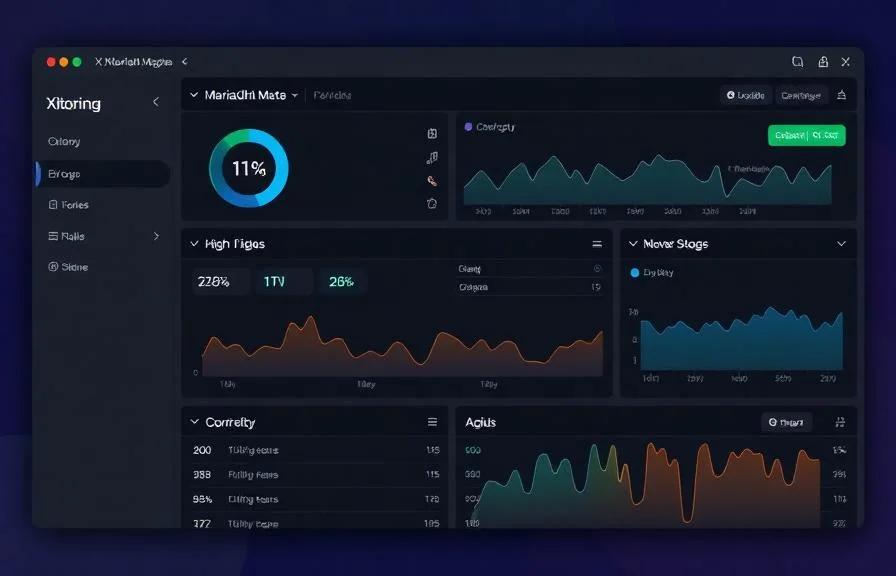
Xitoring delivers enterprise-grade MariaDB monitoring with zero-config setup. Our lightweight agent auto-discovers your MariaDB instances, starts collecting metrics in under 60 seconds, and integrates with your existing notification channels.
- One-command install — no complex YAML or config files
- 15+ global monitoring nodes for low-latency checks
- Unified dashboard for servers, databases, and uptime
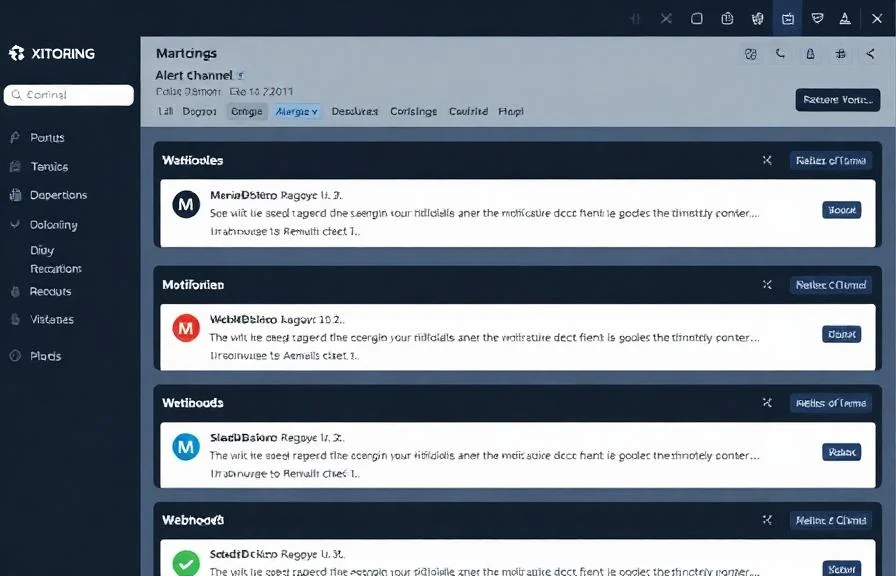
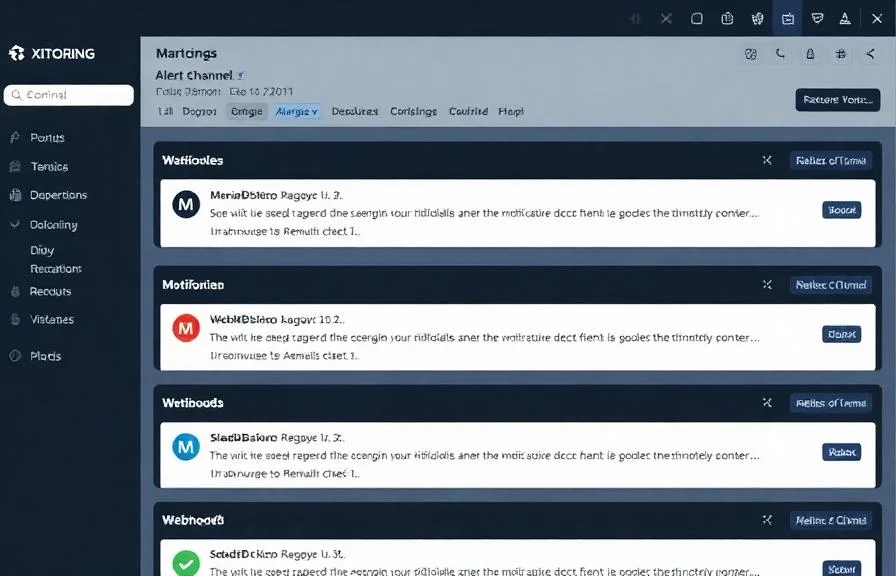
- Flexible alerting via Slack, PagerDuty, Telegram & more
- Historical data retention for capacity planning & audits
Common MariaDB monitoring scenarios
Where MariaDB typically runs today — and what could go wrong if no one's watching.
WordPress and other websites on hosting servers
When many websites share the same database server, one slow plugin or runaway query can quietly drag down every site on the box. We pinpoint where the slowdown is coming from so the team can fix the source instead of restarting blindly.
Clusters that stay online during failures
Production setups run several copies of the database so one failure can't bring the app down. When the copies disagree or lose contact with each other, the whole cluster can suddenly stop accepting changes. We catch the drift early so the safety net keeps working.
Databases sitting behind a connection gateway
A connection gateway in front of the database speeds up queries and shields the database from connection storms — but it adds a moving part. We watch both layers as one unit so issues are caught in whichever piece introduced them, not after they cascade.
Prerequisites for MariaDB
Make sure you've got these in place — most installs are a 60-second job once they are.
- MariaDB 10.11 LTS, 11.4 LTS, or 11.8 LTS running on the server
performance_schema = ONin the[mysqld]section- A monitoring user with
PROCESS,REPLICATION CLIENT, andSELECTonperformance_schema(plusSUPERorREPLICATION_CLIENTfor Galerawsrep_*status on cluster nodes)
Get started in minutes
Install Xitogent on your server
If you haven't already, install the lightweight Xitogent monitoring agent on your server.
curl -s https://xitoring.com/install.sh | sudo bash -s -- --key=YOUR_API_KEYCreate a monitoring user
Create a dedicated MariaDB user for metric collection with minimal privileges:
CREATE USER 'xitoring'@'%' IDENTIFIED BY 'your_password';
GRANT REPLICATION CLIENT ON *.* TO 'xitoring'@'%' WITH MAX_USER_CONNECTIONS 5;
GRANT PROCESS ON *.* TO 'xitoring'@'%';
GRANT SELECT ON performance_schema.* TO 'xitoring'@'%';
FLUSH PRIVILEGES;Enable the MariaDB integration
Use the Xitoring dashboard or CLI to enable the MariaDB integration.
sudo xitogent integrateConfigure alert thresholds (optional)
Set custom thresholds for query rate, buffer pool hit ratio, or replication lag to get notified when something needs attention.
Verify it's working
Run this command on the server to confirm Xitogent picked up the integration. Fresh metrics will start streaming to your dashboard within ~30 seconds.
sudo xitogent statusConsidering alternatives?
See how Xitoring stacks up against the alternatives for MariaDB monitoring — flat pricing, deeper integrations, and one agent that covers your whole stack.



Frequently asked questions
What is MariaDB monitoring?
How is MariaDB monitoring different from MySQL?
How do I monitor a MariaDB Galera Cluster?
What does wsrep_local_state_comment mean?
How do I detect Galera flow control bottlenecks?
How do I monitor MariaDB on cPanel / Plesk?
What is MariaDB MaxScale and how do I monitor it?
Can I monitor multiple MariaDB instances on one server?
What MariaDB versions are supported?
Start monitoring MariaDB today
Set up in under 60 seconds. No credit card required. Full metrics from day one.
Start Free TrialKeep exploring