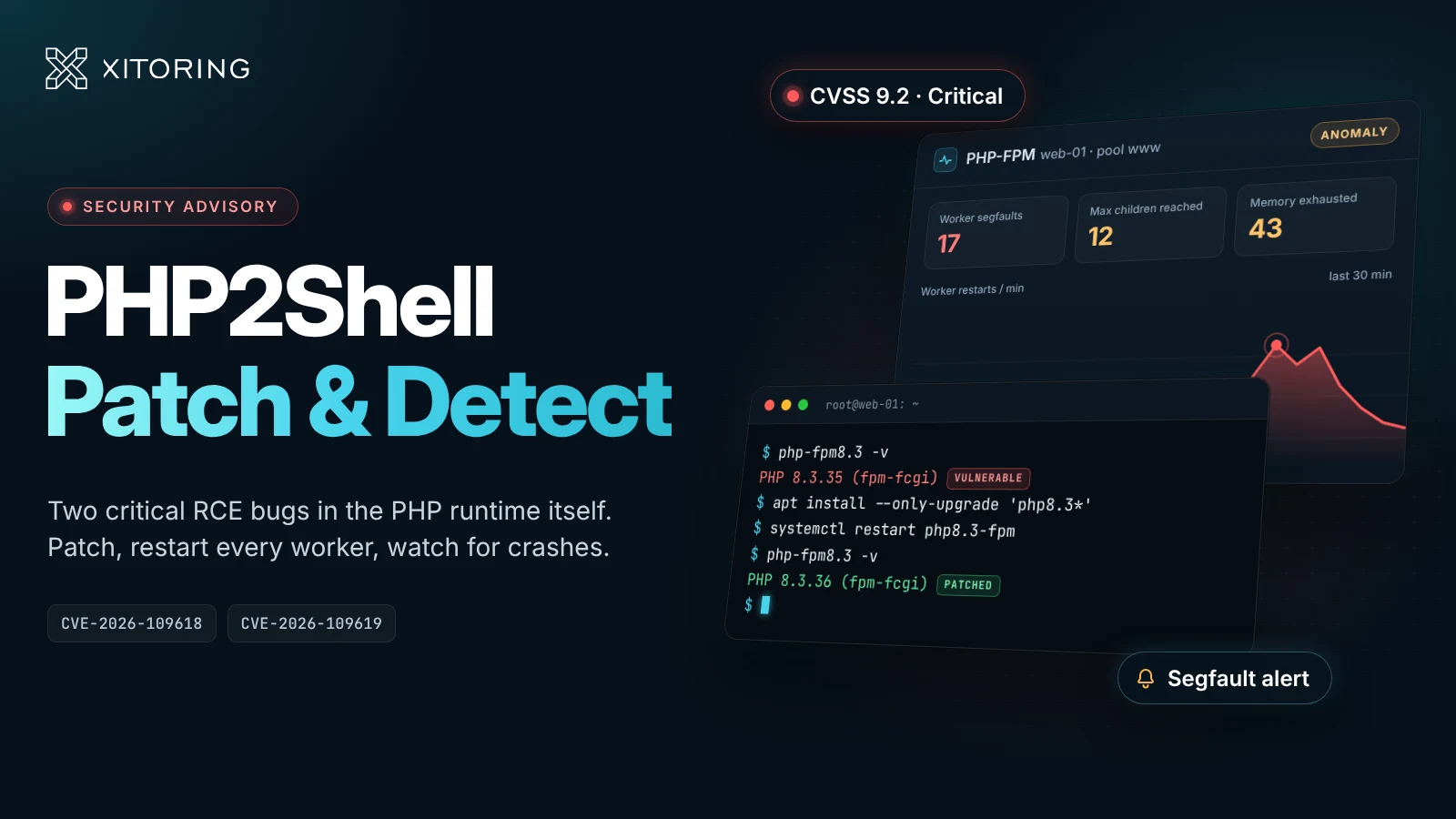
Most PHP vulnerabilities live in an application: a WordPress plugin, a Laravel package, a forgotten upload form. PHP2Shell is different. It lives in the PHP runtime itself, and the confirmed exploit fires while PHP is still parsing the request body — before a single line of your code runs. Your framework, your input validation and your WAF rules for application endpoints don't matter if the interpreter is already compromised.
On 21 October 2026 the PHP project shipped emergency releases for two flaws, nicknamed PHP2Shell: CVE-2026-109618 and CVE-2026-109619. Both are rated 9.2 on CVSS v4.0, both allow unauthenticated remote code execution as the web worker user, and exploitation was reported before the patches were public. If you run PHP on anything that faces the internet, this is a patch-today problem.
The two bugs in plain terms
Both flaws are memory-safety bugs in how PHP cleans up after a request goes wrong.
| CVE-2026-109618 | CVE-2026-109619 | |
|---|---|---|
| Advisory title | RCE via OOM corruption | RCE via stale global state |
| Root cause | When PHP runs out of memory it jumps out of the current context with longjmp(). If that happens while request memory is only half-initialized, request shutdown later reads the corrupted state. |
Persistent workers keep some global state (errors, sessions, extensions) that can still point at memory freed when an earlier request ended. A later request on the same worker reads it before initialization resets it. |
| How an attacker triggers it | Exhaust memory_limit during request parsing — for example, multipart bodies with huge numbers of part headers, empty file fields or deeply nested field names. |
One request leaves stale state behind (often through a fatal error such as memory exhaustion), and a second request consumes it. Confirmed paths: PHP 8.5 fatal-error backtraces and session upload progress. |
| Confirmed RCE against | Apache mod_php with default limits | Apache mod_php and PHP-FPM |
| CVSS v4.0 | 9.2 | 9.2 |
The fix for the first bug removes longjmp() from out-of-memory handling entirely. PHP now stops at the next safe point instead, and kills the process with _exit() if a second, higher threshold is crossed. That is a structural change, which is why no configuration setting fully replaces the update.
Who is exposed
According to the advisories and early reporting, every PHP setup that serves web requests is in scope, with different levels of risk:
- Apache with mod_php — highest risk. It runs request shutdown even when request startup fails, so a malicious body can corrupt memory before your application is loaded. Full RCE was demonstrated against default settings and normal prefork configurations.
- PHP-FPM — exposed. CVE-2026-109619 was validated against FPM through session upload progress. For CVE-2026-109618, FPM's habit of killing a child that fails during startup limits the damage, but the PHP team still considers it susceptible.
- FrankenPHP and LiteSpeed (LSAPI) — likely susceptible based on source analysis, not yet demonstrated.
- php-cgi — listed as affected in vendor reporting.
Then there's everything you don't think of as a "PHP server": admin panels on appliances, control panels, monitoring add-ons and other embedded web UIs that ship their own PHP build. Network-appliance vendors are already publishing advisories for their own products. Those builds are patched on the vendor's schedule, not yours.
Fixed versions
| Branch | Fixed in |
|---|---|
| PHP 8.5 | 8.5.12 |
| PHP 8.4 | 8.4.27 |
| PHP 8.3 | 8.3.36 |
| PHP 8.2 | 8.2.35 |
| PHP 8.1, 8.0, 7.4 | End of life — the PHP security team published minimal source backports; otherwise rely on your LTS vendor |
Linux distributions and LTS vendors got the fixes ahead of the public release, so patched packages are rolling out now — AlmaLinux, for example, shipped them on 21 October. If you use a third-party repository, check that it has actually published the fix before you assume apt upgrade or dnf update covered you.
Patch it — and prove the patch is live
The most common way to "patch" and stay vulnerable is updating the package but leaving the old workers running. PHP-FPM masters and Apache children keep the old binary mapped in memory until they restart.
1. Check the version the web server actually runs, not just the CLI. php -v reports the CLI binary, which can differ from the FPM or Apache module build:
php -v                      # CLI only
php-fpm8.3 -v               # Debian/Ubuntu FPM binary (adjust version)
php-fpm -v                  # RHEL-family FPM binary
apachectl -M 2>/dev/null | grep -i php   # is mod_php loaded at all?
2. Update, then fully restart every worker:
sudo apt update && sudo apt install --only-upgrade 'php8.3*'
sudo systemctl restart php8.3-fpm     # each FPM version you run
sudo systemctl restart apache2        # if mod_php is loaded
3. Confirm no worker is still running the old build. On Linux, a process still using a replaced binary or library shows it as deleted:
sudo ls -l /proc/$(pgrep -o php-fpm)/exe              # FPM: "(deleted)" = still on the old binary
sudo grep -l 'libphp.*(deleted)' /proc/[0-9]*/maps    # mod_php: any output = Apache still has the old module loaded
4. Repeat for every host and every container image. Rebuild images rather than updating running containers, and redeploy them.
Stopgaps if you can't patch tonight
The PHP team is blunt: updating is the only complete fix, and the UK NCSC advises taking systems that can't be fixed offline. If neither is possible right away, these steps from the advisories close the confirmed paths:
session.upload_progress.enabled = 0— removes a confirmed CVE-2026-109619 consumer. The PHP team suggests leaving it off after patching too if you don't use it.fatal_error_backtraces = 0on PHP 8.5 — removes the confirmed producer for the mod_php exploit.- Block multipart requests at the frontend if your application never takes form uploads, and cap decoded request sizes at the proxy, independent of
post_max_size. - Tighten parser limits — lower
max_input_nesting_level, and bound input variables and uploads. memory_limit = -1is the advisory's primary workaround for CVE-2026-109618, but treat it with care. It's incomplete (a failedmmap()still reaches the vulnerable path), and it turns every runaway request into a host-level memory problem. If you use it, put each pool in its own cgroup with amemory.maxlimit.- Don't use
RLIMIT_ASorRLIMIT_DATAto cap memory. They make allocations fail in exactly the way the exploit needs.
Set the PHP settings administratively (php_admin_value / php_admin_flag in FPM pools, so application code can't override them), then restart the workers. Changing php.ini without a restart changes nothing.
What your monitoring can — and can't — tell you
Monitoring won't block this exploit, and a quiet dashboard doesn't prove you weren't hit. The PHP team explicitly says clean logs don't prove safety. Monitoring is still useful for three jobs right now.
1. Inventory: where is PHP actually running?
You can't patch hosts you don't know about. If your PHP-FPM pools and web servers already report to a monitoring agent, that host list is the starting point for your patch tracker. Then hunt for the rest: old staging boxes, the marketing site on a forgotten VPS, the vendor appliance with a web admin panel.
2. Crash and memory signals
Both bugs involve memory corruption and fatal errors, so failed exploitation attempts tend to be noisy at the process level. Watch for:
- Worker crashes —
child … exited on signal 11 (SIGSEGV)in the PHP-FPM log, orexit signal Segmentation fault (11)in Apache's error log. A healthy PHP fleet should almost never segfault. - Sudden memory-exhaustion fatals — a spike in
Allowed memory size of … bytes exhaustederrors, especially on endpoints that don't normally allocate much memory. - Abnormal worker churn — FPM children restarting much faster than your
pm.max_requestswould explain, or pools hittingmax children reachedwithout a matching rise in real traffic. - Oversized or malformed multipart requests in your proxy logs — large bodies with many parts to URLs that don't accept uploads.
- Processes that don't belong — shells,
curlorwgetrunning aswww-data,apacheornginx, or new outbound connections from web hosts.
The OOM-based exploit fires before your application starts, so application-level logging and APM traces may show nothing at all. The signals that matter live at the PHP process and host level.
3. Proof the patch held
After a restart wave, per-pool process metrics confirm every pool came back up healthy — no pool stuck at zero workers, no listen queue piling up because a config change broke something. That's the difference between "we ran the upgrade" and "we know every pool is serving on the new build".
How Xitoring helps
| Job | What to use |
|---|---|
| Per-pool PHP-FPM health and worker churn | PHP-FPM monitoring — active and idle processes, listen queue and max children reached per pool |
| Web server health during the restart wave | Apache, Nginx and LiteSpeed monitoring |
| Host-level memory and process anomalies | Server monitoring through the Xitogent agent |
| Knowing the site came back after a restart | Uptime monitoring with HTTP checks from multiple regions |
None of this replaces the update. It makes the update measurable, and it makes the next odd 3 a.m. segfault visible instead of buried in a log nobody reads.
The short version
- Upgrade to PHP 8.5.12, 8.4.27, 8.3.36 or 8.2.35 — or your vendor's backport.
- Restart every FPM pool and Apache instance, then confirm no worker still runs the old binary.
- If you can't patch now, disable session upload progress, block unneeded multipart traffic, and treat
memory_limit = -1as a stopgap with known gaps. - Watch for segfaults, memory-exhaustion spikes and unexpected processes on your PHP hosts.
PHP2Shell runs before your application does. Your defenses have to start at the runtime too.