Instatus Integration with Xitoring
To integrate a third-party status page with Xitoring using Instatus, follow the steps below:
Navigate to Integrations in Dashboard
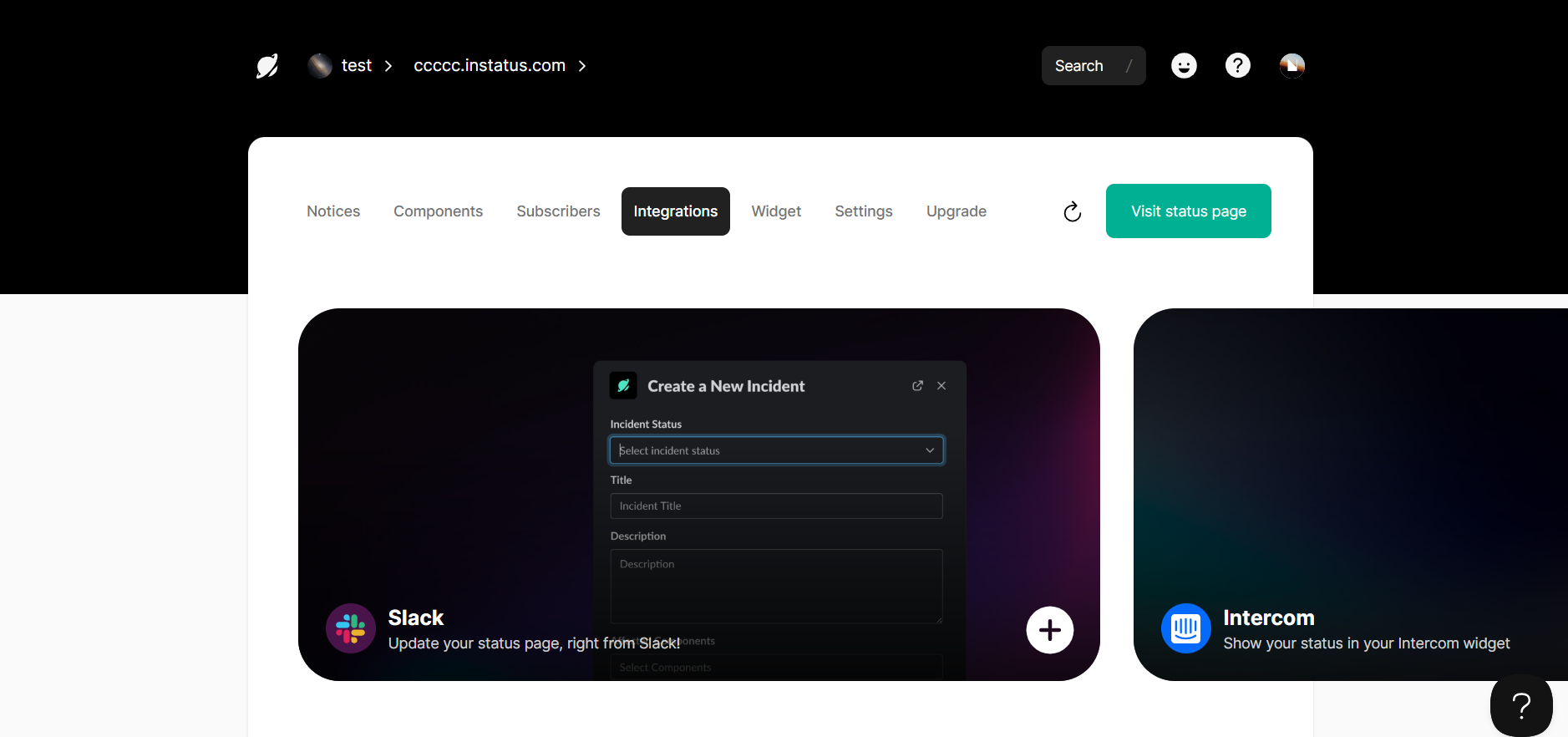
- From the Dashboard, go to the Integrations tab.
scroll down to Email integration
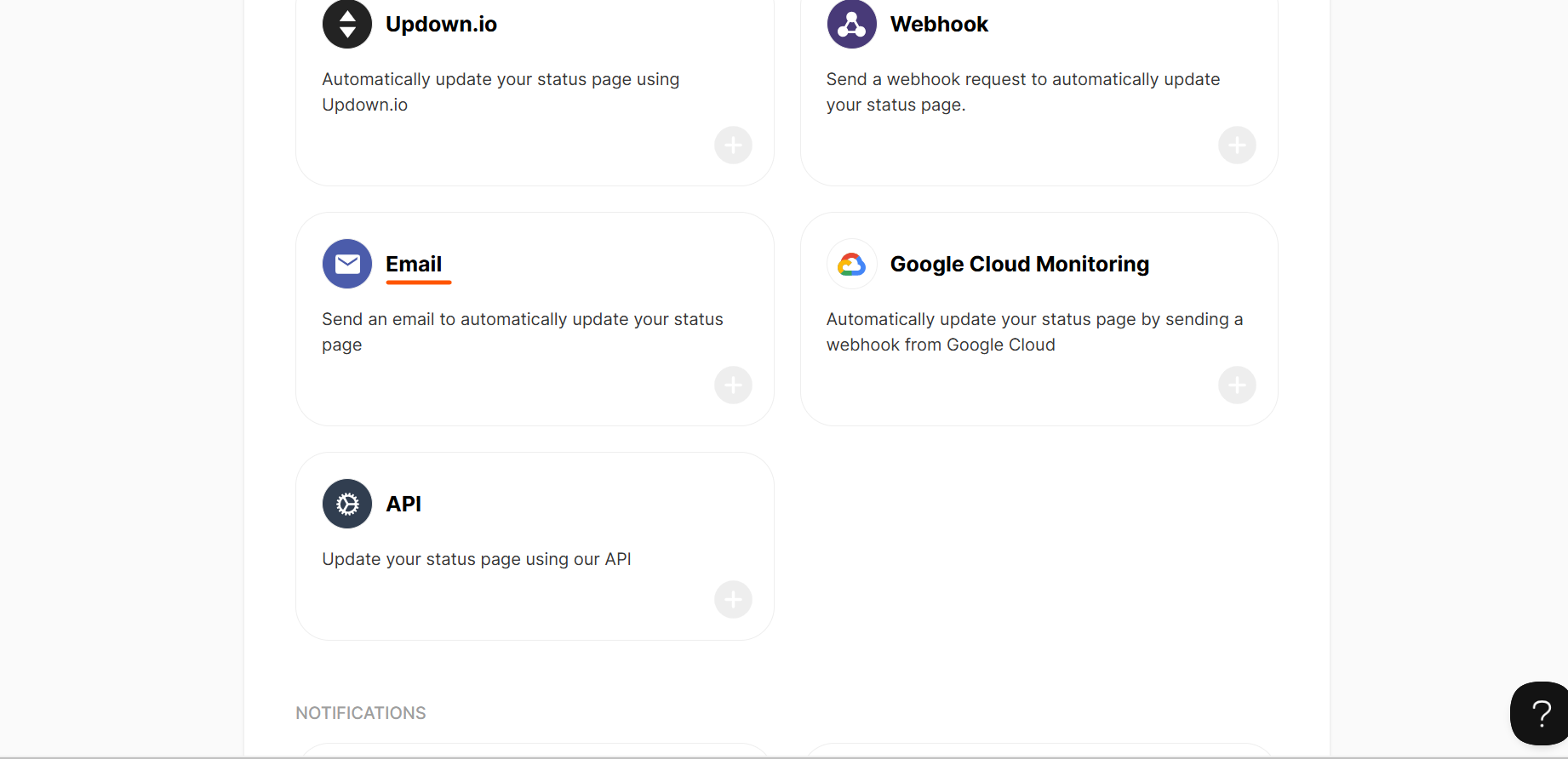
- In the Integrations tab, scroll down until you see the Email integration option, then click o
configure Email integration
- On the Email Integration page, click ADD TO INSTATUS.
- In the Emails table, click Create Email.
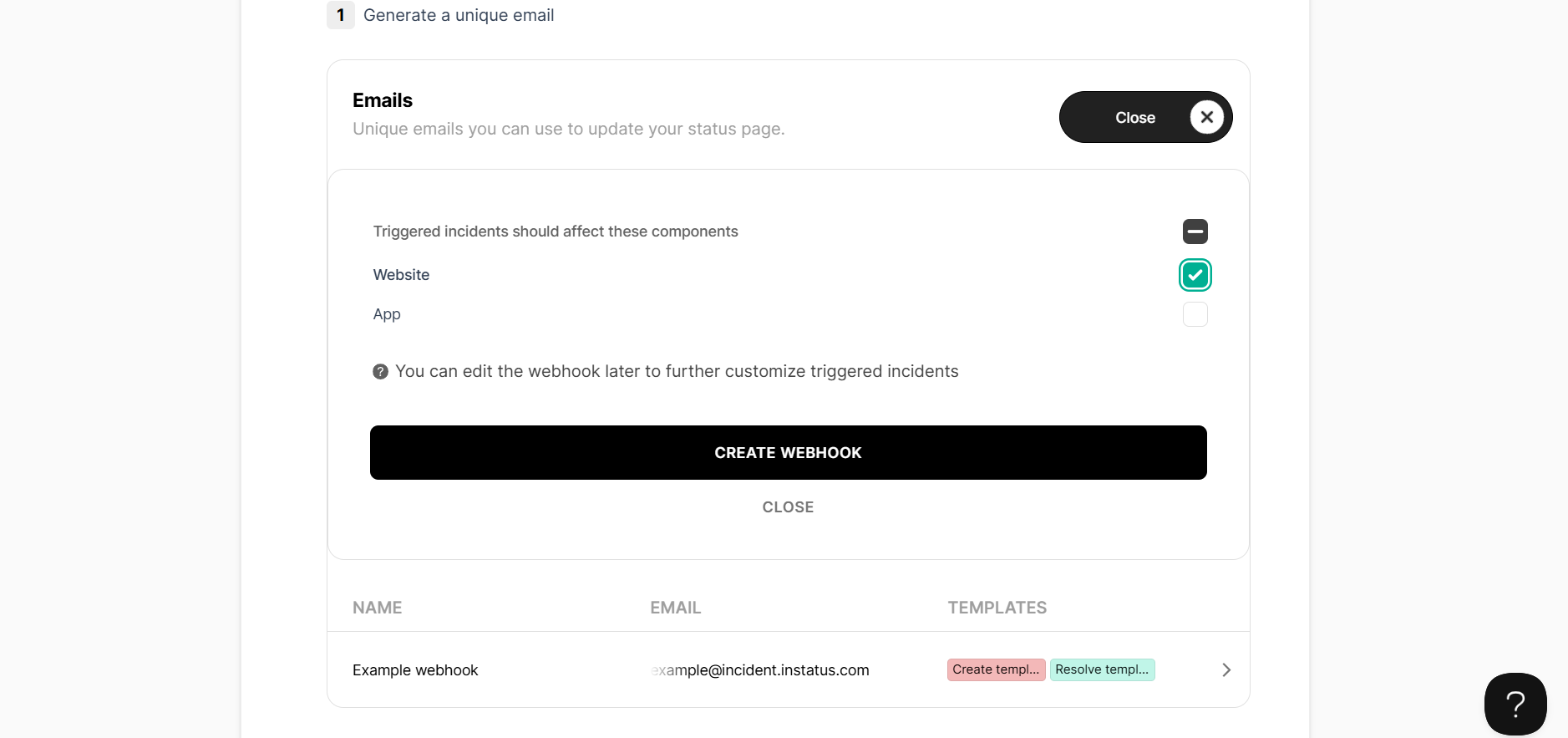
- In the form that appears, select the specific component for which you want to generate an email address.
- Click CREATE WEBHOOK.
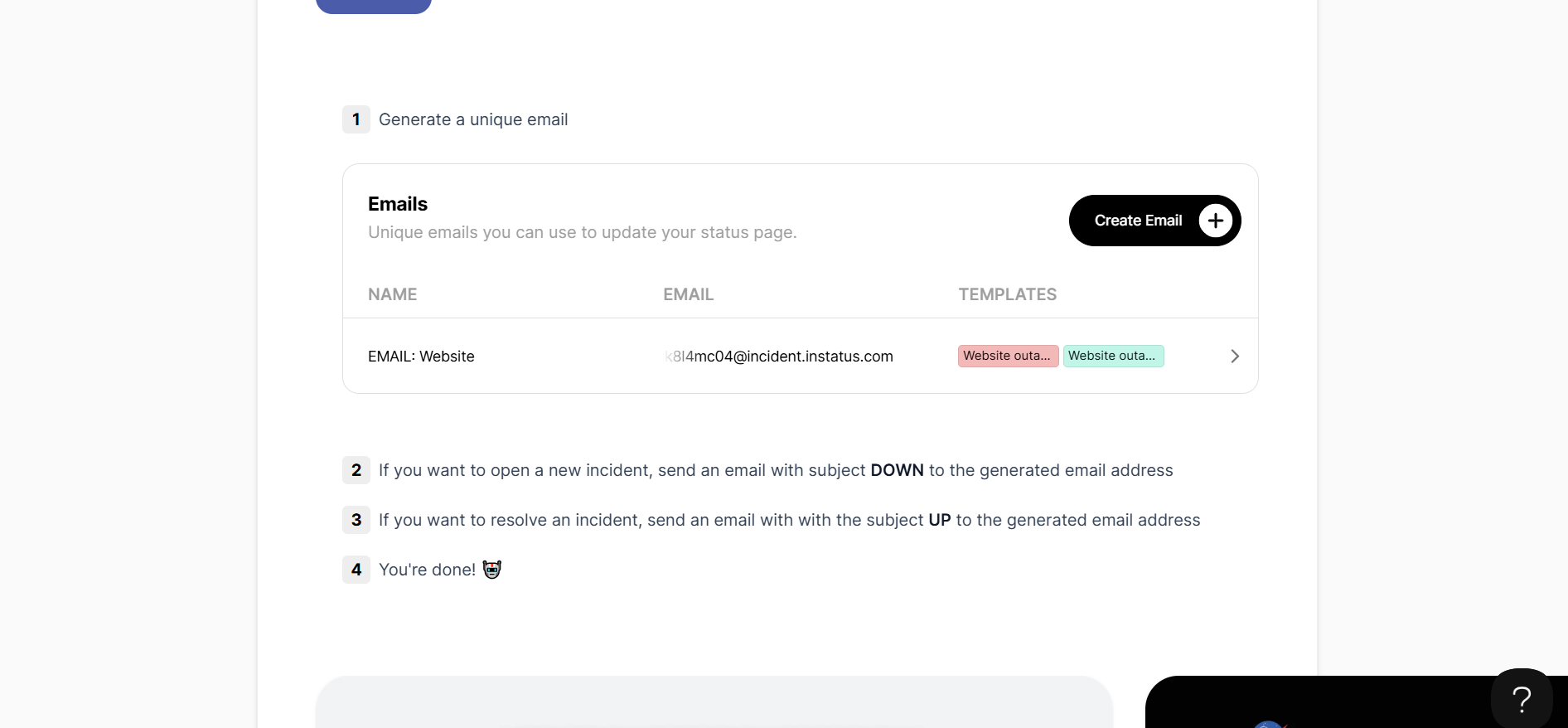
- Once created, the email address will appear in the table. Copy this email address, as it will be needed in the next step.
Add Email to Notification Roles in Xitoring
- Go to the Notification Roles page in Xitoring.
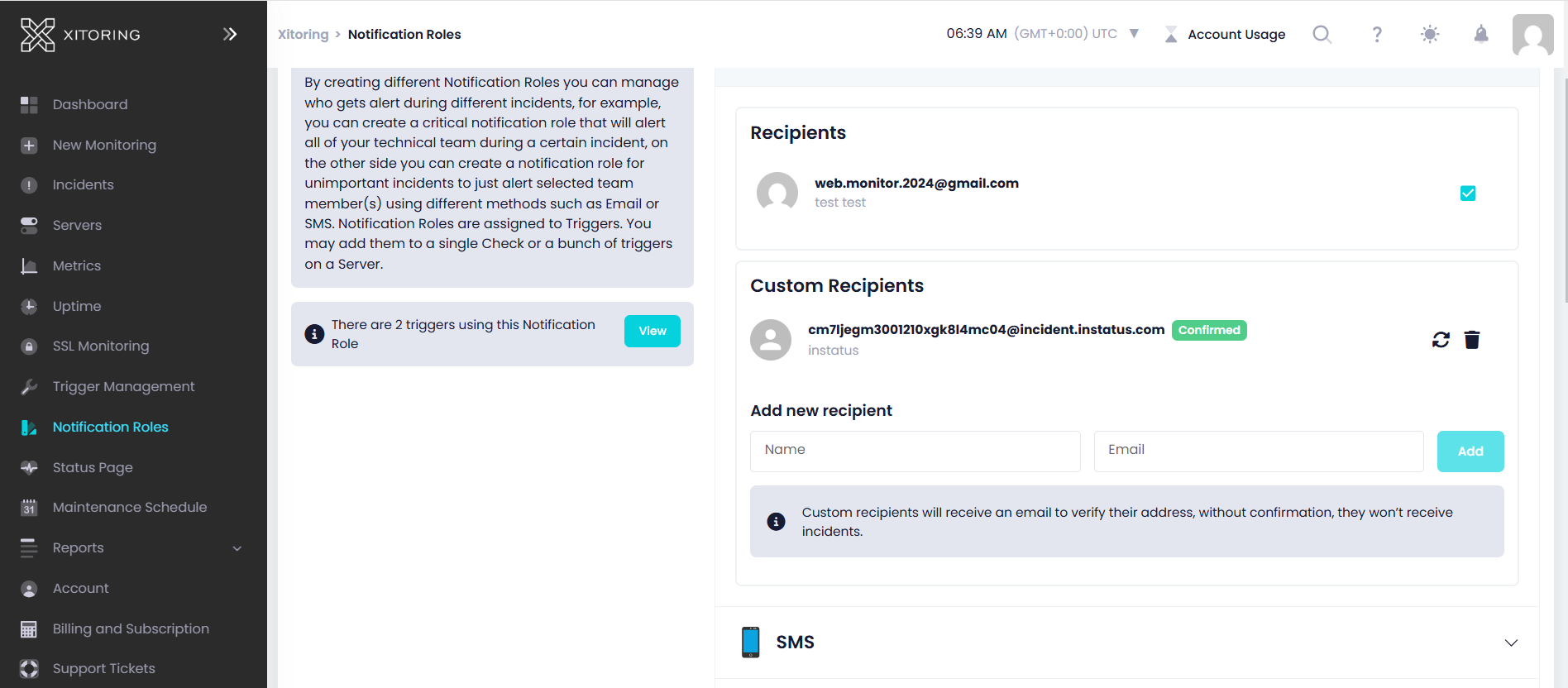
- In the Custom Recipients section, input the email address provided by Instatus.
Once configured, Xitoring will automatically send status update emails, ensuring your Instatus status page stays up to date effortlessly.
Prefer to keep everything in one place? Xitoring also has a built-in status page — see how it compares to Instatus.